

Promptly for ChatGPT
A comprehensive prompt management tool designed for creating, editing, and reusing prompts seamlessly within ChatGPT.
About Promptly for ChatGPT
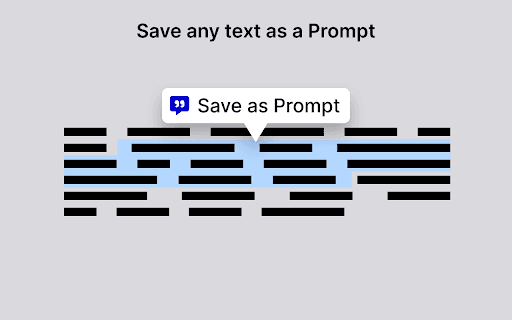
This tool streamlines prompt generation by enabling users to create, edit, and reuse high-quality prompts without searching through previous chats. Easily save prompts by right-clicking selected text (up to 10,000 characters) and choosing `Save as Prompt`, or start fresh with the `Create` button. Insert saved prompts directly into ChatGPT and export all prompts as a JSON file for secure backup and sharing.
How to Use
Select text in your browser (up to 10,000 characters), right-click, and choose `Save as Prompt`. Or click the `Create` button to generate a new prompt. Click on a saved prompt to insert it into ChatGPT, and export all prompts as a JSON file for backup and sharing.
Features
- Export prompts as JSON files
- Reuse and manage saved prompts
- Create prompts from scratch
- Save prompts directly from selected text
Use Cases
- Sharing prompts with team members
- Organizing frequently used prompts
- Enhancing workflow efficiency with reusable prompts
- Backing up important prompts for safety
Best For
Pros
- Facilitates prompt sharing and collaboration
- Ensures prompt backup and security
- Organizes prompts for quick access and reuse
- Saves time by avoiding prompt rewriting
Cons
- Dependent on ChatGPT platform compatibility
- Requires browser integration or manual input
- Limited to prompts of 10,000 characters