

QueryKitty: ChatGPT context on any website
A Chrome extension powered by ChatGPT designed to enhance content creation and boost productivity through advanced AI interactions.
About QueryKitty: ChatGPT context on any website
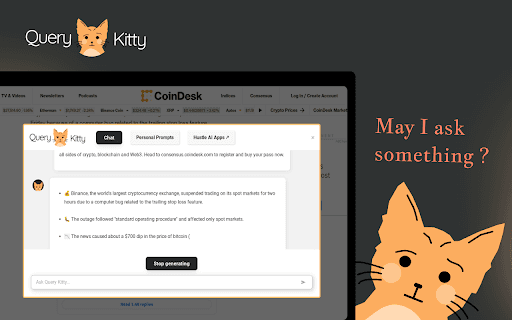
Query Kitty is an innovative Chrome extension utilizing ChatGPT to enable dynamic interactions with any website. It allows users to convert selected text into social media posts, newsletters, articles, and more with a simple right-click. Additionally, it offers accurate answers, helps grow social media presence, crafts compelling emails, automates spreadsheet tasks, and creates custom code snippets for developers.
How to Use
After installing the Query Kitty Chrome extension, select any text on a webpage, press Ctrl+Right, and a chat interface will appear. Use this interface to interact with the website, generate content, get answers, and automate tasks using AI-powered tools.
Features
- Enhances social media engagement
- Automates spreadsheet workflows
- Provides precise AI-generated answers
- Crafts professional emails effortlessly
- Converts selected text into various content formats
- Generates custom code snippets
- Saves and reuses frequently used prompts
Use Cases
- Create code snippets for web development
- Convert text into engaging articles
- Transform text into social media posts
- Generate newsletters from website content
- Get instant answers on website topics
- Automate spreadsheet tasks with scripts
Best For
Pros
- Offers diverse features tailored to various needs
- Provides quick access to AI tools on any website
- Boosts productivity through automation
- Enables prompt saving for repeated use
Cons
- May require time to master all features
- Requires Google Chrome browser
- Effectiveness depends on ChatGPT's response quality