
QuickChat AI - Gemini and Bard app
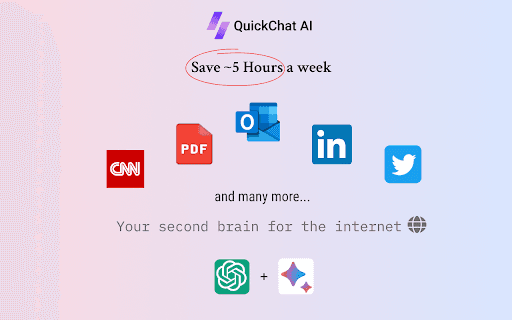
A Chrome extension that provides instant access to ChatGPT and Bard, boosting productivity and streamlining tasks.
About QuickChat AI - Gemini and Bard app
QuickTask AI is a Chrome extension designed to improve efficiency by offering quick access to ChatGPT and Bard. Users can ask questions, save content, and automate tasks seamlessly from their browser using a simple shortcut (ALT + Q).
How to Use
Log into Bard and ChatGPT in your browser. Install the extension in Chrome. Refresh all open tabs. Press ALT + Q to open the AI chat window instantly.
Features
- Save and organize AI-generated content and web data
- Quick access with ALT + Q shortcut
- Automate repetitive tasks efficiently
- Fast access to ChatGPT and Bard directly from your browser
Use Cases
- Creating marketing content
- Conducting research
- Summarizing lengthy texts
- Saving and managing emails
Best For
Frequent AI tool usersWriters and content creatorsResearchers and studentsMarketing professionalsProductivity enthusiasts
Pros
- Speeds up workflows by automating tasks
- Ensures privacy with local data storage
- Simple to use with a keyboard shortcut
- Provides quick access to AI tools
Cons
- Limited to features of ChatGPT and Bard
- Requires Chrome browser for operation
- Needs existing accounts with ChatGPT and Bard
FAQs
How can I open the QuickTask AI chat window?
Press ALT + Q on your keyboard to quickly open the AI chat interface.
Where is my saved data stored?
All saved data is stored locally on your device, ensuring your privacy and security.
Do I need accounts with ChatGPT and Bard to use this extension?
Yes, you must be logged into ChatGPT and Bard for the extension to work properly.
Is this extension compatible with other browsers?
No, it is specifically designed for Google Chrome and may not work on other browsers.
Can I automate tasks beyond asking questions?
Yes, you can automate various tasks directly from your browser using the extension.