

Quickliner Keyboard
A powerful keyboard application designed to streamline the creation of professional email content quickly and efficiently.
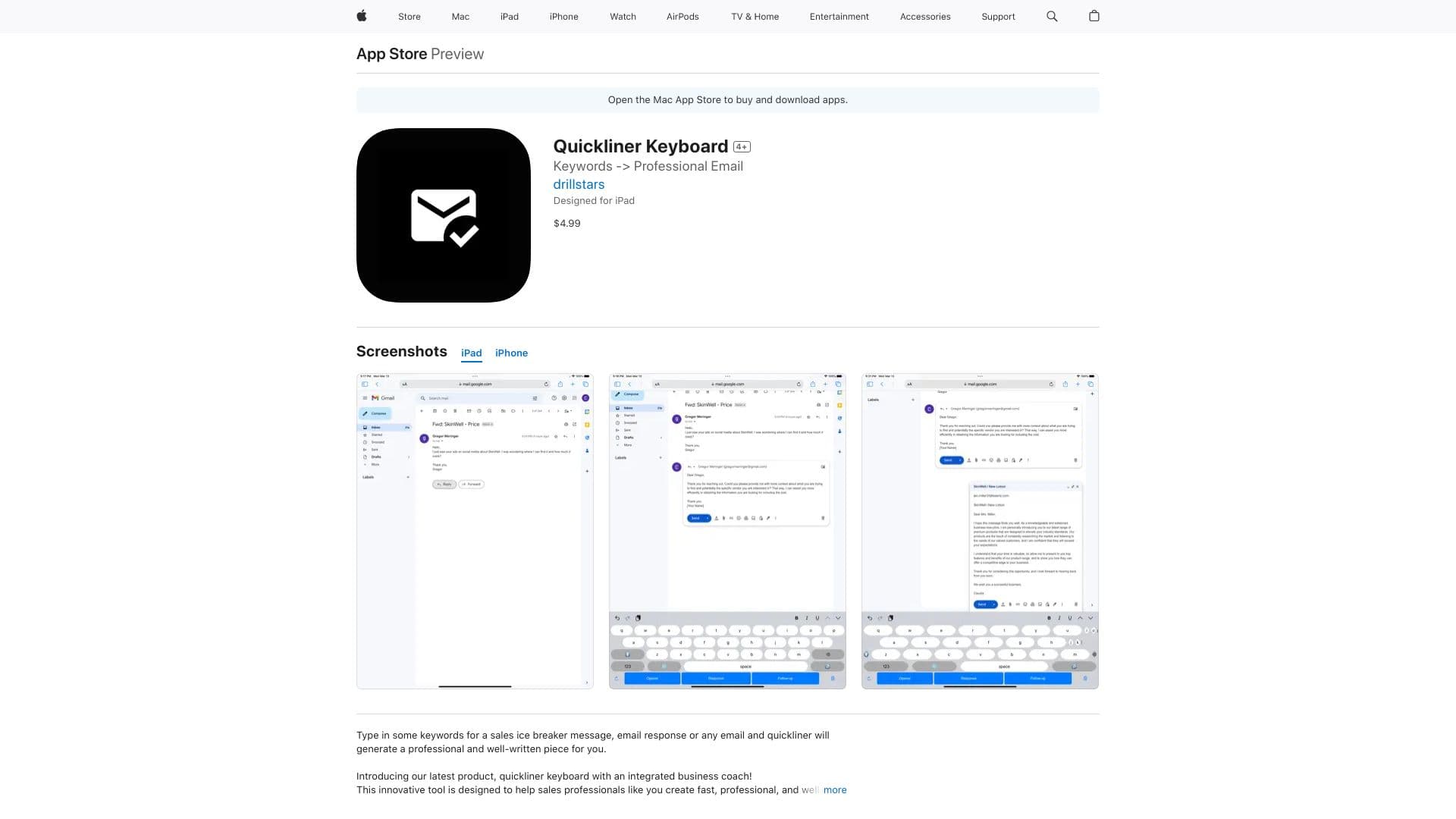
About Quickliner Keyboard
Quickliner Keyboard is an innovative typing tool that enables users to craft fast, professional, and polished sales emails, follow-ups, and other business correspondence. By leveraging advanced algorithms and natural language processing, it analyzes your sales context and offers tailored suggestions, saving time and enhancing your communication skills.
How to Use
Enter your sales context or keywords into Quickliner Keyboard, then click the 'Formulate' button. The app quickly generates a polished email response tailored to your input, saving you time and effort.
Features
- Speeds up email response creation for increased productivity
- Provides intelligent suggestions to improve writing quality
- Generates professional emails from simple keywords
- Offers personalized recommendations for effective communication
Use Cases
- Drafting follow-up emails
- Creating professional sales emails
- Developing sales ice-breaker messages
- Responding swiftly to incoming emails
Best For
Email marketersSales professionalsBusiness executivesCustomer support teamsMarketing teams
Pros
- Significantly reduces email drafting time
- Enhances the quality and professionalism of emails
- User-friendly interface requiring no training
- Provides customized writing suggestions
Cons
- Data privacy practices should be reviewed
- Requires iOS 14.0 or higher
- Optimal results depend on using relevant keywords
Pricing Plans
Choose the perfect plan. All plans include 24/7 support.
FAQs
What is Quickliner Keyboard used for?
It helps you quickly create professional, well-written sales emails, follow-ups, and other business messages with ease.
How does Quickliner Keyboard generate emails?
You input your sales scenario or keywords, and the app uses advanced algorithms to produce a polished email response tailored to your input.
What does the 'Formulate' button do?
It instantly generates a professional email based on your provided keywords or context.
Is Quickliner Keyboard suitable for all devices?
It is compatible with iOS devices running iOS 14.0 or later.
Can I customize the suggestions provided by the app?
Yes, you can refine your input to receive more tailored and relevant email suggestions.