

RadioView.AI
A Chrome extension that automates radiology report creation, including ICD-10 and CPT coding for seamless documentation.
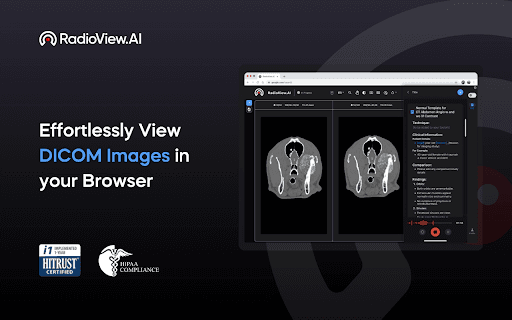
About RadioView.AI
RadioView.AI is a powerful Chrome extension that streamlines radiology report creation by automating documentation and integrating ICD-10 and CPT codes. It enhances efficiency and accuracy for radiologists and healthcare professionals, ensuring consistent and comprehensive reports.
How to Use
Download and install the RadioView.AI Chrome extension. Generate detailed radiology reports effortlessly directly from your browser with a few simple clicks.
Features
- Automated radiology report creation
- Intuitive and easy-to-use interface
- Ensures report consistency and speed
- Integrates ICD-10 and CPT coding seamlessly
- Improves accuracy with AI assistance
Use Cases
- Standardize and improve radiology documentation
- Streamline reporting in clinics, hospitals, and radiology departments
- Reduce reporting time and errors
- Assist radiologists with coding accuracy
- Enhance clinical workflow efficiency
Best For
RadiologistsMedical clinicsHospitalsRadiology departmentsHealthcare providers
Pros
- Automates report generation process
- Includes ICD-10 and CPT code integration
- User-friendly and intuitive interface
- Boosts accuracy with AI algorithms
- Enhances reporting speed and consistency
Cons
- AI-based image analysis may need human review
- Requires Google Chrome browser
FAQs
What is RadioView.AI?
RadioView.AI is a Chrome extension that automates radiology report creation with integrated ICD-10 and CPT coding.
Who benefits from using RadioView.AI?
Radiologists and healthcare providers seeking efficient and accurate radiology reporting.
How can I get support for RadioView.AI?
Support is available via email at support@neurocare.ai.
Is RadioView.AI compatible with all browsers?
No, it requires the Google Chrome browser for installation and use.
Can RadioView.AI improve reporting efficiency?
Yes, it automates report generation, saving time and reducing errors.