

Raycast AI Lite
A comprehensive productivity tool that integrates AI, customizable extensions, and personalized features to optimize your workflow.
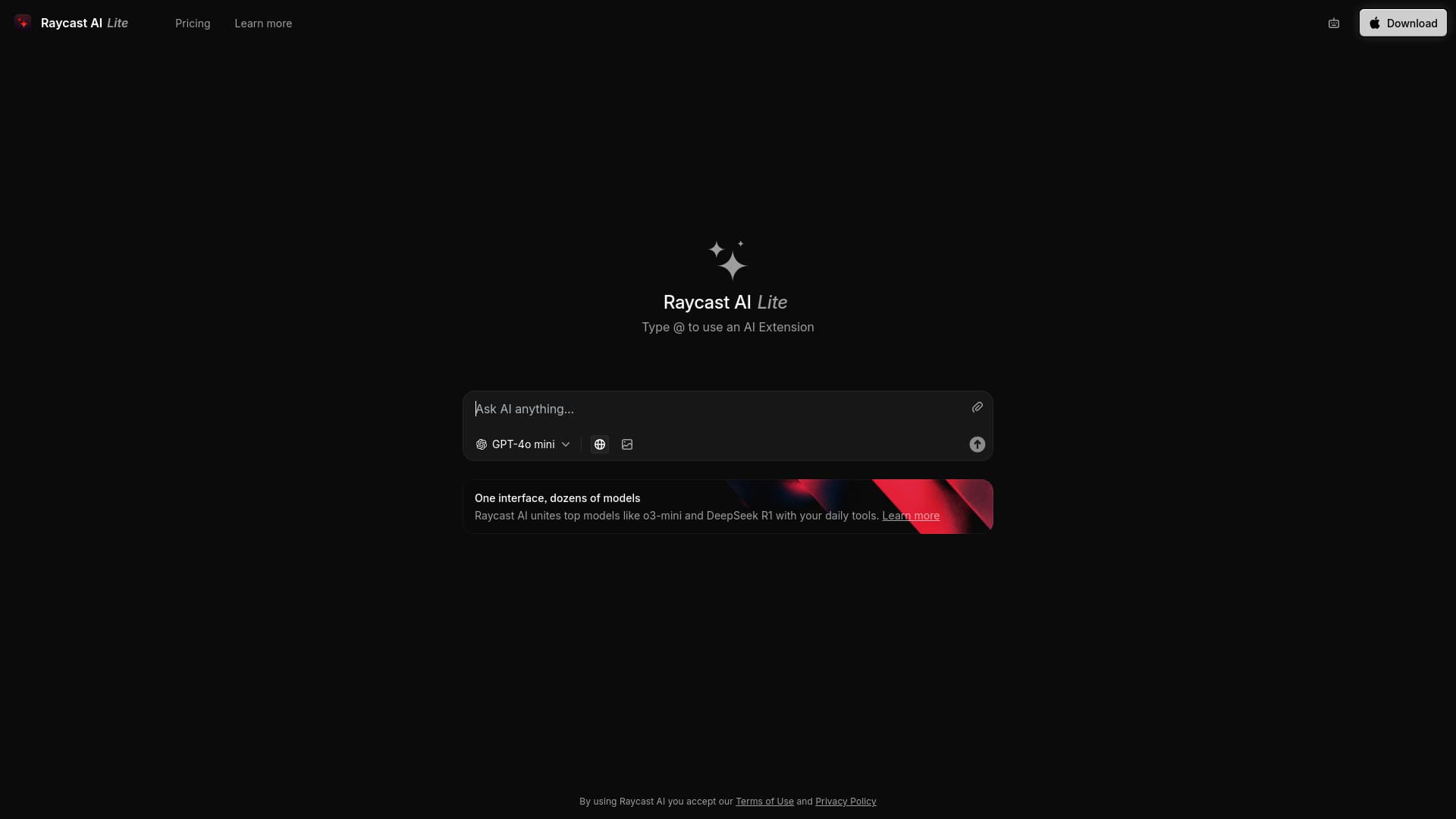
About Raycast AI Lite
Raycast is an advanced productivity platform that combines cutting-edge AI models with versatile extensions directly on your operating system. Available in a free version, Raycast AI Lite, and a premium Pro edition, it offers features like AI assistance, cloud synchronization, and customizable themes. Designed as a central hub, Raycast simplifies access to your favorite tools and enhances your efficiency with an extendable launcher.
How to Use
Download and install Raycast on your operating system. Launch it to access a variety of tools and extensions. Upgrading to the Pro version unlocks AI features, cloud syncing, and custom themes for a tailored experience.
Features
- AI-powered chat and assistance
- Quick access links
- Efficient window management
- Built-in calculator
- Reusable snippets
- Clipboard history tracking
- Emoji picker for quick insertion
- Extensible plugin marketplace
- Cloud synchronization (Pro)
- Customizable themes (Pro)
Use Cases
- Managing reusable text snippets
- Performing quick calculations
- Utilizing AI for tasks and insights
- Tracking clipboard history
- Organizing and managing application windows
- Launching applications swiftly
Best For
Pros
- Completely free version available
- Highly customizable with themes (Pro)
- Extensible through a wide range of plugins
- Integrates advanced AI for smarter workflows
- Seamless cloud sync across devices (Pro)
Cons
- Dependence on extensions for certain functions
- Requires JavaScript knowledge for custom extensions
- Some features are exclusive to Pro plans
Pricing Plans
Choose the perfect plan. All plans include 24/7 support.