

Readly
Readly is an innovative tool that enhances Chinese learning by scanning text and offering powerful study features.
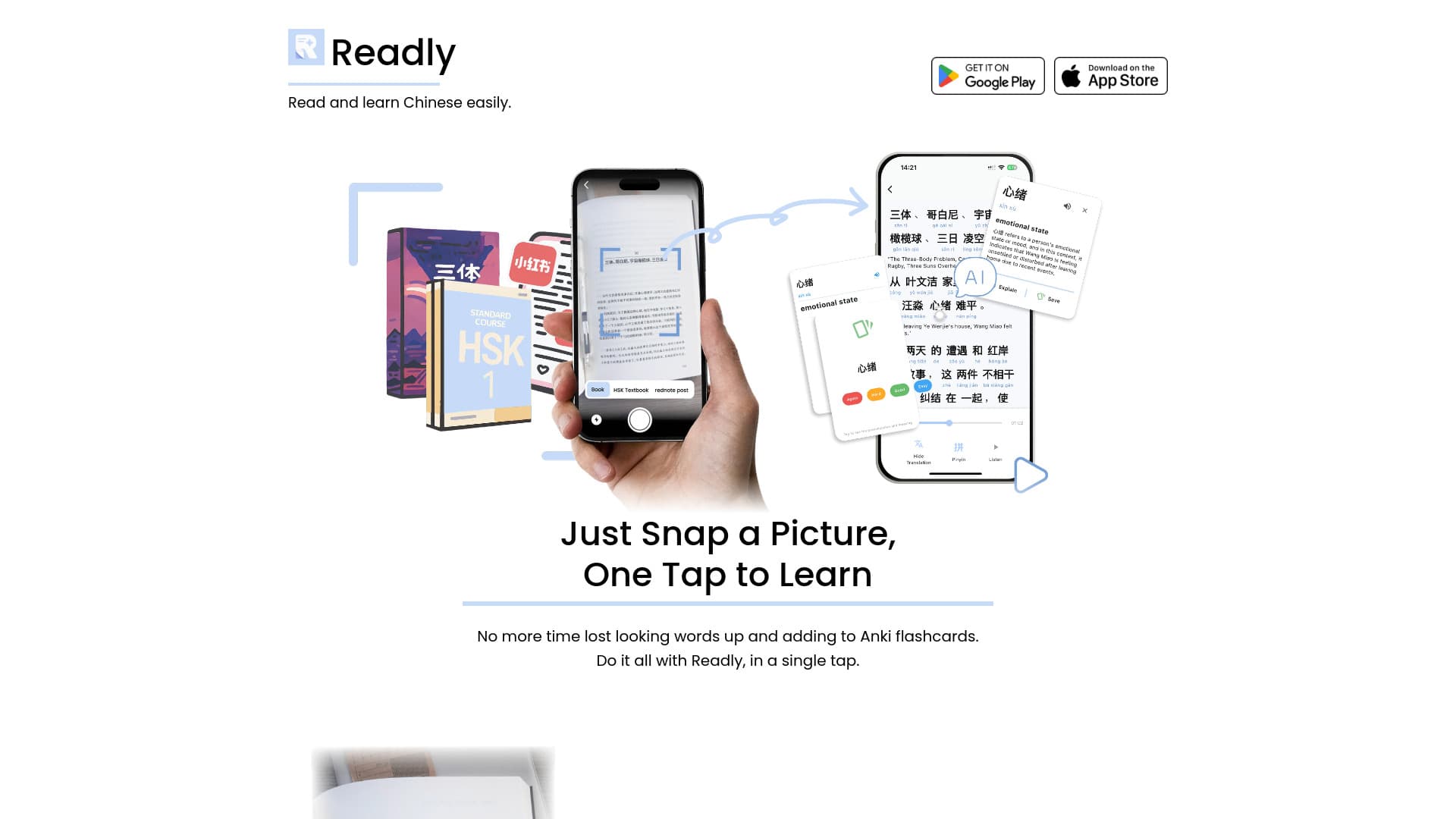
About Readly
Readly simplifies Chinese language acquisition by enabling users to scan Chinese text and access a suite of learning tools. It allows quick addition of words to Anki-style flashcards, provides instant translations, displays pinyin, and supports AI-powered questions to deepen understanding.
How to Use
Capture a photo of Chinese text, then easily look up words, add them to flashcards, translate, or ask AI questions, all with one tap.
Features
- Instant text scanning for Chinese scripts
- One-tap lookup and flashcard creation
- Spaced repetition system for review
- Seamless Anki-style flashcard integration
- Real-time translation and pinyin display
- AI-powered question answering for deeper insights
Use Cases
- Reading social media posts on 小红书 (RedNote)
- Studying HSK exam textbooks
- Learning Chinese through novels like The Three-Body Problem
Best For
Chinese language enthusiastsLanguage learnersStudents preparing for HSKTravelers to ChinaLiterature and social media readers
Pros
- Provides AI assistance for better comprehension
- Accelerates Chinese vocabulary acquisition
- Simplifies creation of study flashcards
- Combines multiple learning tools into one app
Cons
- Full flashcard features may require an Anki account
- Dependent on the quality of scanned text accuracy
- Requires a device with a camera for scanning
FAQs
How does Readly improve Chinese learning?
It enables quick text scanning, instant word lookup, flashcard creation, translation, pinyin display, and AI-based questions, making learning more efficient.
What types of Chinese texts can I scan with Readly?
You can scan a variety of texts including novels, HSK textbooks, and social media posts.
Is an internet connection required to use Readly?
Yes, an internet connection is needed for translation, AI questions, and syncing flashcards.
Can I use Readly offline?
Basic text scanning and flashcard features are available offline, but translation and AI functions require online access.
Do I need an Anki account to use flashcards in Readly?
Full flashcard functionality may require linking an Anki account for seamless review and synchronization.