

Recap
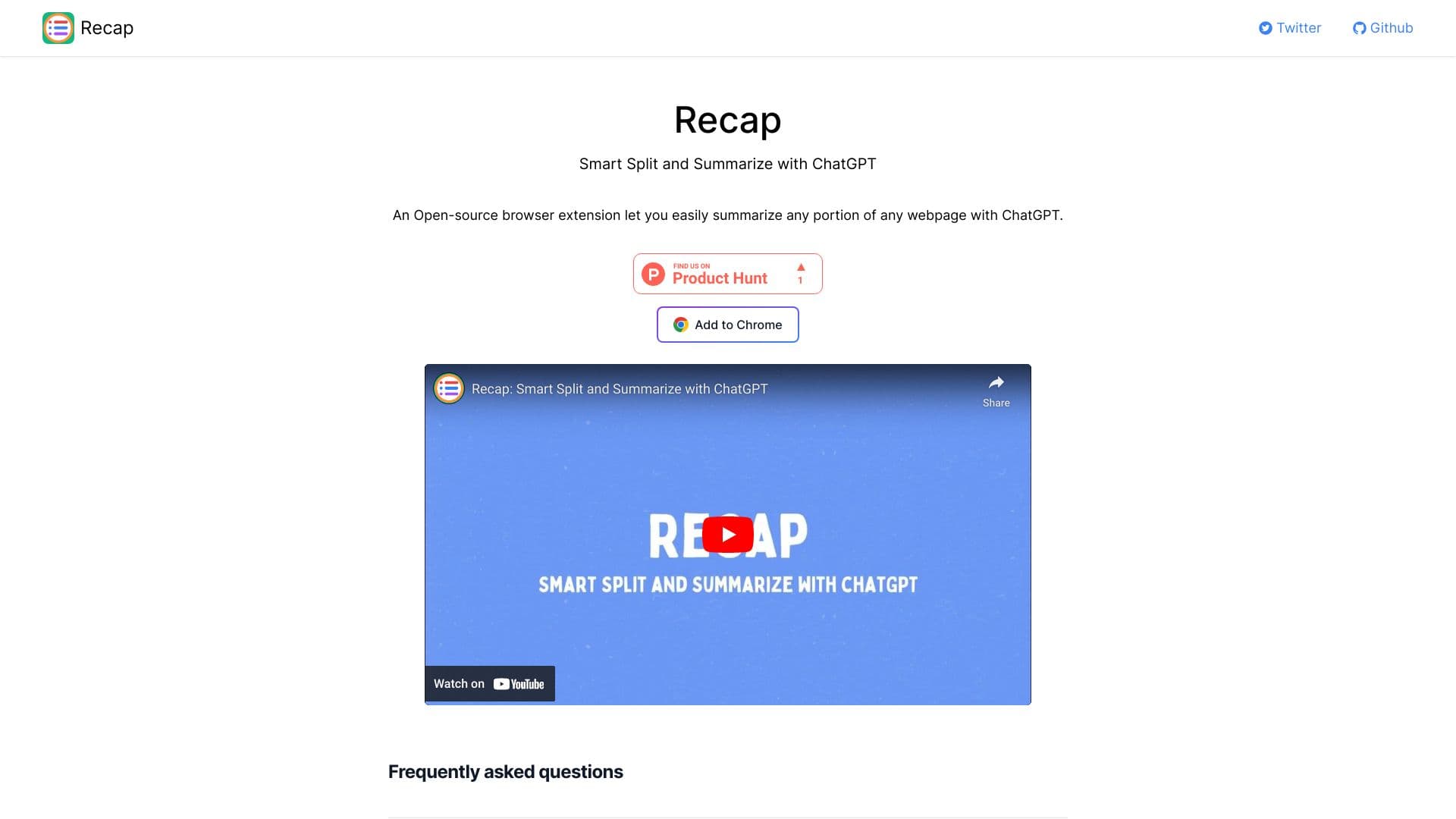
Recap is a Chrome extension powered by ChatGPT that summarizes specific sections of web pages for quick understanding.
About Recap
Recap is a Chrome extension that leverages ChatGPT to generate summaries of webpage content. Unlike other tools, Recap allows users to select and summarize individual sections, providing more precise and relevant summaries of lengthy articles or research papers.
How to Use
Install the Recap Chrome extension, then select specific webpage sections to generate concise summaries using ChatGPT with a simple click.
Features
- Enables targeted summarization of webpage sections with ChatGPT
- Divides content into passages for focused summaries
- Easy to use with a simple selection process
Use Cases
- Extract key points from lengthy articles quickly
- Summarize research papers section by section
- Assist students in understanding complex content
- Help journalists gather quick insights
Best For
ResearchersContent learnersStudentsJournalistsBusy professionals
Pros
- Provides accurate and concise summaries using ChatGPT
- Allows selection of specific webpage sections for summarization
- Open-source and customizable
Cons
- Limited to Chrome browser only
- Quality depends on ChatGPT's summarization capabilities
- May require a ChatGPT account
FAQs
What is Recap?
Recap is a Chrome extension that uses ChatGPT to generate summaries of webpage content.
Is Recap free to use?
The current information does not specify if Recap is free; additional details may be needed.
Do I need a ChatGPT account to use Recap?
Using Recap typically requires a ChatGPT account, but this is not explicitly confirmed.
Can I summarize specific parts of a webpage?
Yes, Recap allows you to select and summarize particular sections of a webpage for targeted insights.
Is Recap available for other browsers?
Recap is currently available only as a Chrome extension, with no support for other browsers.