

Recraft Image Model

Recraft Image Model

A premium AI-powered tool for professional image creation and editing, ideal for designers and creative teams.
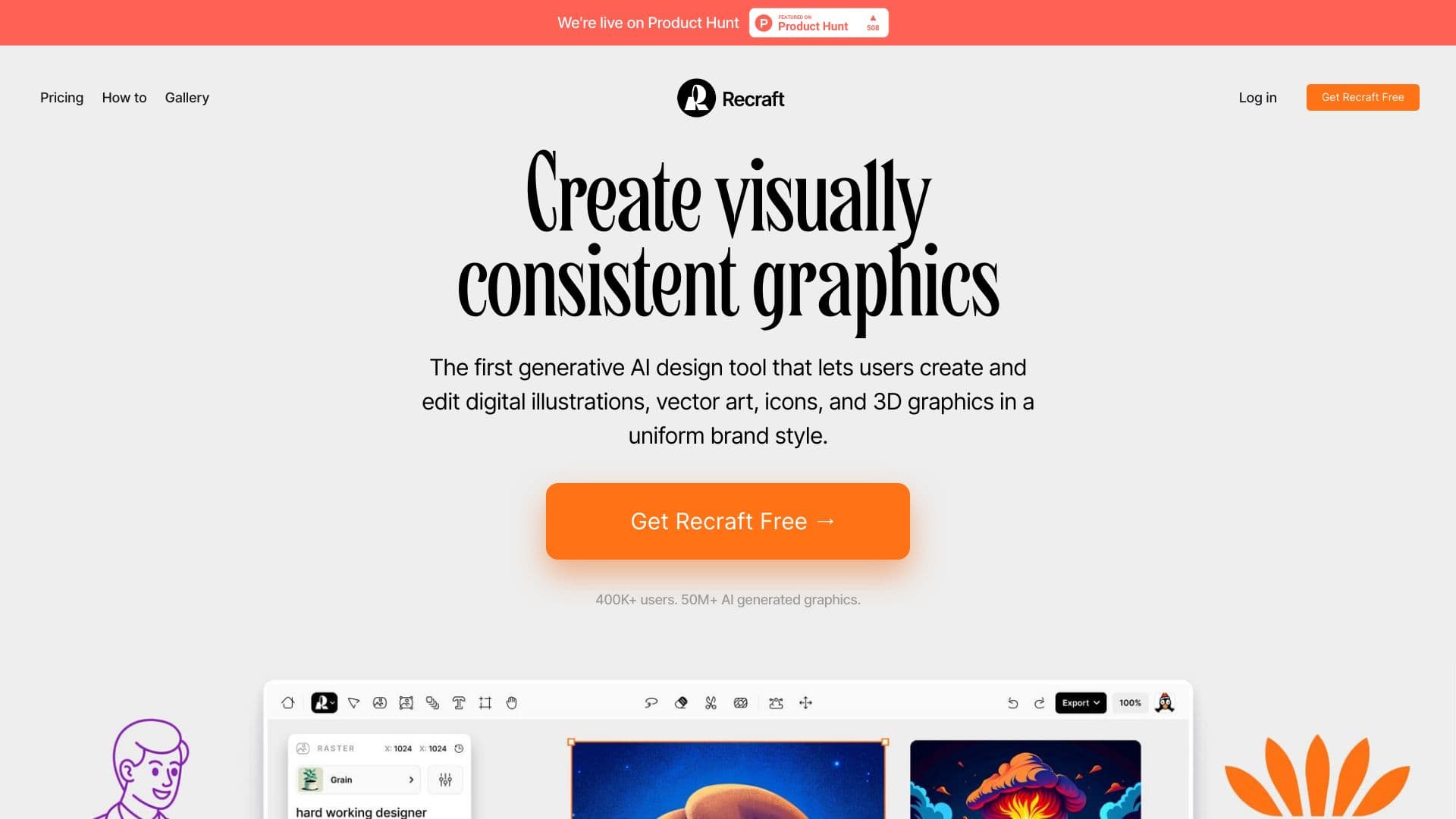
About Recraft Image Model

Recraft is an advanced AI-driven image generation and editing platform tailored for professional designers. It enables creating vector art, icons, 3D visuals, and diverse illustrations with various styles. Key features include AI Image Generator, Vectorizer, Photo Editor, Mockup Creator, Image Upscaler, and Background Remover. Collaboration is streamlined through shared canvases and real-time feedback, enhancing team productivity and brand consistency.

How to Use

Start by inputting prompts or images to generate visuals. Use AI tools to refine objects, remove backgrounds, and create mockups. Save style templates for brand consistency and collaborate with your team on shared workspaces with real-time feedback.

Features

  • Shared style libraries for brand consistency
  • Collaborative workspace for teams
  • AI-based vectorization and image editing
  • Automated background removal
  • High-quality AI image generation

Use Cases

  • Generating stock images
  • Maintaining branding consistency
  • Creating advertising visuals
  • Designing logos and icons
  • Developing character illustrations
  • Producing seamless patterns

Best For

Marketing teamsProduct designersBrand developmentProfessional graphic artistsAI-driven creators

Pros

  • Effective team collaboration features
  • Easy creation of seamless patterns
  • Consistent, high-quality results
  • Intuitive tools for creative refinement
  • Versatile vector art editing
  • Extensive style options

Cons

  • AI reliance may limit detailed creative control
  • Learning curve for beginners
  • Subscription required for full feature access

Pricing Plans

Choose the perfect plan. All plans include 24/7 support.

Free

$0

Access all core features for free

Get Started
Most Popular

Basic

$10/month

Billed annually; $12 billed monthly

Get Started

Advanced

$27/month

Billed annually; $33 billed monthly

Get Started

Pro

$48/month

Billed annually; $60 billed monthly

Get Started

FAQs

What are the main uses of Recraft?
Recraft is ideal for designing icon sets, generating conference visuals, creating logos, developing seamless patterns, and producing custom 3D images.
Which features are available in Recraft?
Recraft includes AI Image Generator, Vectorizer, Photo Editor, Mockup Creator, Image Upscaler, Background Remover, and AI Eraser.
How does Recraft support branding efforts?
It allows storing and sharing style templates, controlling visual consistency, and fine-tuning objects with AI assistance to strengthen brand identity.
In what ways does Recraft enable team collaboration?
Teams can work together on shared canvases, exchange feedback in real-time, and monitor live updates to streamline project workflows.
Is Recraft suitable for beginners?
Yes, Recraft offers an intuitive interface and guided tools, making it accessible for users new to AI-powered design software.
Can Recraft generate 3D images?
Absolutely, Recraft supports 3D image creation to help visualize complex concepts and enhance visual storytelling.
Does Recraft support vector art editing?
Yes, it provides powerful vectorization and editing tools ideal for creating scalable graphics and icons.
What is the pricing structure for Recraft?
Recraft offers a free plan with limited features, along with tiered paid plans starting at $10 per month, billed annually.