

RecurseChat
RecurseChat is a private, offline AI chat application that enables secure conversations with local AI models and personal documents.
About RecurseChat
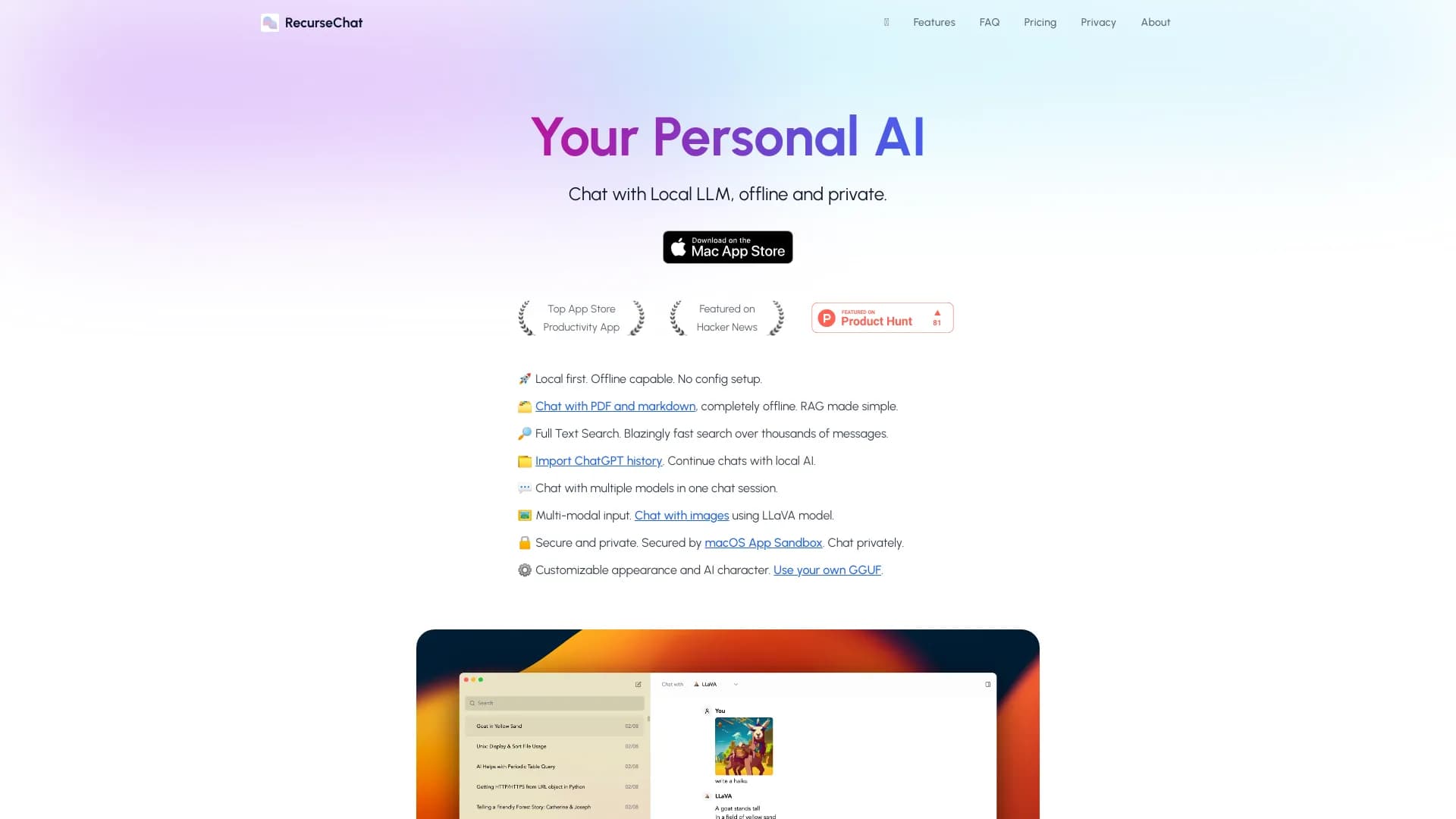
RecurseChat is a versatile personal AI application that allows users to interact with local AI models offline and securely. It supports chatting with documents, images, and chat history, offering fast full-text search and multi-model capabilities. Designed for privacy-conscious users, it provides a seamless, local-first AI experience on macOS, compatible with various models including ChatGPT and Claude.
How to Use
RecurseChat enables chatting with local AI models, PDFs, markdown files, and images. Import your ChatGPT history to continue conversations locally. Activate the floating chat window with ⌘ + ⇧ + Enter. Customize the AI’s personality, appearance, and use your own GGUF models or those from Hugging Face for tailored AI experiences.
Features
- Import and continue ChatGPT conversations
- Ensures data privacy with local processing
- Advanced full-text search across documents
- Supports multiple AI models simultaneously
- Operates offline on your Mac
- Chat with PDFs, markdown, and images
- Multi-modal input including images
- Customizable AI personality and appearance
Use Cases
- Building AI-powered applications easily
- Offline chat with personal documents
- Using AI during flights without internet
- Searching chat history efficiently
- Continuing ChatGPT conversations locally
Best For
Pros
- Rapid full-text search for quick information retrieval
- Prioritizes privacy with offline, local operation
- User-friendly interface requiring minimal setup
- Supports diverse file types including PDFs, markdown, and images
- Compatible with multiple AI models for flexibility
- Customizable AI personality and visual appearance
Cons
- Limited to macOS devices
- Functionality depends on local AI model capabilities
- Initial setup may require some technical knowledge of local models
Pricing Plans
Choose the perfect plan. All plans include 24/7 support.