

Remchee
A Chrome extension that provides direct access to ChatGPT through the OpenAI API, enhancing your browsing experience.
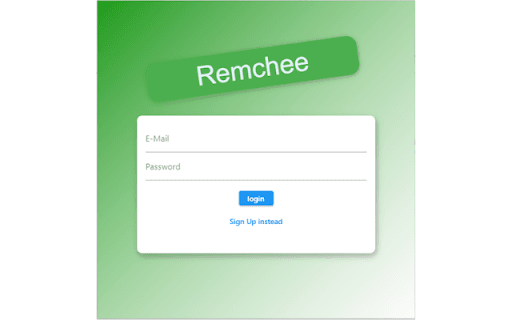
About Remchee
This Chrome extension enables seamless interaction with ChatGPT directly from your browser by integrating with the OpenAI API. It offers a streamlined way to generate text, answer questions, and have conversations without visiting the OpenAI website or using separate apps. Perfect for enhancing productivity and efficiency, it makes AI-powered assistance easily accessible during your browsing sessions.
How to Use
Download the extension from the Chrome Web Store. Enter your OpenAI API key in the settings, activate the extension, and start chatting with ChatGPT right within your browser window.
Features
- Seamless integration with OpenAI API
- Quick access to ChatGPT directly from the browser
- Supports text generation and interactive conversations
Use Cases
- Obtain instant answers while browsing web pages
- Create drafts for emails, reports, or social media posts quickly
- Brainstorm ideas and explore new perspectives with AI assistance
Best For
Customer support teamsContent writersResearchersSoftware developersContent creatorsStudents
Pros
- Boosts productivity with immediate AI assistance
- Easy access to ChatGPT within your browser
- Integrates smoothly with OpenAI API
- Eliminates the need to visit external websites
Cons
- Performance relies on OpenAI API speed and stability
- Requires an active OpenAI API key
- Usage costs depend on OpenAI’s pricing and limits
FAQs
Do I need an OpenAI account to use this extension?
Yes, an OpenAI account and API key are required to access ChatGPT through this extension.
Is this extension free to use?
The extension is free to install, but API usage incurs charges based on OpenAI’s pricing plan.
How can I obtain an OpenAI API key?
Register on the OpenAI website and generate a new API key in your account settings.
Is this extension secure and privacy-focused?
Yes, it securely connects to the OpenAI API using your API key and does not store your data locally.
Can I customize the extension settings?
Yes, you can configure API keys, conversation preferences, and other settings within the extension.