

Remove Bg
A free online tool for effortless background removal from images.
About Remove Bg
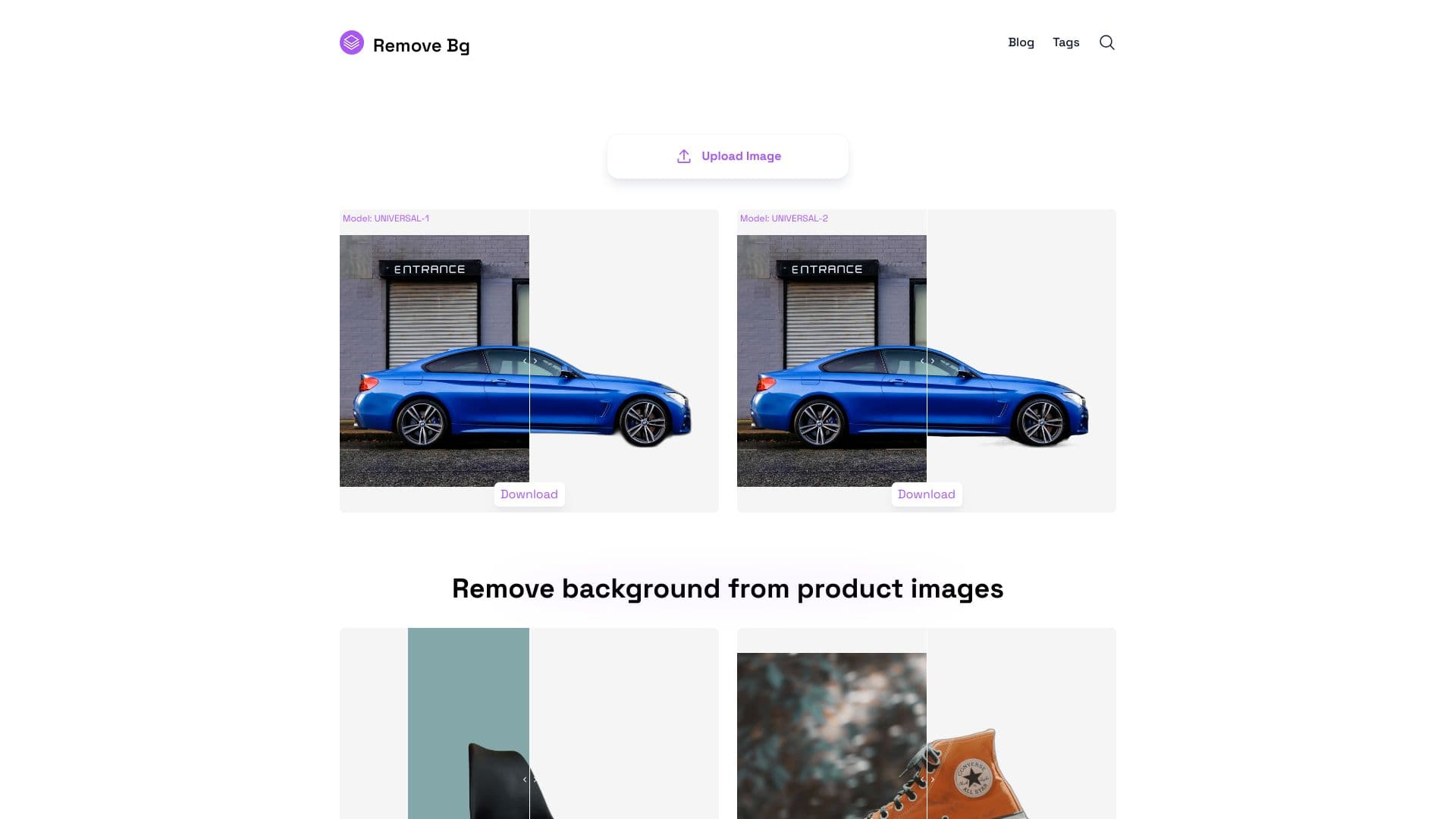
Removebg is a free online platform that quickly removes backgrounds from a variety of images. It supports photos of people, products, animals, vehicles, and logos. Designed for photographers, designers, e-commerce sellers, social media managers, and content creators, it helps save time while producing professional-quality results.
How to Use
Visit removebg.one in your web browser, upload your image, and the background will be automatically removed. You can then customize the background or perform additional edits before downloading the finished image.
Features
- Free to use online
- Automatic background removal
- Supports diverse image types including people, products, and logos
- Options for secondary editing and customization
Use Cases
- E-commerce product photos
- Personal photo editing
- Marketing and advertising visuals
- Graphic design projects
- Photo post-processing
- Social media content creation
Best For
Pros
- Quick processing speeds
- API integration for developers
- User-friendly interface
- Free for online use
- Supports multiple image formats
Cons
- API credits require purchase
- Includes ads to support free service
- No batch processing option
- Image size limit: 6400px and 10MB
Pricing Plans
Choose the perfect plan. All plans include 24/7 support.
Monthly Subscription - 90 credits
Renews monthly with automatic billing. Approximately $0.054 per image.
Get StartedMonthly Subscription - 899 credits
Monthly renewal with automatic billing. Around $0.011 per image.
Get StartedMonthly Subscription - 1799 credits
Automatic monthly renewal. Approximately $0.008 per image.
Get StartedPay-as-You-Go - 45 credits
One-time purchase with no recurring fees. About $0.109 per image.
Get StartedPay-as-You-Go - 149 credits
Single payment, no ongoing charges. Around $0.046 per image.
Get StartedPay-as-You-Go - 449 credits
One-off payment with no extra fees. Approximately $0.022 per image.
Get StartedPay-as-You-Go - 899 credits
Single purchase, no additional costs. About $0.015 per image.
Get StartedPay-as-You-Go - 1499 credits
One-time payment, no hidden charges. Roughly $0.011 per image.
Get Started