

ReportPDF
AI-powered tool that transforms spreadsheets into professional, visually appealing PDFs quickly and effortlessly.
About ReportPDF
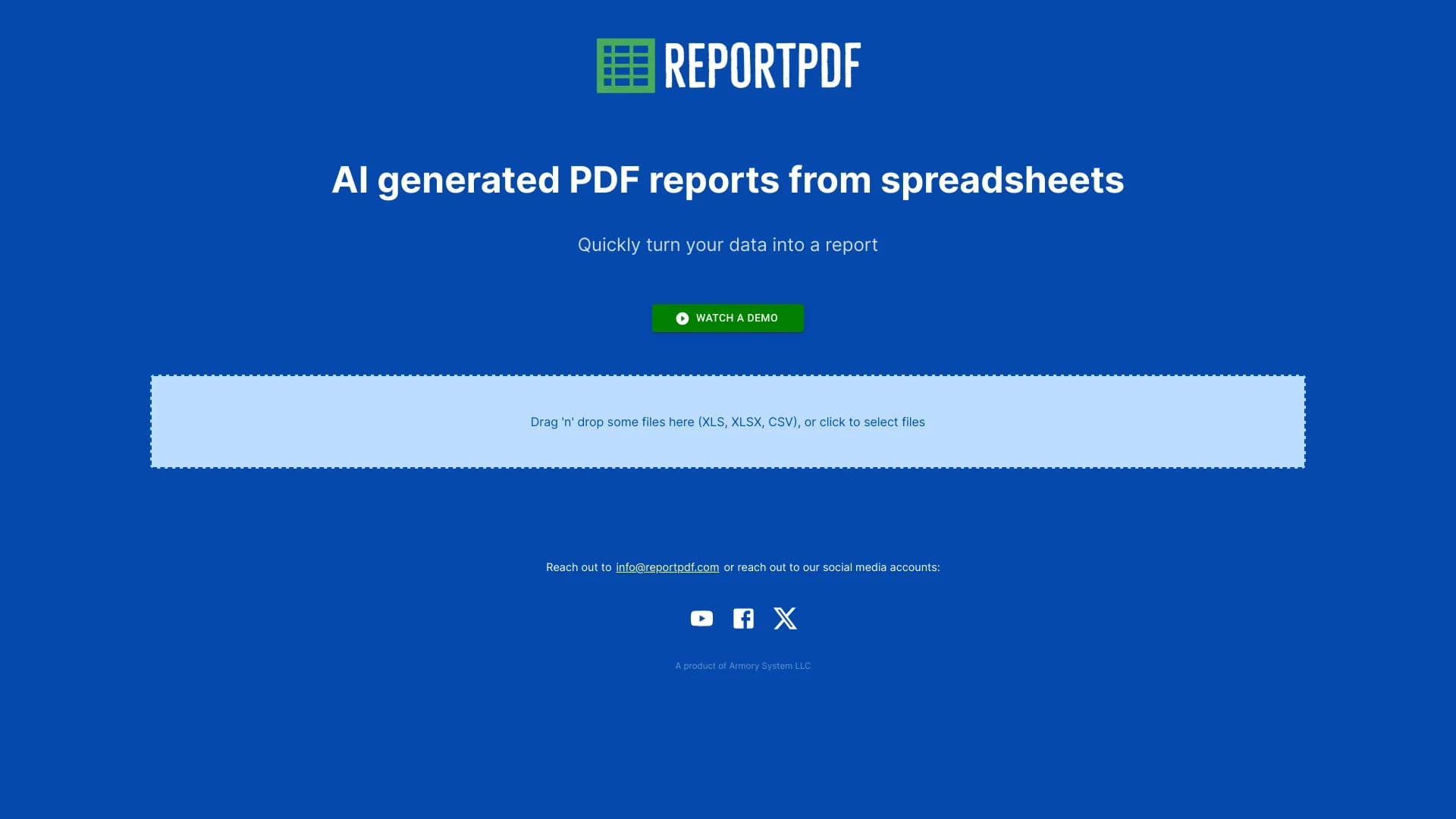
ReportPDF is an innovative AI-driven platform that converts spreadsheet data into polished PDF reports in seconds. It simplifies data presentation with customizable themes and offers chatbot commands for easy regeneration. Compatible with XLS, XLSX, and CSV files, it streamlines creating professional reports from your data.
How to Use
To create a PDF report, simply drag and drop your XLS, XLSX, or CSV file into the upload area or click to select your file. The AI then processes your data and generates a well-formatted PDF report.
Features
- AI-driven PDF report creation
- Customizable themes and layouts
- Seamless spreadsheet to PDF conversion
- Chatbot commands for easy report regeneration
Use Cases
- Creating professional PDF reports from spreadsheet data
- Automating data presentation for business reports
- Generating financial summaries from spreadsheets
- Visualizing data for research projects
Best For
AccountantsData analystsBusiness managersResearchersProject coordinators
Pros
- Fast, AI-powered PDF report generation
- Easy to use with drag-and-drop functionality
- Highly customizable data presentation
- Supports multiple spreadsheet formats
Cons
- Limited options for advanced formatting customization
- Dependent on AI accuracy for data rendering
FAQs
Which file formats are compatible with ReportPDF?
ReportPDF supports XLS, XLSX, and CSV spreadsheet files.
How can I generate a PDF report using ReportPDF?
Simply drag and drop your spreadsheet file or click to upload, and the AI will convert it into a professional PDF report.
Can I customize the appearance of my PDF reports?
Yes, ReportPDF offers theming options to customize layouts and visual styles.
Is ReportPDF suitable for large datasets?
Yes, it efficiently processes large spreadsheet files to generate comprehensive PDFs.
Does ReportPDF support batch processing?
Currently, it processes one file at a time, but you can convert multiple files sequentially.