

RestorePhotos
Free AI-powered tool for restoring and enhancing old, blurry face photographs.
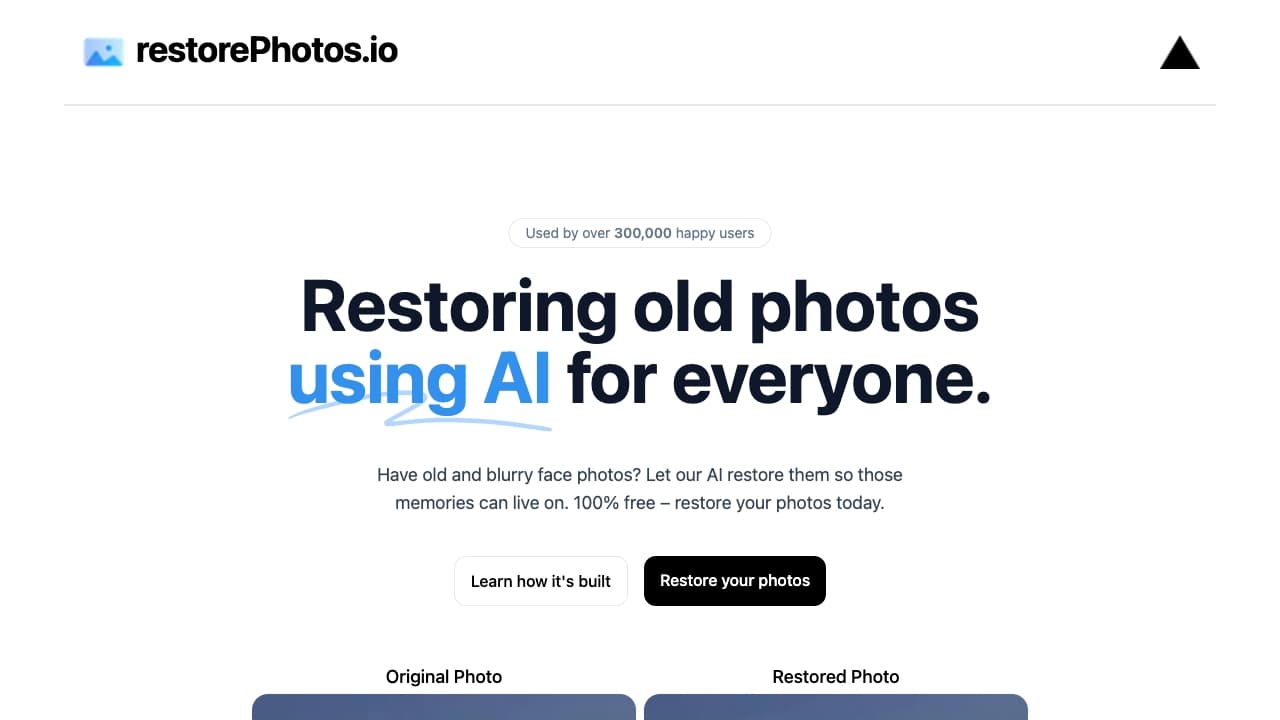
About RestorePhotos
RestorePhotos.io offers an advanced AI-driven solution to rejuvenate old and blurry face photographs. Easily revive your cherished memories by enhancing photo clarity and vibrancy at no cost. Designed for simplicity, this tool restores your images quickly and effectively, making it ideal for preserving family history and personal collections. Best of all, it's completely free to use.
How to Use
Upload your vintage or blurry face photos to the website. The AI automatically processes and restores the images, which you can then download instantly.
Features
- AI-driven face photo enhancement
- Automatic photo restoration
- User-friendly online interface
- Fast and effective results
Use Cases
- Improving clarity of blurry photos
- Restoring precious family images
- Preserving historical photographs
- Enhancing personal photo collections
Best For
GenealogistsFamily historiansPhotographersIndividuals with old photo archivesHistory enthusiastsMemory preservation
Pros
- Completely free to use
- Powered by advanced AI technology
- Simple, intuitive interface
- Delivers quick restoration results
Cons
- May require account registration
- Limited information on data privacy policies
- Restoration quality varies with original photo quality
Pricing Plans
Choose the perfect plan. All plans include 24/7 support.
FAQs
How does RestorePhotos.io work?
RestorePhotos.io uses AI algorithms to automatically enhance and restore old, blurry face photos, helping you preserve memories effortlessly.
Is RestorePhotos.io free to use?
Yes, the platform is completely free, offering unlimited photo restorations at no cost.
What types of photos can I restore?
You can restore old, blurry, or damaged face photographs, including scanned prints and digital images.
Do I need technical skills to use RestorePhotos.io?
No, the process is straightforward; simply upload your photo, and the AI handles the restoration automatically.
Are my photos private and secure?
While privacy policies are limited, it’s recommended to review the platform’s data privacy details before uploading sensitive images.