

RoomGPT
AI-driven platform for transforming room designs from a simple photo.
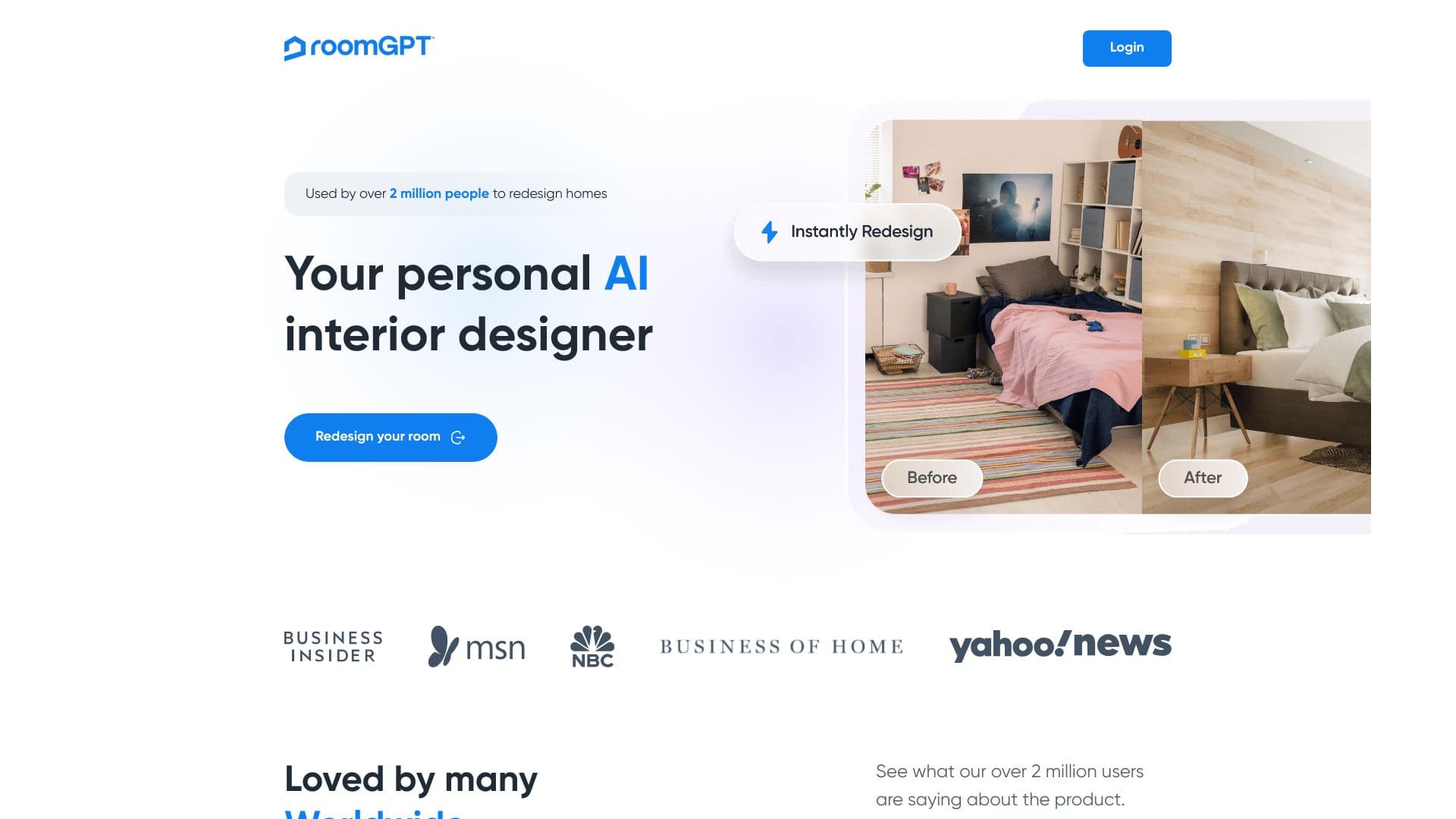
About RoomGPT
RoomGPT leverages artificial intelligence to help users redesign their spaces effortlessly. Upload a photo, and the tool generates innovative interior design concepts, enabling quick visualization of various styles and layouts without professional assistance.
How to Use
Upload a clear photo of your room to RoomGPT. The AI then creates multiple design options for you to explore and visualize.
Features
- AI-driven room redesign suggestions
- Generates multiple themes from a single photo
Use Cases
- Preview new layouts before remodeling
- Redesign living spaces with different styles
- Inspiration for interior decorating projects
Best For
TenantsReal estate professionalsHomeownersInterior design enthusiasts
Pros
- Reduces costs and time compared to hiring designers
- Provides instant design ideas
- User-friendly interface
- Visualizes diverse interior themes
Cons
- Design quality relies on AI accuracy
- Requires a clear, well-lit photo of the room
- May not perfectly align with personal preferences
Pricing Plans
Choose the perfect plan. All plans include 24/7 support.
BLACK FRIDAY OFFER
60% discount
Apply code 'BF60' at checkout for exclusive savings on all plans.
Get StartedFAQs
What is RoomGPT used for?
RoomGPT uses AI to create new interior design concepts from your uploaded photo.
How do I get started with RoomGPT?
Upload a clear photo of your room on the RoomGPT website to begin generating design options.
Is RoomGPT suitable for professional interior designers?
Yes, it can be a helpful tool for inspiration and quick visualization, complementing professional designs.
Can I customize the generated room designs?
The tool provides suggested designs based on AI, but customization options depend on the platform's features.
What types of rooms can I redesign with RoomGPT?
You can redesign a variety of rooms including living rooms, bedrooms, kitchens, and more.