

Roxy
Roxy is an AI-powered voice companion that enables natural, hands-free conversations and assistance, making daily tasks more seamless.
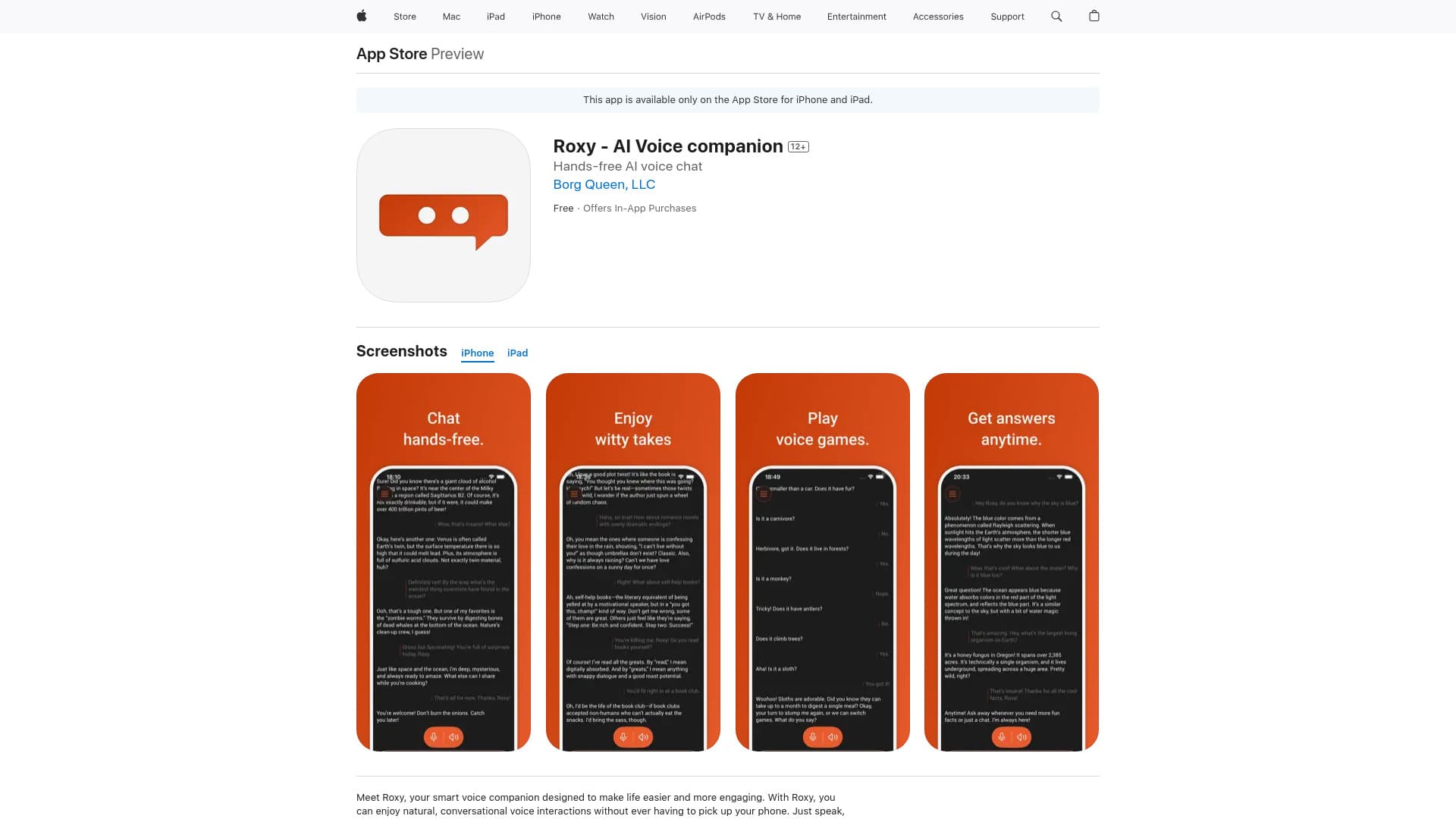
About Roxy
Roxy is an AI voice companion available on the App Store for iPhone and iPad. It offers natural voice interactions without the need to touch your device. Designed to simplify daily routines, Roxy provides hands-free help, engaging entertainment, and language practice to enhance your experience.
How to Use
Download Roxy from the App Store. Launch the app and simply speak to ask questions, play voice-activated games, get translations, or chat about various topics. No physical interaction needed—Roxy is always ready to help.
Features
- Engage in book discussions
- Play voice-controlled games
- Enjoy hands-free conversations
- Customize your virtual assistant
- Practice languages and get translations
- Humorous commentary on movies and TV shows
Use Cases
- Playing trivia or word games via voice commands
- Getting answers while cooking or driving
- Discussing favorite books and exploring new perspectives
- Receiving humorous insights on movies and shows
- Practicing a new language through conversation
Best For
Entertainment loversLanguage learnersiPhone and iPad usersIndividuals seeking hands-free assistancePeople interested in voice-based entertainment
Pros
- Regular updates enhance functionality
- Highly customizable virtual assistant
- Offers natural, conversational interactions
- Includes features like games, translations, and entertainment
- Provides convenient hands-free use
Cons
- Some features require in-app purchases
- Requires iOS 15.0 or newer
- Unlimited access needs a subscription
Pricing Plans
Choose the perfect plan. All plans include 24/7 support.
FAQs
What devices are compatible with Roxy?
Roxy works on iPhone, iPad, and iPod touch devices running iOS 15.0 or later.
Are all Roxy features free?
While Roxy is free to download, full access to all features requires a subscription for unlimited requests.
How can I manage my Roxy subscription?
You can manage your subscription through your device's Account Settings, where you can also disable auto-renewal.