

Runcell - Jupyter AI Agent
Runcell is the leading AI-powered code assistant for Jupyter notebook users, providing a smart alternative to the traditional cursor. It automates data analysis, code generation, and workflow planning within your notebooks.
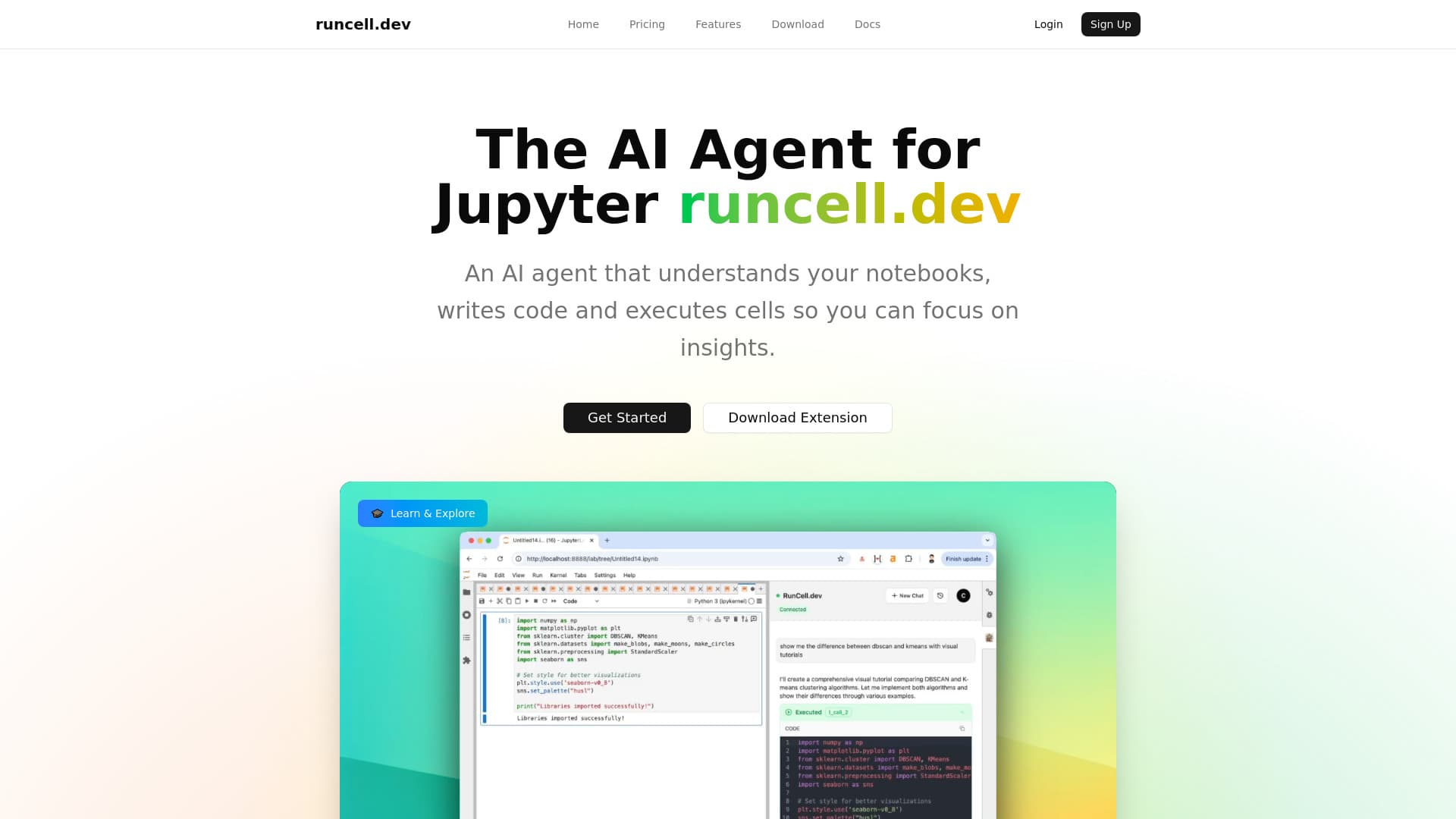
About Runcell - Jupyter AI Agent
**Runcell - Advanced AI Code Assistant for Jupyter Users** Runcell is the most effective AI-driven code agent designed for Jupyter notebook users. It offers a powerful alternative to manual cursor control, enabling autonomous understanding of your data and code. Runcell intelligently plans analysis workflows, generates code, and automates notebook management. **Key Features:** • **Comprehensive Notebook Understanding** Runcell's AI analyzes your entire notebook—reviewing code, data, and visualizations—to deliver tailored, intelligent assistance that enhances your workflow. • **Automated Planning and Code Generation** Go beyond basic suggestions. Runcell proactively plans your analysis steps, suggests solutions, and automatically generates complete code snippets to streamline your work. • **Intelligent Code Completion and Copilot** Enjoy context-aware code suggestions that act as your Jupyter copilot, accelerating development and simplifying complex functions. • **Autonomous Cell Execution and Debugging** Runcell manages your notebook environment by executing cells, running commands, and fixing errors automatically. It diagnoses issues and applies fixes without manual input. Transform your Jupyter experience by leveraging Runcell—the AI agent that understands, plans, and executes tasks seamlessly. Whether analyzing data, building models, or exploring datasets, Runcell handles the routine, allowing you to focus on insights.
How to Use
1. Install Runcell using pip, conda, or Uv, for example, run 'pip install runcell --upgrade'. 2. Restart your Jupyter Lab with 'jupyter lab'. 3. Locate the Runcell extension on the side panel, log in, and start using the AI assistant immediately.
Features
- Automates planning and code generation within notebooks
- Analyzes code, data, and visualizations for smarter assistance
- Automatically executes cells, runs commands, and resolves bugs
- Provides AI-powered code completion and suggestions
Use Cases
- Create interactive tutorials and lessons for data science learning
- Automate complex data analysis workflows in Jupyter Lab
- Assist with machine learning model development and tuning
- Generate code snippets for data visualization tasks
- Simplify debugging and error fixing in notebooks
Best For
Pros
- Provides intelligent code suggestions and improvements
- Enhances productivity with automated code and cell execution
- Supports interactive learning for data science concepts
- Simplifies tasks through natural language commands
- Seamlessly integrates into the Jupyter environment
Cons
- Specific limitations are not detailed in the available information
Pricing Plans
Choose the perfect plan. All plans include 24/7 support.