

RunComfy
Cloud-based ComfyUI platform designed for seamless AI art creation with high-performance GPUs and intuitive workflows.
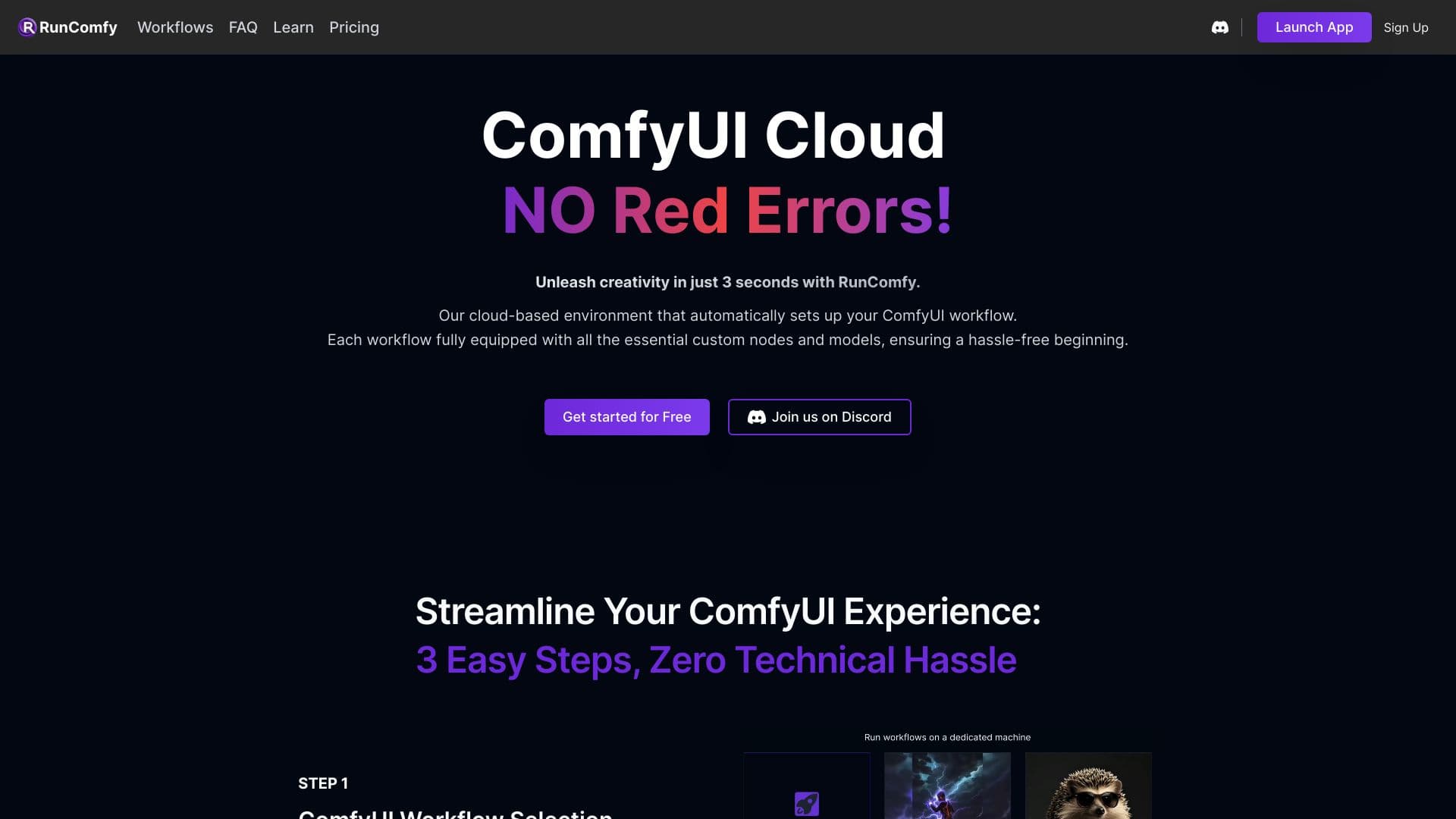
About RunComfy
RunComfy offers a cloud-based ComfyUI environment optimized for stable diffusion and AI art creation. It leverages high-speed GPUs and streamlined workflows, enabling artists and developers to focus on their creative process without technical hurdles. The platform provides easy model downloads, node management, and reproducible environments, supporting seamless transitions between local and cloud setups.
How to Use
Start by launching the RunComfy app, then download models from sources like Civitai, Hugging Face, or Google Drive. Install nodes with ComfyUI-Manager and run your workflows within a fully configured environment. Easily save and share your projects using simple links.
Features
- Share workflows via secure links
- Fast model downloads from multiple sources
- Reproducible environment setups for ComfyUI
- Native ComfyUI experience in the cloud
- Support for multiple GPUs (16GB to 80GB VRAM)
- Simple node installation with ComfyUI-Manager
Use Cases
- Creating high-quality images and videos with GPU acceleration
- Experimenting with different nodes and setups effortlessly
- Sharing AI art workflows with students or colleagues
- Developing and testing stable diffusion models
Best For
Pros
- Rapid model download speeds
- No complex setup needed
- Supports multiple GPU configurations
- Reproducible and shareable workflows
- Easy node management with ComfyUI-Manager
- Seamless transition between local and cloud environments
Cons
- Cost may increase with high-end GPU usage
- Dependent on reliable internet connection
- Requires ongoing cloud service access