

Runhorse AI
Runhorse AI is a free, innovative AI-powered photo generator that creates stunning, personalized images quickly and easily.
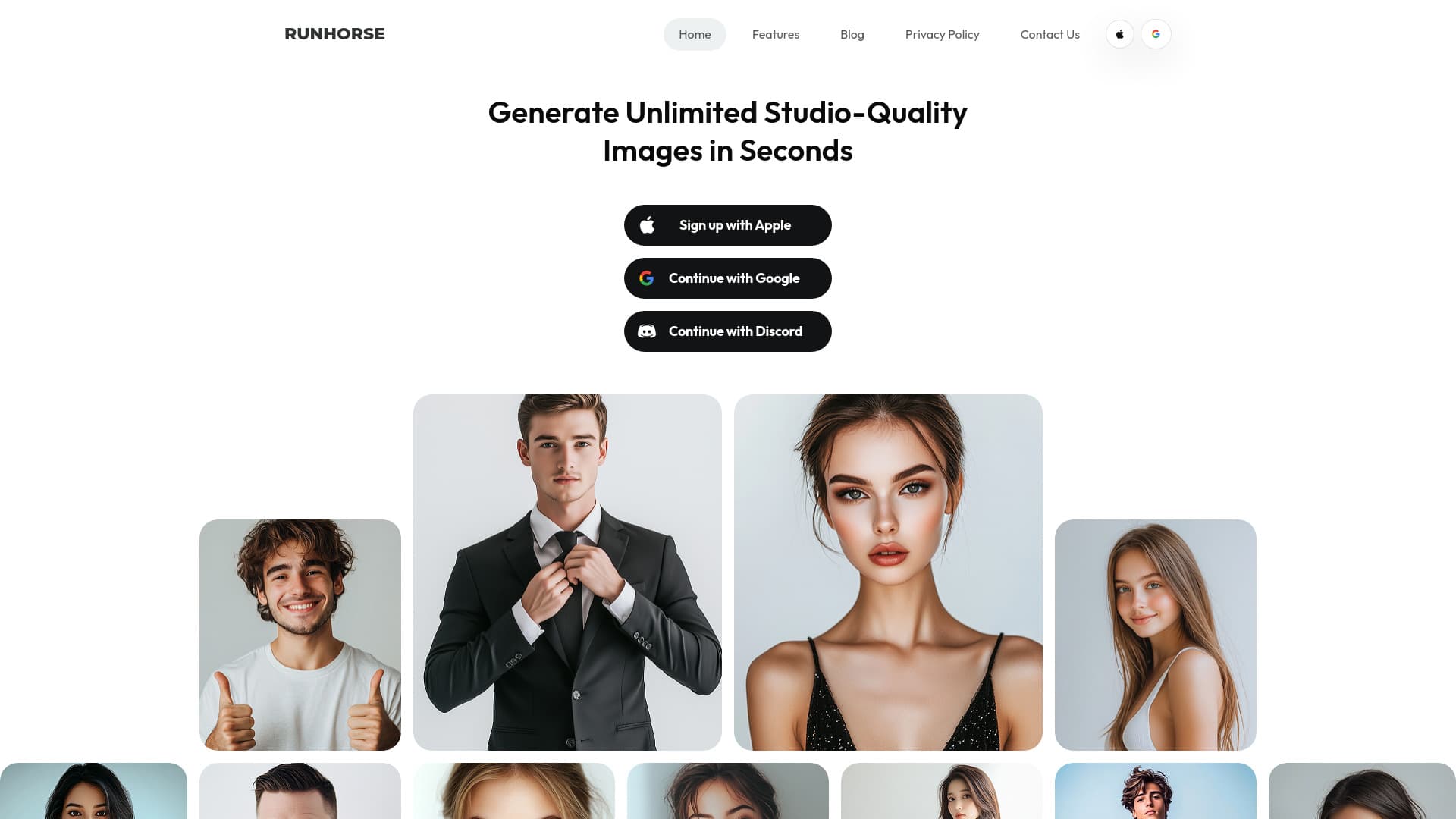
About Runhorse AI
Runhorse AI transforms how you create images with its advanced AI photo generator. It instantly converts your photos into high-quality, personalized images suitable for various uses. Whether you're a beginner or a professional, this free app allows you to generate stunning visuals or edit existing photos with ease, offering tools for style analysis and customization.
How to Use
Upload 10-20 photos from different angles and expressions. The AI analyzes these images to understand your features and style. Then, receive unlimited access to customized, high-resolution images tailored to your preferences.
Features
- Virtual clothing try-on for realistic styling
- Explores various fashion styles virtually
- Analyzes your images to match your features
- Personalizes images with custom backgrounds
- Generates high-resolution AI images
Use Cases
- Virtually experimenting with fashion styles
- Creating compelling visuals for marketing campaigns
- Designing engaging social media profile pictures
- Producing professional marketing materials
- Generating high-quality headshots and portraits
Best For
Small business ownersMarketing professionalsSocial media influencersContent creatorsPhotographersFashion enthusiasts
Pros
- Unlimited creative options with style customization
- Includes virtual clothing try-on features
- Produces studio-quality, high-resolution images
- Access to a wide range of styles and backgrounds
- User-friendly, easy-to-navigate interface
- Suitable for various professional and personal uses
Cons
- Image quality depends on the clarity of uploaded photos
- Pricing details are not explicitly provided
- Requires uploading personal photos for best results
FAQs
What is Runhorse AI?
Runhorse AI is a free app that generates stunning, personalized images using advanced AI technology.
Which platforms support Runhorse AI?
It is available on the App Store for iPhone and Google Play for Android devices.
How many photos should I upload to start?
Upload 10-20 images from different angles to help the AI understand your features.
What image quality can I expect from Runhorse AI?
The app produces crisp, vibrant, full HD images with detailed realism.
Can I customize the style of generated images?
Yes, you can easily change styles, backgrounds, and looks with just a few taps.
Is Runhorse AI suitable for beginners?
Absolutely, its intuitive design makes it accessible for users of all skill levels.
What are the typical uses for AI-generated images?
They’re ideal for social media profiles, professional headshots, marketing, or personal projects.
Does Runhorse AI offer a community or sharing feature?
Yes, users can share their creations and find inspiration within the active creator community.