

Save and search with Stacks
Stacks is an intelligent bookmark manager that leverages AI-driven categorization to simplify organizing and rediscovering your saved content.
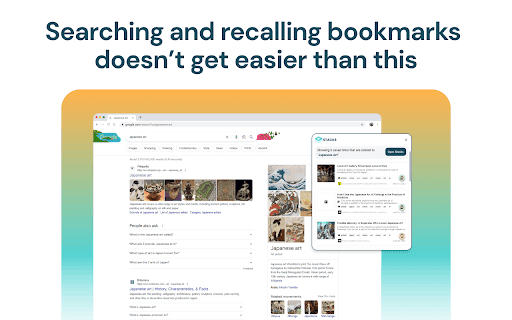
About Save and search with Stacks
Stacks is a comprehensive browser extension and platform designed to help users save, organize, and quickly rediscover bookmarked content. Utilizing AI technology, it automatically categorizes bookmarks from diverse sources like web pages, LinkedIn, YouTube, and Twitter. This makes content easily searchable, shareable, and ideal for collaborative projects.
How to Use
Install the Stacks browser extension, save content with a single click, and let AI automatically categorize your bookmarks. Search your saved items using keywords or access them through intelligent collections. Share curated libraries with colleagues to facilitate collaboration.
Features
- Real-time content sharing and team collaboration tools
- Import bookmarks from platforms like LinkedIn, YouTube, and Twitter
- AI-powered automatic categorization for efficient organization
- Universal search feature for all saved content
Use Cases
- Easily find a bookmarked recipe when searching for 'pasta recipe'
- Share curated resource collections with colleagues for project work
- Organize research materials for academic projects and collaborate with classmates
Best For
Pros
- Supports multiple content types and sources
- Enhances teamwork with collaboration features
- Simplifies bookmarking with a single click
- Provides unified search across all saved content
- Automates organization to save time and effort
Cons
- May require time to learn advanced features
- AI categorization might need occasional manual adjustments