

Save to Kive
Kive is an intelligent asset management platform designed for creators to easily collect, organize, and collaborate on their creative assets.
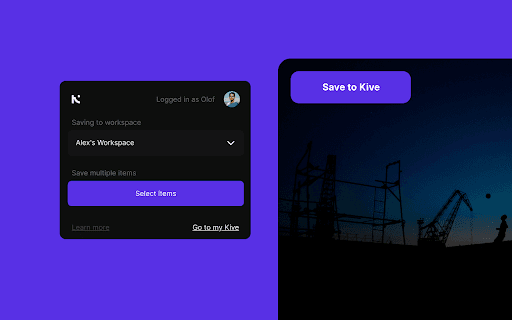
About Save to Kive
Kive is a smart platform tailored for creators to gather and manage creative references and assets seamlessly. It employs AI to automatically organize content through tagging, intelligent sorting, and robust search features. Kive supports team collaboration and enables users to craft visually compelling board presentations for effective pitches and ideas sharing.
How to Use
Install the Save to Kive browser extension to quickly save images and content directly from websites into your workspace. Click the Save to Kive button on images or right-click to select the option. You can also use the browser's Kive button to save all images on a webpage. Once saved, create custom boards to organize your creative ideas and share presentations with collaborators or clients.
Features
- Advanced search and filtering options
- Intelligent sorting into themed boards
- Real-time team collaboration tools
- AI-driven tagging and categorization
- Create and share visual presentations
Use Cases
- Collaborating on design and creative projects
- Designing presentations for clients
- Gathering visual inspiration and references
- Organizing assets for creative workflows
Best For
Pros
- Simplifies saving from websites with browser extension
- Includes tools for creating presentations
- Automates organization with AI tagging
- Supports team collaboration
- Centralizes all creative assets
Cons
- Pricing details are not specified
- Accuracy depends on AI tagging technology
- May have a learning curve for new users