

Scrapybara
Remote desktop instances designed for AI agents, featuring a unified API and precise low-level controls.
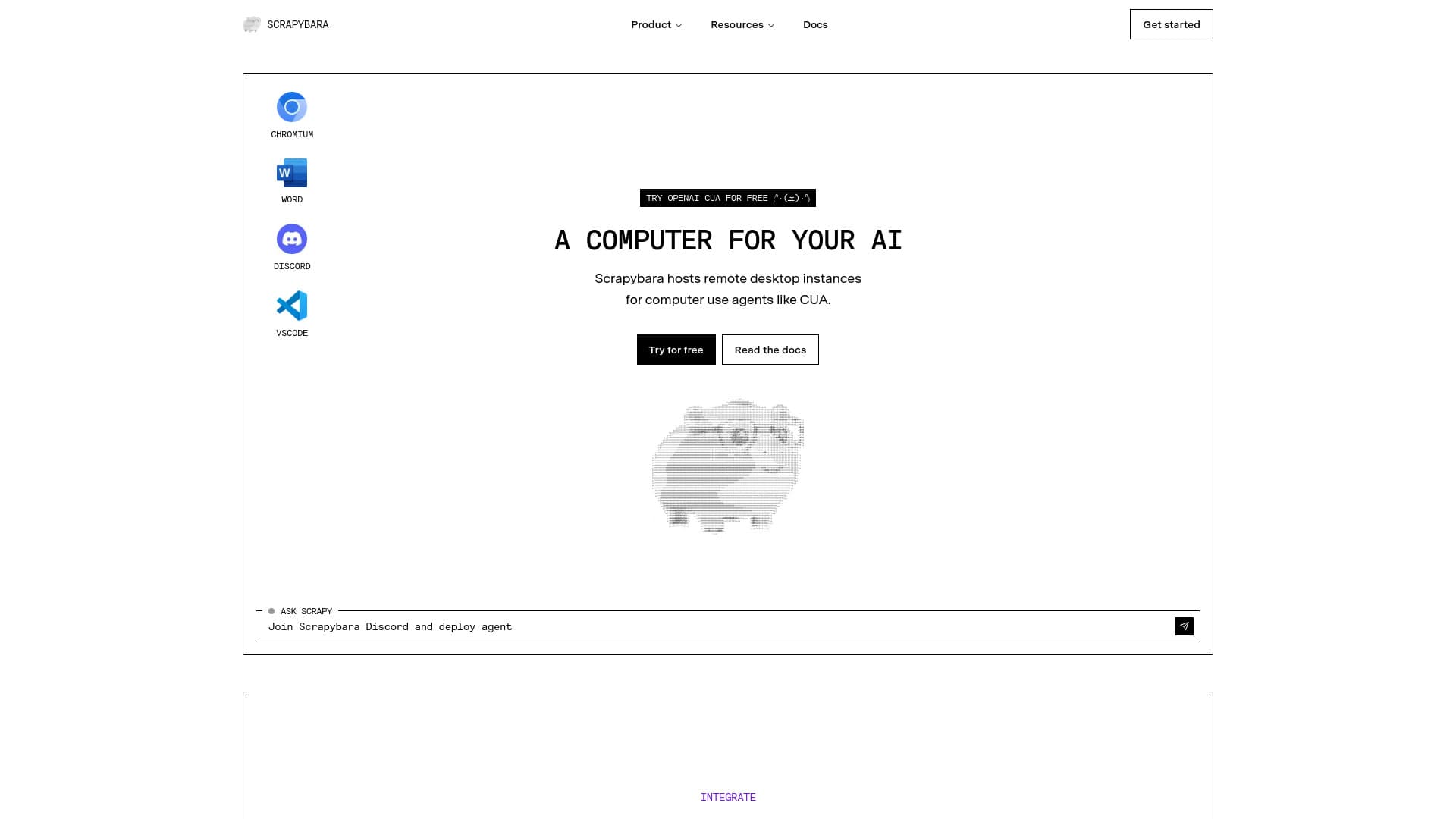
About Scrapybara
Scrapybara provides remote desktop environments for AI agents like Claude and CUA, accessible via a unified API. Developers can execute agents across any model with a single line of code while maintaining low-level access to the browser, filesystem, and code sandboxes. It manages autoscaling, authentication, and environment setup, enabling scalable deployment of AI agents for complex automation and data collection tasks.
How to Use
Install Scrapybara's Python or TypeScript SDK, initialize a client, and launch an Ubuntu instance. Use the `client.act()` method with tools such as ComputerTool, BashTool, or EditTool, along with your preferred AI model like OpenAI, to automate tasks including web scraping and system operations.
Features
- Access to browser, filesystem, and code execution environments
- Real-time streaming to monitor and control sessions
- Persistent sessions to pause and resume instances
- Granular low-level controls for automation
- Unified API compatible with any AI model
- Automatic scaling, authentication, and environment management
- Launch hundreds of instances in milliseconds
- Instant deployment of desktop environments
- Low latency for seamless computer interactions
- Secure remote desktop access for AI agents
- Authenticated session management for website saving and loading
Use Cases
- Automate complex tasks at scale with intelligent agents
- Develop AI-powered web scrapers and data extractors
- Create automated UI testing workflows in Ubuntu environments
- Build AI agents for research and data analysis
- Deploy scalable AI agents for web crawling and scraping
Best For
Pros
- Provides detailed low-level control over desktop environments
- Handles autoscaling, authentication, and environment setup
- Includes lightweight Chromium browser for automation
- Supports both Linux and Windows desktop environments
- Enables saving and loading website sessions securely
- Offers high speed, scalability, and system stability
- Simple integration with a single line of code
- Allows interactive session monitoring and control
- Supports multiple AI language models
- Ensures session persistence for ongoing tasks
Cons
- No specific disadvantages mentioned in the available content.
Pricing Plans
Choose the perfect plan. All plans include 24/7 support.
Free
Includes 10 compute hours, 100 agent credits, and support for 5 concurrent instances.
Get StartedBASIC
Provides 100 compute hours, 500 agent credits, and up to 25 concurrent instances per month.
Get StartedPRO
Offers 500 compute hours, 2,500 agent credits, and 100 concurrent instances monthly.
Get StartedENTERPRISE
Flexible self-hosting options with dedicated support and 99.9% uptime SLA.
Get Started