

ScreenSnapAI
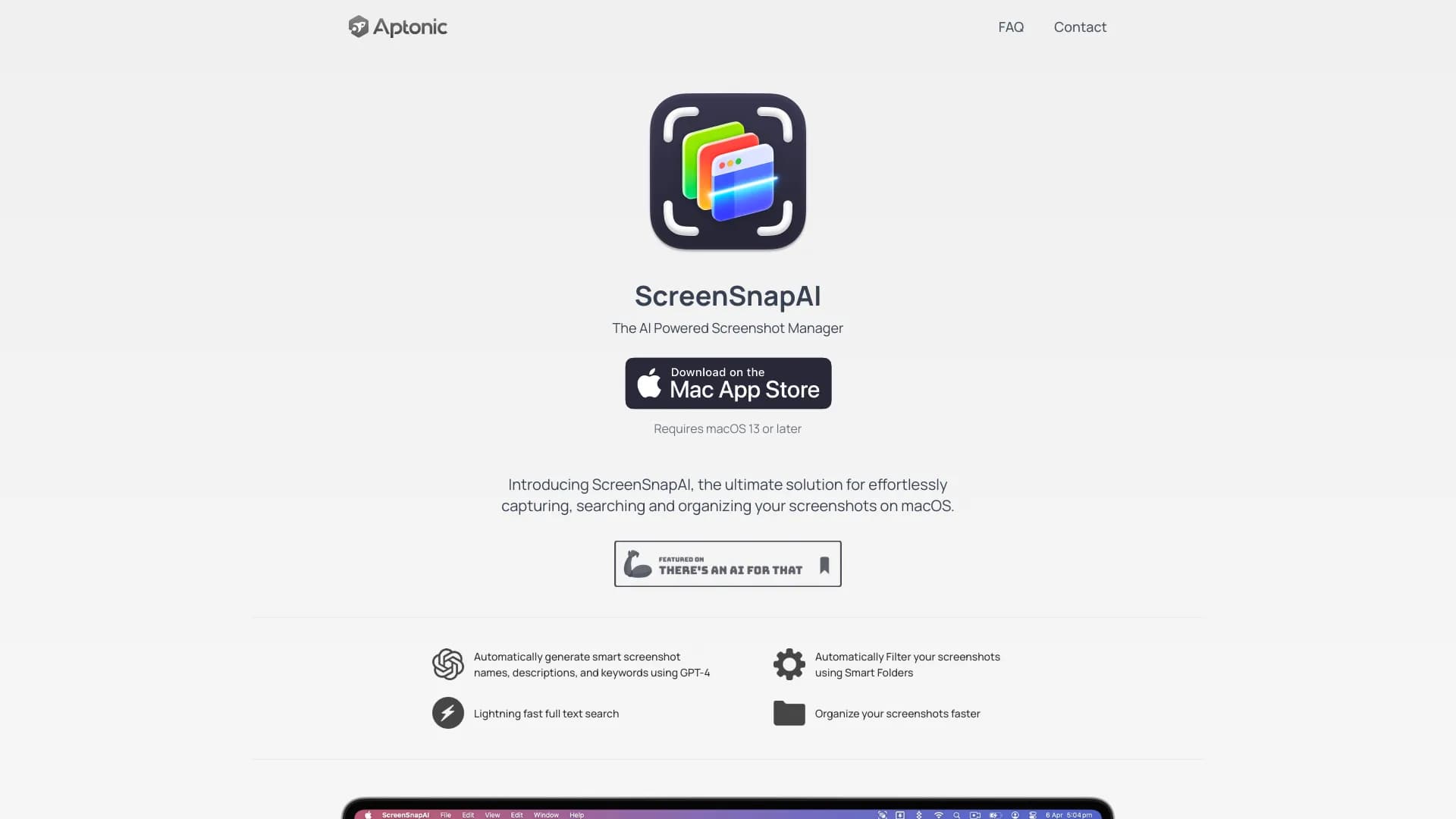
A macOS application that captures, intelligently renames, and organizes screenshots using AI technology.
About ScreenSnapAI
ScreenSnapAI is a powerful macOS application designed to simplify screenshot management. It captures, searches, and organizes your screenshots efficiently. Using AI, it automatically assigns descriptive names, making it easy to locate and categorize your screen captures. The app also offers an AI chat feature for discussing and analyzing screen content, streamlining your workflow and enhancing productivity.
How to Use
Download and install ScreenSnapAI on macOS 13 or later. The app automatically names and tags your screenshots. Use the integrated AI chat to discuss or analyze screen content effortlessly.
Features
- Smart organization of screenshots with AI
- Fast, native macOS experience
- AI-powered chat for discussing screen content
- Automatic renaming and tagging of screenshots
Use Cases
- Collaborate on screen content with AI assistance
- Quickly locate and reference specific screenshots
- Organize images for project workflows
- Streamline screenshot management for documentation
Best For
Pros
- Automatically tags and names screenshots with AI
- Includes AI chat for screen content discussion
- Fast, native macOS application
- Enhances screenshot organization and retrieval
Cons
- Requires macOS 13 or higher
- Limited clarity on free versus pro features
Pricing Plans
Choose the perfect plan. All plans include 24/7 support.