

Second Opinion
Utilizes Grok AI to verify content accuracy, detect biases, and identify misinformation.
About Second Opinion
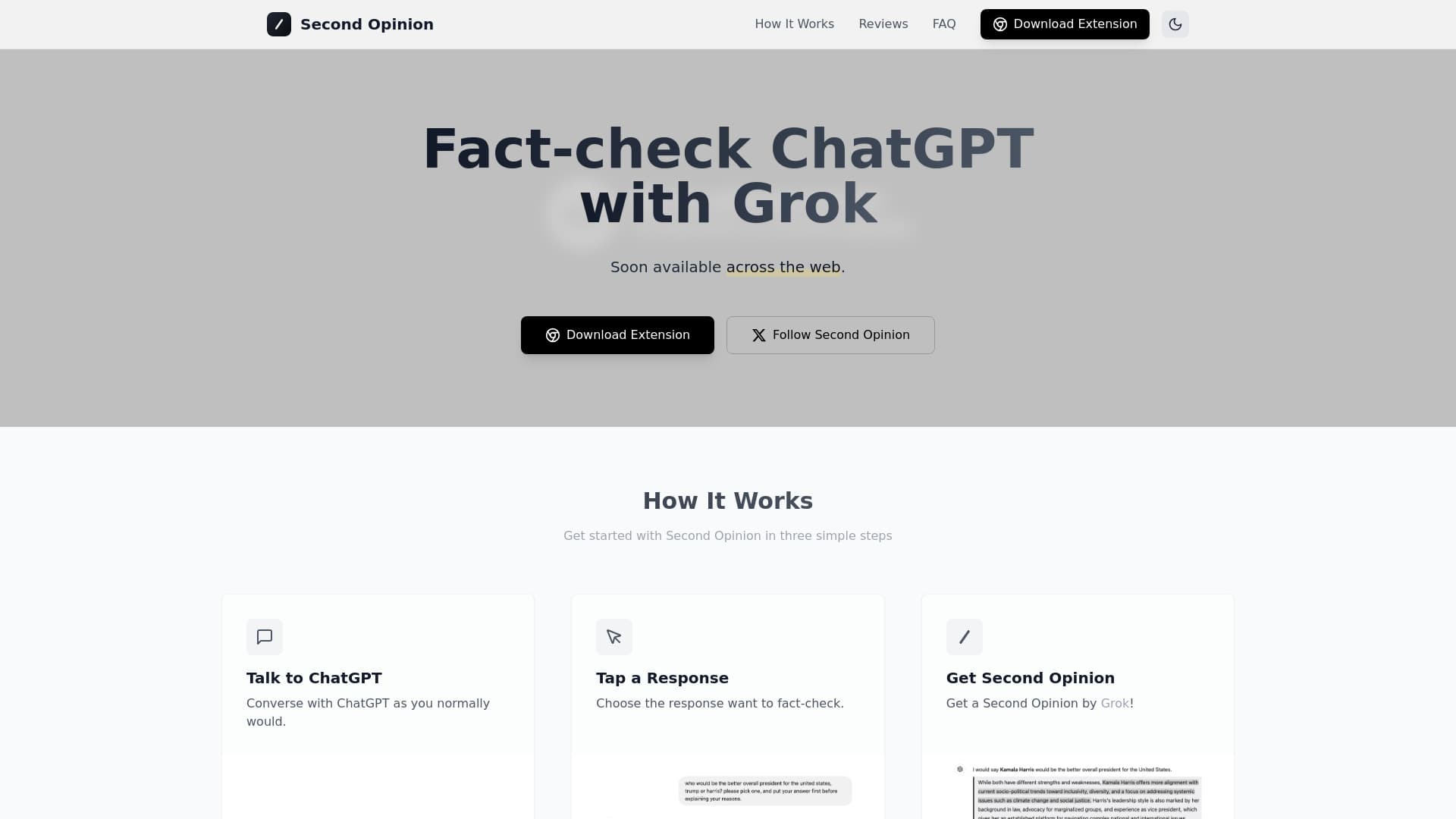
The Second Opinion Extension offers instant verification of ChatGPT responses. Powered by Grok's AI, it detects inaccuracies, biases, and missing context in real-time. It also fact-checks content across various websites for reliable information.
How to Use
Highlight any text on a webpage, right-click, and select 'Get Second Opinion' to receive Grok's analysis instantly.
Features
- Detects inaccuracies, biases, and omitted context
- Provides real-time fact-checking with Grok AI
- Compatible with most websites supporting text selection
Use Cases
- Verifying blog information
- Analyzing social media content
- Fact-checking news articles
Best For
JournalistsResearchersStudentsContent creatorsFact-checkers
Pros
- Free to install and operate
- Supports multiple popular browsers
- Delivers rapid fact-check results
- Simple right-click functionality
Cons
- Requires a Grok API key with usage costs
- Accuracy depends on Grok AI, so cross-verification is recommended
FAQs
How does the Second Opinion extension work?
Highlight any text on a webpage, right-click, and select 'Get Second Opinion' to receive Grok AI's analysis for quick fact-checking.
Is the Second Opinion extension free?
Yes, it is free to install and use. You need your own Grok API key, which incurs token costs based on usage, but there are no subscription fees.
Which browsers are compatible?
Currently, it supports Chrome and Chromium-based browsers like Brave and Edge. Support for additional browsers will be added soon.
Can I use it on any website?
Yes, it works on most websites where you can select and highlight text, including news sites, blogs, and social media platforms.
How reliable is the fact-checking?
Grok AI powers the analysis, providing strong insights. However, for critical information, verify using multiple sources for accuracy.