

Seedance Pro
Seedance Pro AI transforms text and images into high-quality, professional videos using advanced AI technology.
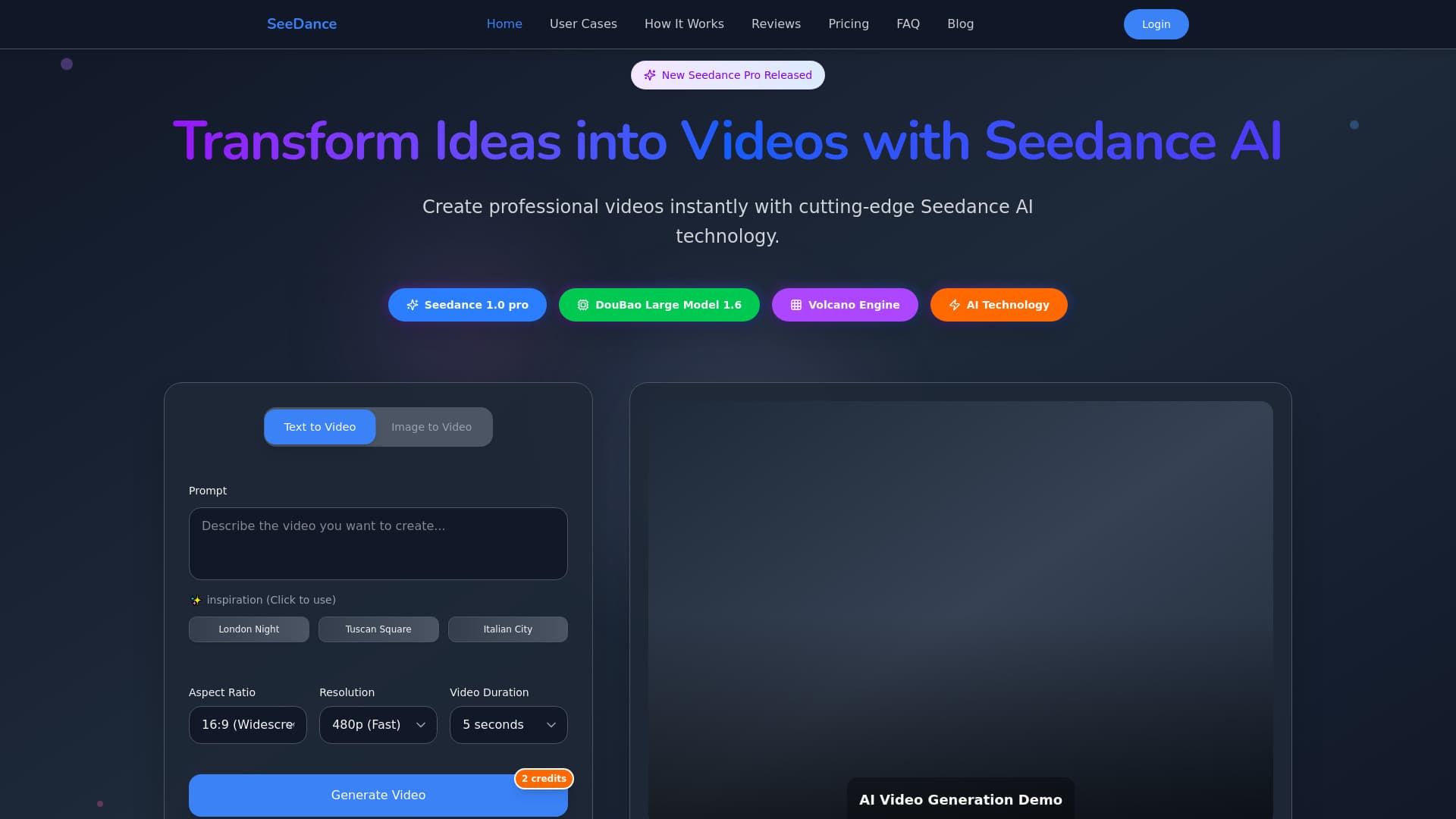
About Seedance Pro
Seedance Pro AI is an innovative platform that leverages artificial intelligence to produce stunning videos from text descriptions or static images. It empowers creators and marketers to generate professional-grade videos quickly and effortlessly, utilizing an advanced generation framework with versatile styling options. Whether for marketing, filmmaking, or social media, Seedance Pro AI simplifies video production and accelerates content creation workflows.
How to Use
To create videos with Seedance Pro AI, select your preferred method—text-to-video or image-to-video. Enter detailed prompts or upload images, then click 'Generate' to produce your video. Preview, customize if needed, and download or share your final video seamlessly.
Features
- Accurate prompt interpretation for complex scenes and camera movements
- Download videos in high-definition (1080p) quality
- Produces smooth, realistic motion with wide dynamic range
- Generate videos from static images with ease
- Offers diverse styles including photorealism, cyberpunk, and illustration
- Create coherent multi-shot stories with consistent elements
- Supports both text-based and image-based video generation
Use Cases
- Creating cinematic-quality videos for filmmakers.
- Developing marketing content for brands.
- Producing engaging social media videos at scale.
- Enhancing digital advertising campaigns.
- Transforming static images into dynamic visual stories.
Best For
Pros
- Delivers smooth, realistic motion with high visual fidelity.
- Includes free credits for new users to get started.
- Supports a variety of artistic styles to suit different projects.
- Enables both text-to-video and image-to-video creation.
- Speeds up the entire video production process.
- Allows commercial use of generated videos.
- Interprets natural language prompts accurately.
- Produces high-quality, professional results.
- Simple four-step creation process.
- Supports multi-shot storytelling with consistent visual elements.
Cons
- Credit usage varies based on model complexity and features, requiring monitoring.
- Video rendering can take 3-5 minutes, which may be slow for urgent needs.
- A subscription is necessary for ongoing access after free credits are used.
Pricing Plans
Choose the perfect plan. All plans include 24/7 support.
Basic
Includes 100 credits monthly, HD 1080p video output, commercial license, download capabilities, and email support. Ideal for beginners and casual creators.
Get StartedProfessional
Offers 330 credits per month, high-resolution videos, priority processing, advanced effects, and dedicated support for professional users.
Get StartedEnterprise
Provides 1200 credits monthly, fastest download speeds, premium 24/7 support, early access to new features, and API integration for large-scale needs.
Get Started