

Semaj AI
SemajAI is an advanced AI quiz generator and versatile multi-AI chat platform designed for educators and content creators.
About Semaj AI
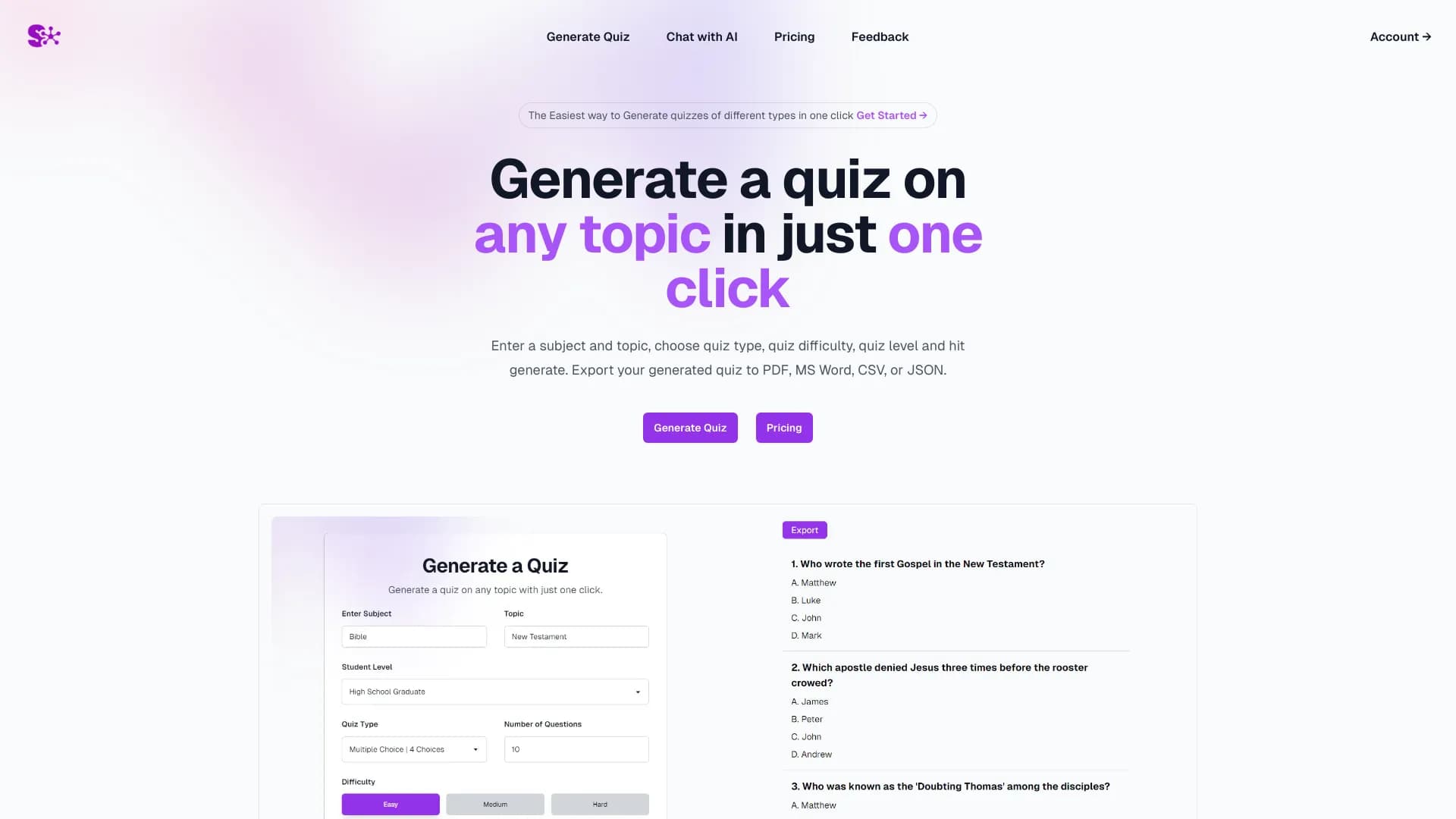
SemajAI empowers users to effortlessly generate quizzes on any subject with a single click. Simply input the topic, select quiz type, difficulty, and student level, then generate. The platform allows exporting quizzes and answers in PDF, Word, CSV, and JSON formats. Additionally, SemajAI provides seamless access to multiple AI models like ChatGPT, Gemini, and Claude within a unified interface, enabling simultaneous chatting and comparison.
How to Use
Enter your subject and topic, select the quiz type, difficulty, and student level, then click 'Generate' to create a quiz. To interact with AI models, use the integrated chat interface to prompt ChatGPT, Gemini, or Claude effortlessly.
Features
- Unified multi-AI chat interface supporting ChatGPT, Gemini, and Claude
- Intelligent quiz generation powered by AI technology
Use Cases
- Creating educational quizzes quickly and easily
- Comparing AI model responses for research or analysis
Best For
Pros
- Simple one-click quiz creation process
- Access to multiple AI models in a single platform
- Supports exporting in PDF, Word, CSV, and JSON formats
- Facilitates easy comparison of AI model outputs
Cons
- Limited details on customization options
- Pricing information is not specified