

SendVocal: AI Voice Mail & Transcription
Easily record and send voice messages with real-time AI transcription directly from your web browser.
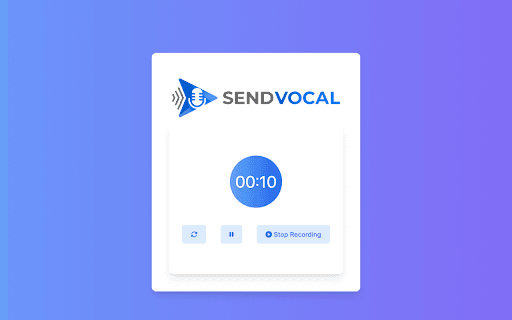
About SendVocal: AI Voice Mail & Transcription
Effortlessly record voice messages and receive instant AI-driven transcriptions, all within your web browser for quick and accessible communication.
How to Use
Open your browser, record a voice message, and the platform will instantly transcribe it using AI. You can then share the transcribed text or the original voice message.
Features
- Web-based voice recording and sharing
- Instant AI-powered transcription of audio messages
Use Cases
- Transcribe voice notes for documentation and record-keeping
- Share voice messages with accompanying text for clarity
- Enable accessible communication for users with hearing impairments
Best For
Customer support teamsResearchersStudentsIndividuals with disabilitiesJournalistsBusiness professionals
Pros
- Fast, accurate AI transcription services
- Improves communication accessibility
- Accessible directly through any web browser
- User-friendly interface for easy operation
Cons
- Dependent on stable internet connections
- Transcription accuracy may vary with audio quality and accents
- Privacy concerns related to voice data handling (ensure data security)
FAQs
How accurate is the AI transcription?
Transcription accuracy depends on audio clarity and sound quality. Background noise and strong accents can affect results.
Is my voice data secure?
Check that the platform has a clear privacy policy, encryption, and secure data transmission to protect your voice data.
Can I use this tool on any device?
Yes, it works on any device with a compatible web browser, including desktops, tablets, and smartphones.
Does it support multiple languages?
Language support varies; please verify if your preferred language is supported before use.
Is there a limit to recording length?
Recording limits depend on the platform’s policies; check the specific usage terms for detailed information.