

SEO AI Writer
Streamlines blog content creation by leveraging AI for SEO optimization and image generation, enhancing productivity and engagement.
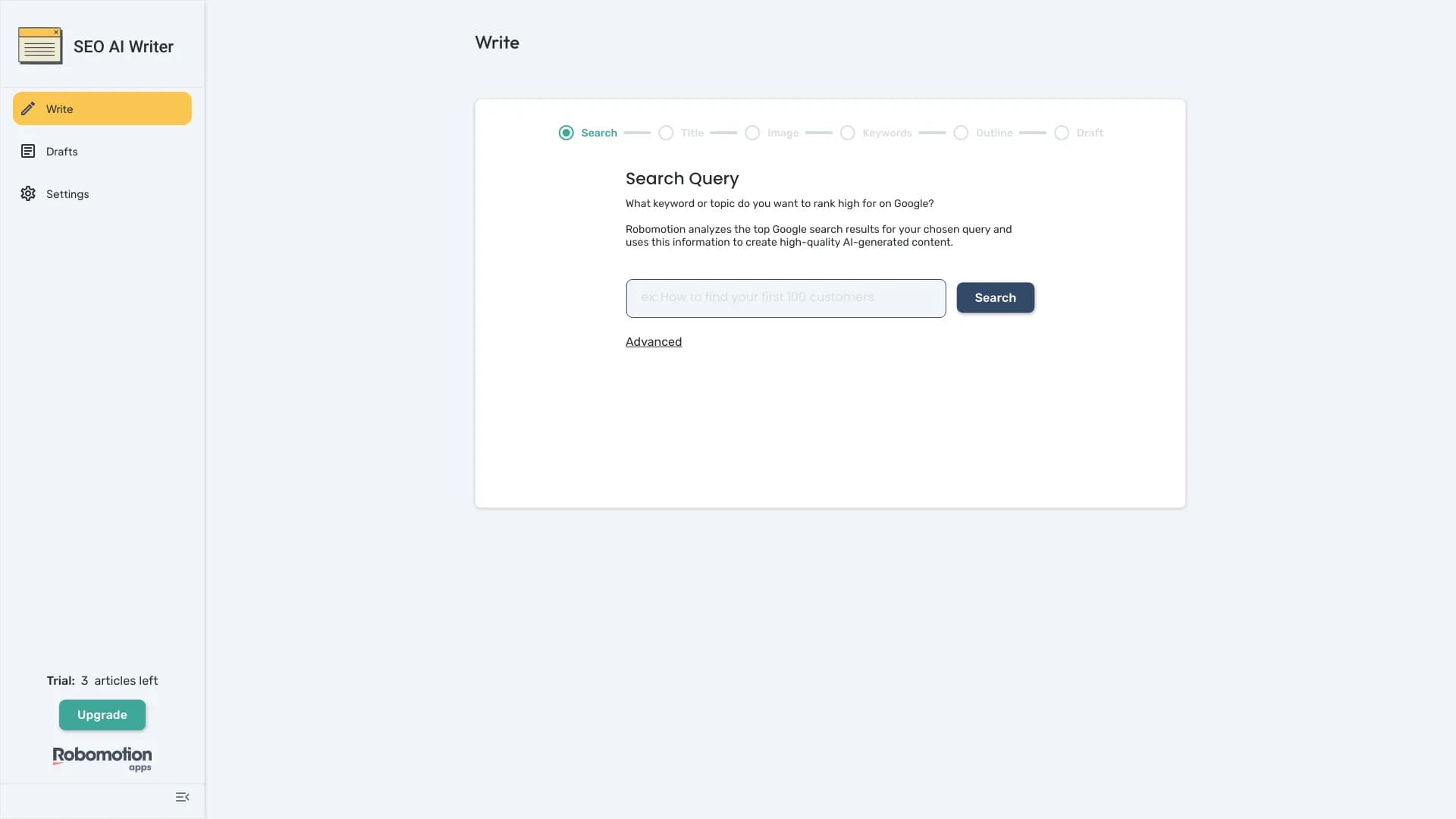
About SEO AI Writer
SEO AI Writer simplifies the process of creating optimized blog content by analyzing top search results, generating structured outlines, incorporating relevant keywords, and producing matching images to elevate your content strategy.
How to Use
Input your target keywords; SEO AI Writer analyzes top Google results to produce structured outlines, embed keywords naturally, and generate relevant images for your blog posts.
Features
- AI-powered image generation
- Automatic blog post creation
- Built-in SEO optimization
- Keyword integration for better ranking
Use Cases
- Producing SEO-friendly blog content quickly
- Enhancing content marketing strategies
- Generating engaging visual media
- Streamlining blog publishing workflows
Best For
SEO professionalsContent creatorsSmall business ownersDigital marketersBloggers
Pros
- Enhances search engine rankings
- Reduces content creation time
- Provides relevant images automatically
- Simplifies the content development process
Cons
- AI-generated content may need manual refinement
- Requires review to ensure accuracy and tone
FAQs
What is SEO AI Writer?
SEO AI Writer automates blog content creation by analyzing top search results, generating structured outlines, integrating keywords, and producing relevant images.
How does the keyword integration work?
The tool seamlessly embeds targeted keywords into your content for better search engine visibility without compromising readability.
Can I customize the generated images?
Yes, you can customize or select images generated by the AI to better suit your blog’s style and content.
Is SEO AI Writer suitable for small businesses?
Absolutely. It helps small business owners create optimized content efficiently, saving time and resources.
Does the tool support multiple languages?
Language support may vary; please check the specific version or updates for multi-language capabilities.