

Skwad
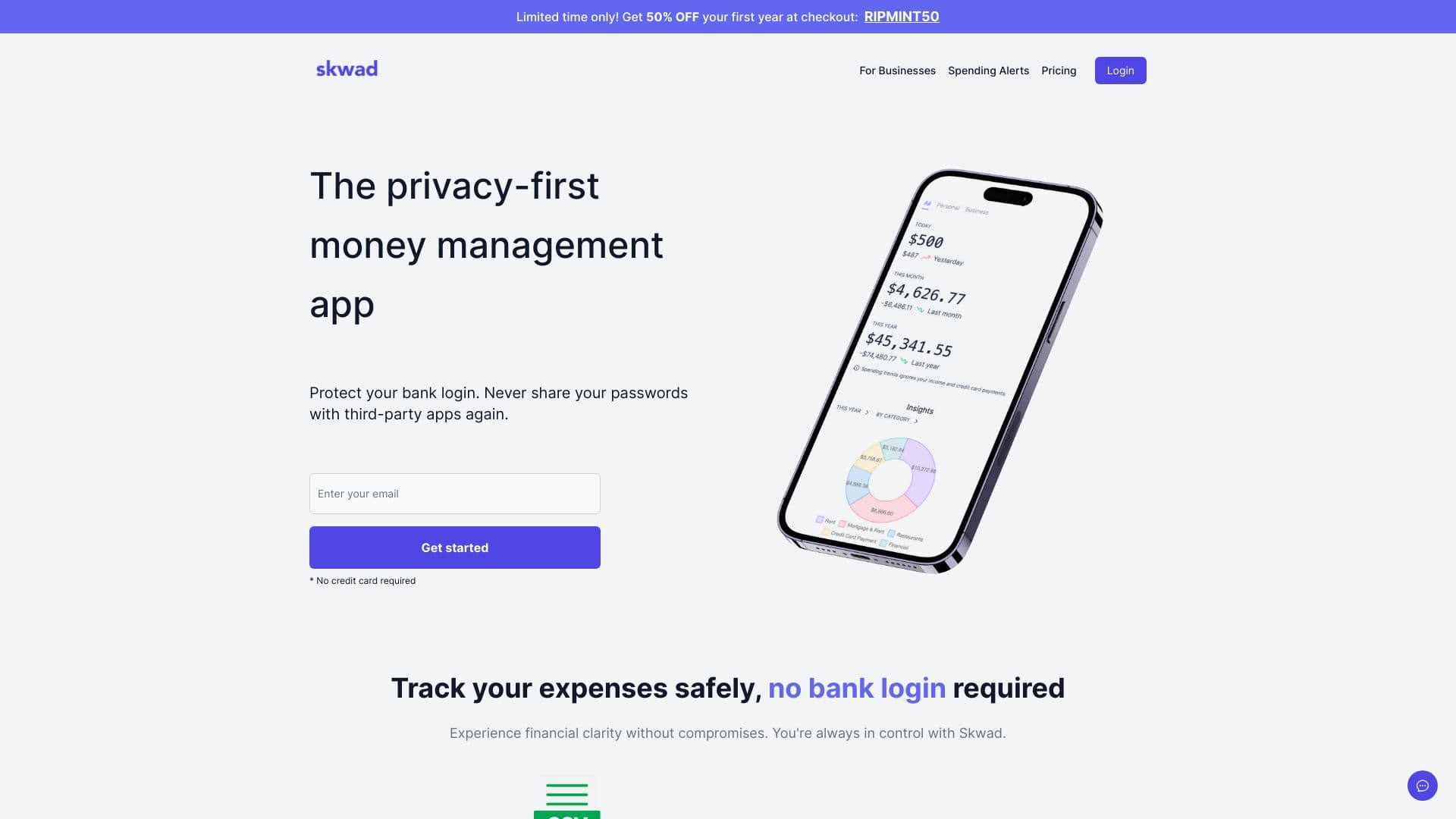
A privacy-centric budgeting application that utilizes email alerts for seamless transaction monitoring and expense management.
About Skwad
Skwad is a privacy-first budgeting platform that enables users to manage their finances without linking bank accounts directly. It leverages bank email alerts to track income and expenses. Features include budgeting, receipt scanning, bank statement conversion to Excel, and real-time sharing for couples’ financial collaboration.
How to Use
Register for an account, receive your unique Skwad email address, set up your bank to forward alerts to this address, and let Skwad categorize your transactions automatically.
Features
- Real-time financial sharing for couples
- Receipt scanning for quick expense capture
- Optional bank account linking via SimpleFIN
- Bank statement conversion to Excel format
- Secure budgeting without bank account linkage
Use Cases
- Collaborate on finances with a partner in real-time
- Convert bank statements to Excel for detailed analysis
- Create budgets and generate financial reports
- Track personal and business expenses without sharing login credentials
Best For
Pros
- Enables couples to share and manage finances collaboratively
- Supports older banks without direct integrations
- Instant transaction updates via email alerts
- Optional bank linking for broader compatibility
- Prioritizes user privacy by avoiding bank password sharing
Cons
- Requires configuring bank email alerts
- Mobile app is currently in beta testing
- Bank linking depends on third-party service (SimpleFIN)
Pricing Plans
Choose the perfect plan. All plans include 24/7 support.
DUO
Ideal for individuals and couples to manage finances. Includes two profiles and one free companion account.
Get StartedDIY
Recommended for users wanting data synchronization with external tools. Includes Google Sheets integration and multi-currency support.
Get Started