

Slacksift
Slacksift streamlines Slack conversations by providing automatic summarization and analysis for quicker understanding.
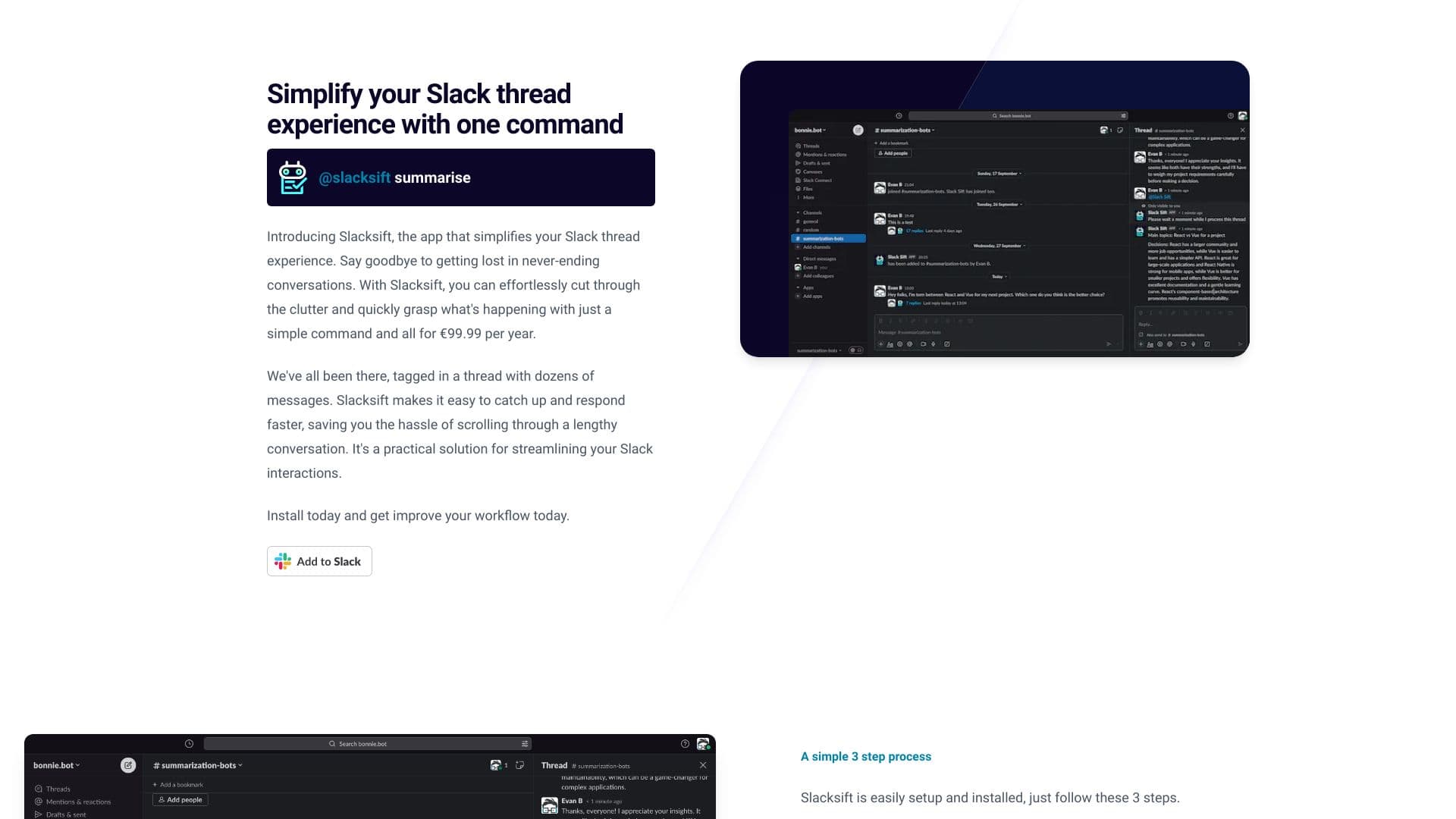
About Slacksift
Slacksift enhances the Slack experience by summarizing lengthy conversations and analyzing message threads. It enables users to quickly grasp the main points, reducing time spent reading through extensive messages. With simple commands, Slacksift helps teams stay efficient and focused, improving overall workflow.
How to Use
Add Slacksift to your Slack workspace. Use '@slacksift setup' in any channel or thread to generate payment links, then type '@slacksift summarise' within a thread to receive a concise summary.
Features
- Automatic Slack thread summarization
- In-depth conversation analysis
Use Cases
- Saving time by summarizing lengthy Slack threads
- Quickly understanding conversation context
- Responding efficiently to key points
Best For
Team leadersMarketing teamsCustomer support teamsSoftware developersProject managers
Pros
- Simplifies complex Slack conversations
- Easy installation and intuitive use
- Provides quick summaries to save time
- Flexible, usage-based pricing
Cons
- Requires payment based on usage
- Dependent on Slack's platform for functionality
FAQs
How do I install Slacksift?
Add the Slacksift app to your Slack workspace via the app directory.
How can I summarize a Slack thread?
In the thread, type '@slacksift summarise' to receive a concise summary.
How is the pricing structured?
You are billed based on your usage, at €0.45 per 500 tokens processed.
Is there a guarantee for refunds?
Yes, we offer a 14-day money-back guarantee for new users.
Does Slacksift work with all Slack plans?
Yes, it integrates seamlessly with all Slack workspace plans.