

SlaxNote
AI-powered voice-to-text application for efficient note-taking and content creation.
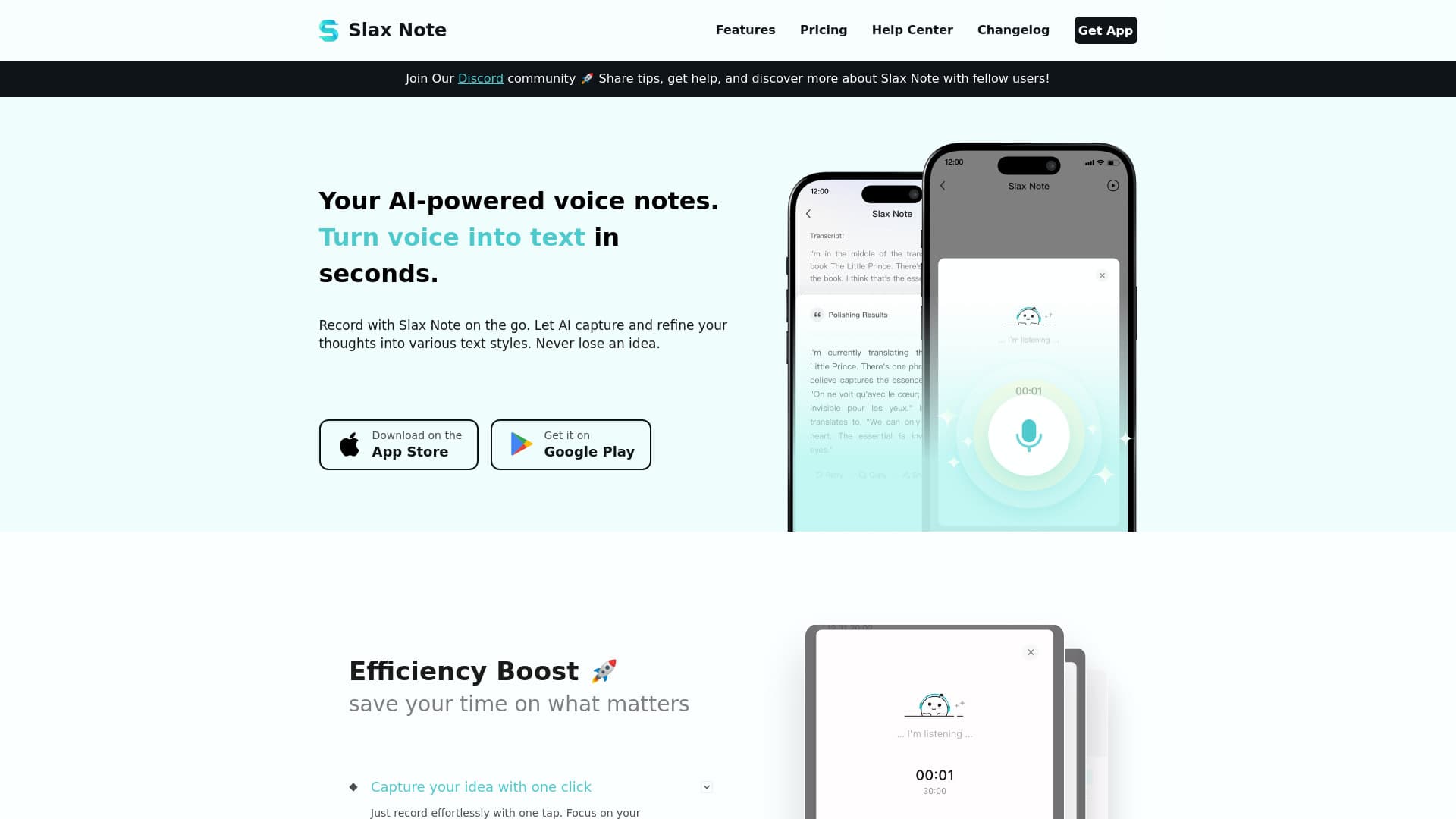
About SlaxNote
SlaxNote is an intelligent voice-to-text tool designed to effortlessly convert speech into organized notes and articles. It leverages AI to capture and refine your voice recordings into various text formats, making your ideas easily accessible and shareable. Perfect for on-the-go recording and efficient content management, ensuring no idea goes unnoticed.
How to Use
Simply record your voice using the app; the AI automatically transcribes and enhances the text. You can then edit, copy, or share your notes and customize the text style to suit your needs.
Features
- Accurate voice-to-text transcription
- Seamless note sharing
- Customizable text styles
- AI-powered text enhancement
- Offline recording capability
Use Cases
- Personal voice memos
- Meeting documentation
- Content development
- Educational notes
- Task scheduling
Best For
Senior managersInvestorsContent creatorsMarketing professionalsStudentsWriters
Pros
- Supports multiple text styles for diverse needs
- Compatible with various languages
- Captures quick thoughts and ideas
- Streamlines transcription and editing processes
- Enables personalized prompts
Cons
- Recording sessions are limited to 30 minutes
- Does not support audio file uploads yet
- Requires internet connection for conversion
Pricing Plans
Choose the perfect plan. All plans include 24/7 support.
FAQs
How do I subscribe to SlaxNote?
Download the app, select your preferred subscription plan, and follow the prompts to create an account and complete payment. Enjoy premium features immediately after subscribing.
Can I upload audio files for transcription?
Currently, audio file uploads are not supported, but this feature is planned for future updates.
How accurate is the speech-to-text conversion?
Using advanced AI technology, the accuracy exceeds 95% for clear audio recordings.
Is there a limit to recording duration?
Yes, each recording is limited to 30 minutes per session.
Can I edit and format the transcribed text?
Yes, all transcribed content is fully editable and can be styled with various text options.
Where are my recordings stored, and are they secure?
All recordings are stored locally on your device to ensure privacy and security.
How can I export or share my notes?
Notes can be easily shared via text or images to other apps for convenience.
Does the app work offline?
Recording functions are available offline, but transcription requires an internet connection.
How do I change the text style of my notes?
Start recording or input text manually, then access the style options to switch between different writing styles or customize your preferred format.
Which languages does SlaxNote support for speech recognition?
It currently supports major languages such as English, Chinese, German, and Japanese, with more languages to be added soon.