

SlideNotes
SlideNotes leverages advanced AI technology to generate personalized notes from your uploaded presentations, streamlining your study and review process.
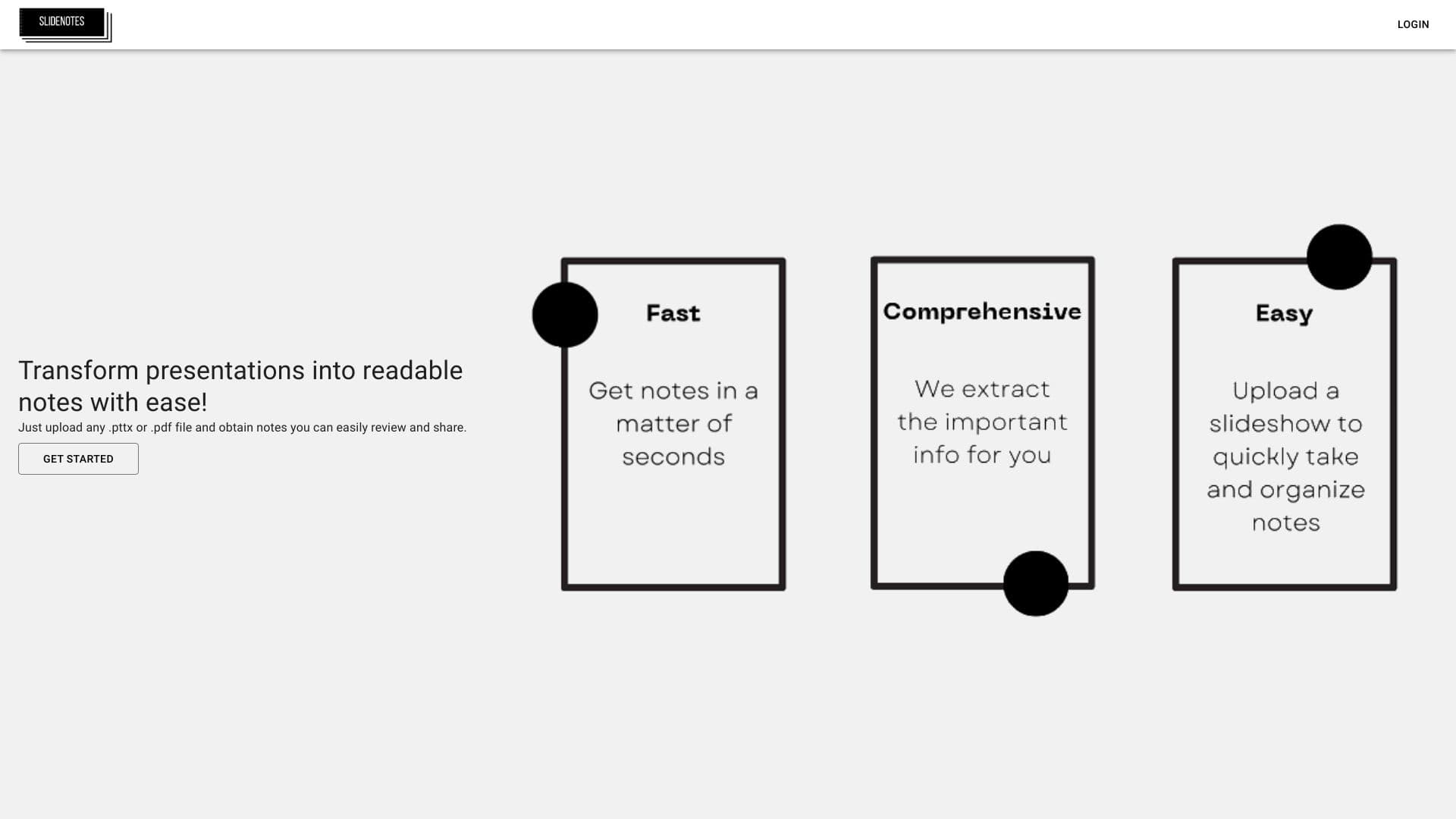
About SlideNotes
With SlideNotes, users can upload PPTX or PDF presentation files and receive automatically generated, easy-to-read notes powered by artificial intelligence. Convert slides into comprehensive summaries effortlessly, making review and sharing more efficient. Simply upload your presentation to get customized notes tailored for effective learning.
How to Use
Upload your PPTX or PDF presentation file to SlideNotes. The AI then processes the content and generates detailed notes for review and sharing.
Features
- AI-driven automatic note generation from presentations
Use Cases
- Creating quick study notes from slides for exam preparation
- Summarizing presentations for better understanding
- Sharing concise notes with colleagues or students
- Simplifying review sessions for educators
- Converting lecture slides into accessible summaries
Best For
StudentsResearchersEducatorsProfessionalsAcademic institutions
Pros
- Automatically converts presentation slides into detailed notes
- Supports both PPTX and PDF formats
- Enhances review efficiency and note sharing
Cons
- Note accuracy depends on AI performance
- Limited information on full feature set
FAQs
What file formats are compatible with SlideNotes?
SlideNotes supports PPTX and PDF files for seamless presentation uploads.
How does SlideNotes generate notes from presentations?
It uses artificial intelligence to analyze presentation content and create customized notes automatically.
Can I edit the notes generated by SlideNotes?
Yes, users can review and modify the AI-generated notes for accuracy and personalization.
Is SlideNotes suitable for large presentations?
Yes, it efficiently processes large slideshows to produce comprehensive notes quickly.
Is my uploaded data secure with SlideNotes?
SlideNotes prioritizes user privacy and ensures all uploaded files are handled securely and confidentially.