

SlidesToVideos.com
Advanced AI platform that transforms Google Slides into captivating videos with voiceovers and customizable styles.
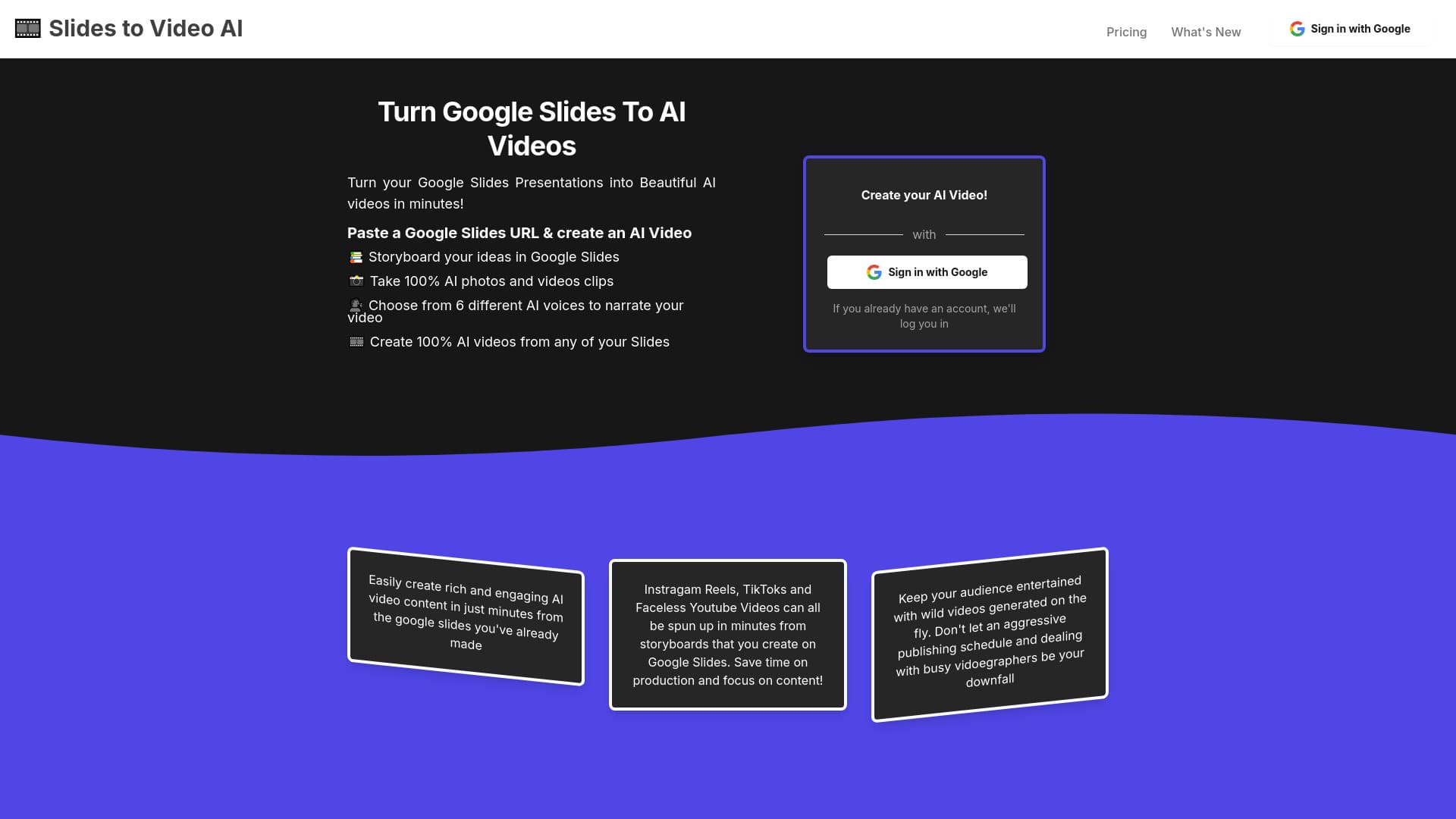
About SlidesToVideos.com
SlidesToVideos is an innovative AI-powered platform that converts Google Slides presentations into dynamic videos. Users can craft multi-scene videos by leveraging their slides, choose between animations or static images, select from six AI voice options, and customize videos with various aspect ratios and styles. Slide text functions as prompts, while presenter notes enable natural AI voice narration.
How to Use
Insert your Google Slides URL into SlidesToVideos, design slide scenes, generate AI images and animations, create narration with AI voices from presenter notes, and produce the final video. Sign in with Google to streamline the process and follow the guided steps to build your video from initial scene to completion.
Features
- AI-powered photo and video clip generation
- Seamless conversion of Google Slides into videos
- Create multi-scene videos easily
- AI-driven text-to-speech narration with multiple voice options
- Adjustable aspect ratios and diverse styles for customization
Use Cases
- Digital marketing campaigns
- Creating social media videos like Reels and TikToks
- Educational content and tutorials
- Content creation for YouTube and podcasts
- Fundraising and promotional videos
- Storyboarding for video projects
- Faceless YouTube channel videos
- Marketing for events and campaigns
Best For
Pros
- Reduces costs and time compared to hiring videographers
- Supports multiple social media aspect ratios
- Consistent character generation with AI Photo features
- Easy integration with existing Google Slides presentations
- Wide selection of AI voices and visual styles
Cons
- Dependent on Google Slides for storyboarding
- AI image and animation quality may vary
- Requires subscription for full feature access
Pricing Plans
Choose the perfect plan. All plans include 24/7 support.
Launch Annual Plan
Create up to 20 videos monthly, access all aspect ratios, and generate AI video clips.
Get StartedLaunch Monthly Plan
Generate up to 20 videos per month, choose from all aspect ratios, and use all AI voices.
Get Started