
Smoothrase
AI-driven photo editing app specializing in object removal and seamless background restoration.
About Smoothrase
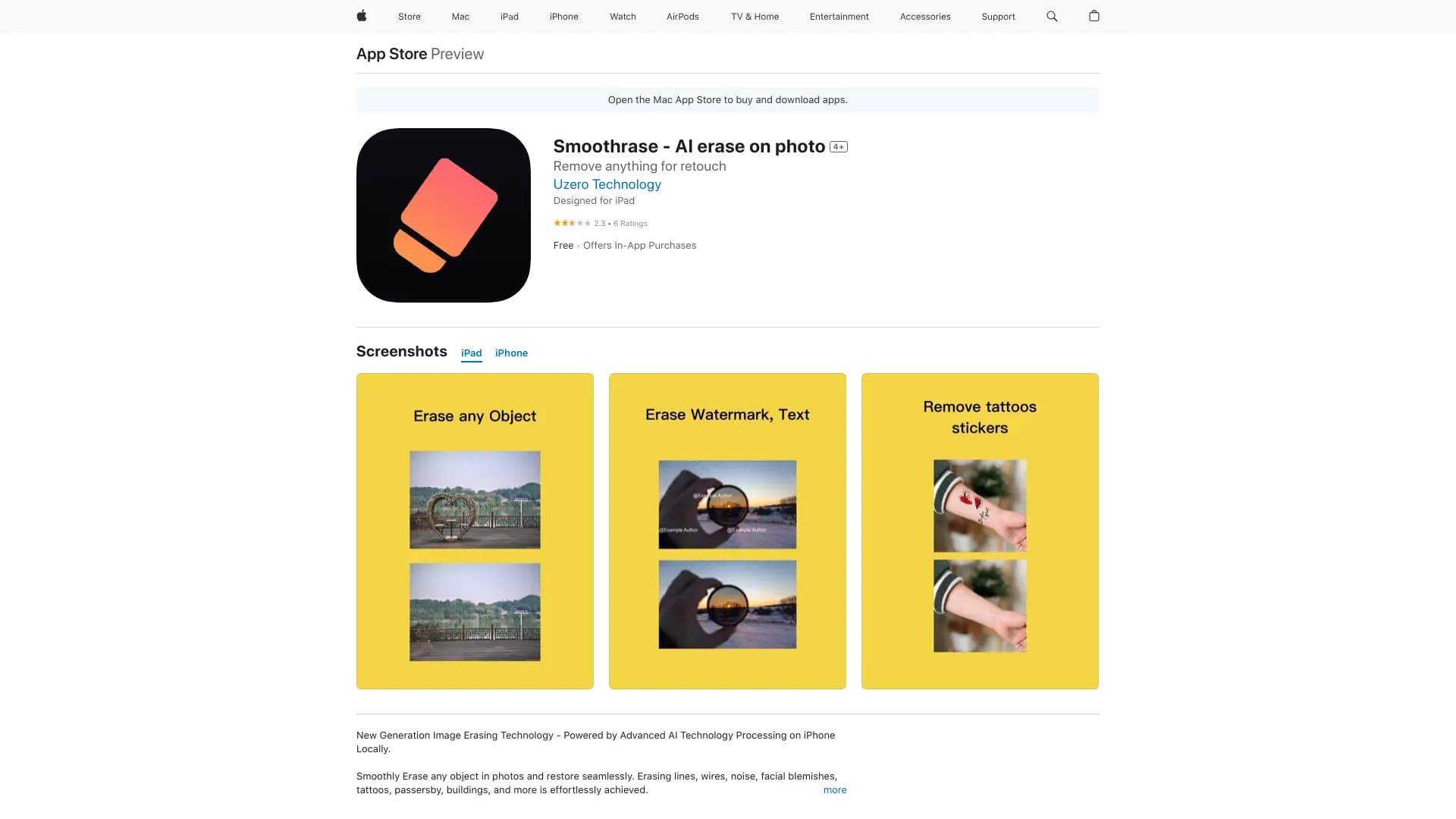
Smoothrase is an AI-powered photo editing application available on the App Store that enables users to effortlessly remove objects and restore backgrounds. It effectively eliminates wires, lines, noise, blemishes, tattoos, passersby, buildings, and more. All editing occurs locally on your device, ensuring your privacy and data security.
How to Use
Download Smoothrase from the App Store. Select a photo and use the AI tools to identify and erase unwanted elements. The app automatically restores the background seamlessly for a professional look.
Features
- Intelligent object removal with AI
- Automatic background restoration
- Privacy-focused local processing
Use Cases
- Remove distracting objects or people from photos
- Eliminate unwanted elements from landscape images
- Refine portraits by removing blemishes and imperfections
Best For
Social media enthusiastsPhotographers seeking quick editsAnyone wanting to remove unwanted objects easily
Pros
- User-friendly with AI-powered tools
- Automatically restores backgrounds after object removal
- Processes images locally to protect privacy
Cons
- Some users experience app crashes
- Full features require a subscription
- Effectiveness varies with image complexity
Pricing Plans
Choose the perfect plan. All plans include 24/7 support.
FAQs
Does Smoothrase process images on the device or server?
All image editing is performed locally on your device, ensuring your privacy is protected.
Which objects can Smoothrase remove?
Smoothrase can delete wires, lines, noise, blemishes, tattoos, passersby, buildings, and more.
What subscription plans are available for Smoothrase?
It offers monthly, yearly memberships, and lifetime purchase options for full access.
Is Smoothrase suitable for professional photo editing?
Yes, it provides advanced AI tools ideal for both casual users and professionals.
Does the app require an internet connection?
All processing is done locally, so an internet connection is only needed for downloads and updates.