

Snapsnob
Snapsnob is a fast, private iOS app designed for efficient photo gallery cleanup and organization.
About Snapsnob
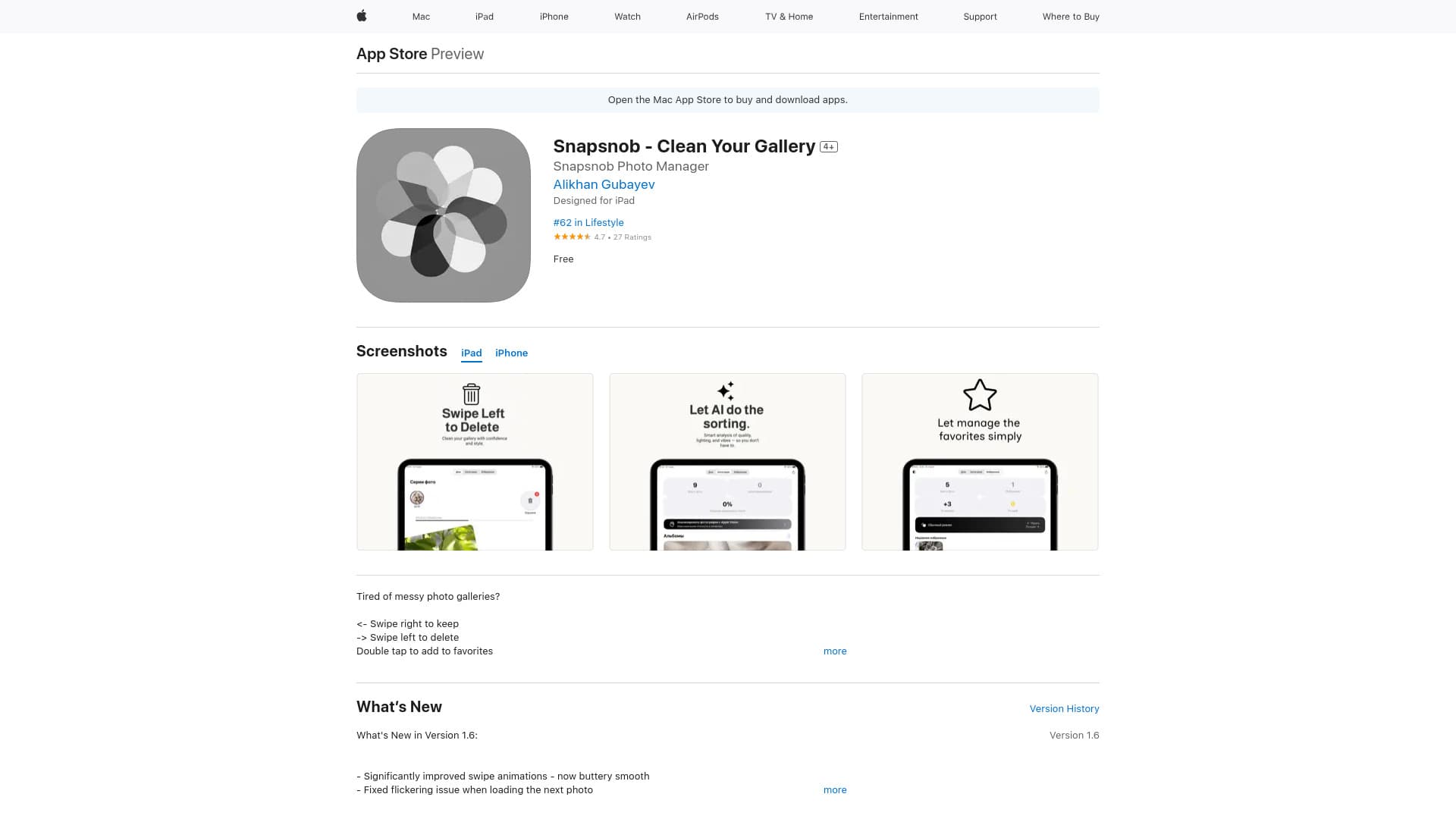
Snapsnob is a user-friendly iOS application that simplifies cleaning and organizing your photo gallery privately and efficiently. With intuitive swipe gestures, users can easily keep or delete photos, mark favorites, and automatically group similar images. The app emphasizes privacy by storing all photos locally on the device and offers instant AI-driven feedback on photo quality. Designed to speed up the process of removing duplicates and blurry shots, Snapsnob makes managing large photo collections straightforward and enjoyable.
How to Use
Use Snapsnob by swiping right to keep photos, swiping left to delete unwanted images, and double tapping to favorite. Its simple gestures streamline cleaning your photo library swiftly and securely.
Features
- Automatically groups similar photos for easy management
- Swipe left to delete unwanted images quickly
- Operates entirely offline for maximum privacy
- Provides instant AI-based photo quality insights
- Swipe right to retain preferred photos
- Double tap to add images to favorites
- Rapid image rendering with smooth swipe animations
Use Cases
- Organizing large personal photo collections efficiently
- Quickly curating a cluttered camera roll
- Identifying and removing blurry or low-quality photos
- Cleaning up duplicate and unwanted images in your gallery
Best For
Pros
- Intuitive swipe-based interface simplifies management
- Highly effective at detecting duplicates and blurry images
- Fast, seamless photo cleanup process
- Smart AI features for grouping and quality assessment
- Keeps photos secure by storing everything offline
- Free to download and use
Cons
- Available exclusively on Apple devices (iPhone, iPad, Mac with M1 or newer)
- Lacks cloud backup or synchronization options, which may be a drawback for some users