

Snipo
Snipo seamlessly captures timestamped video notes within Notion using AI-powered flashcards, enhancing your learning experience.
About Snipo
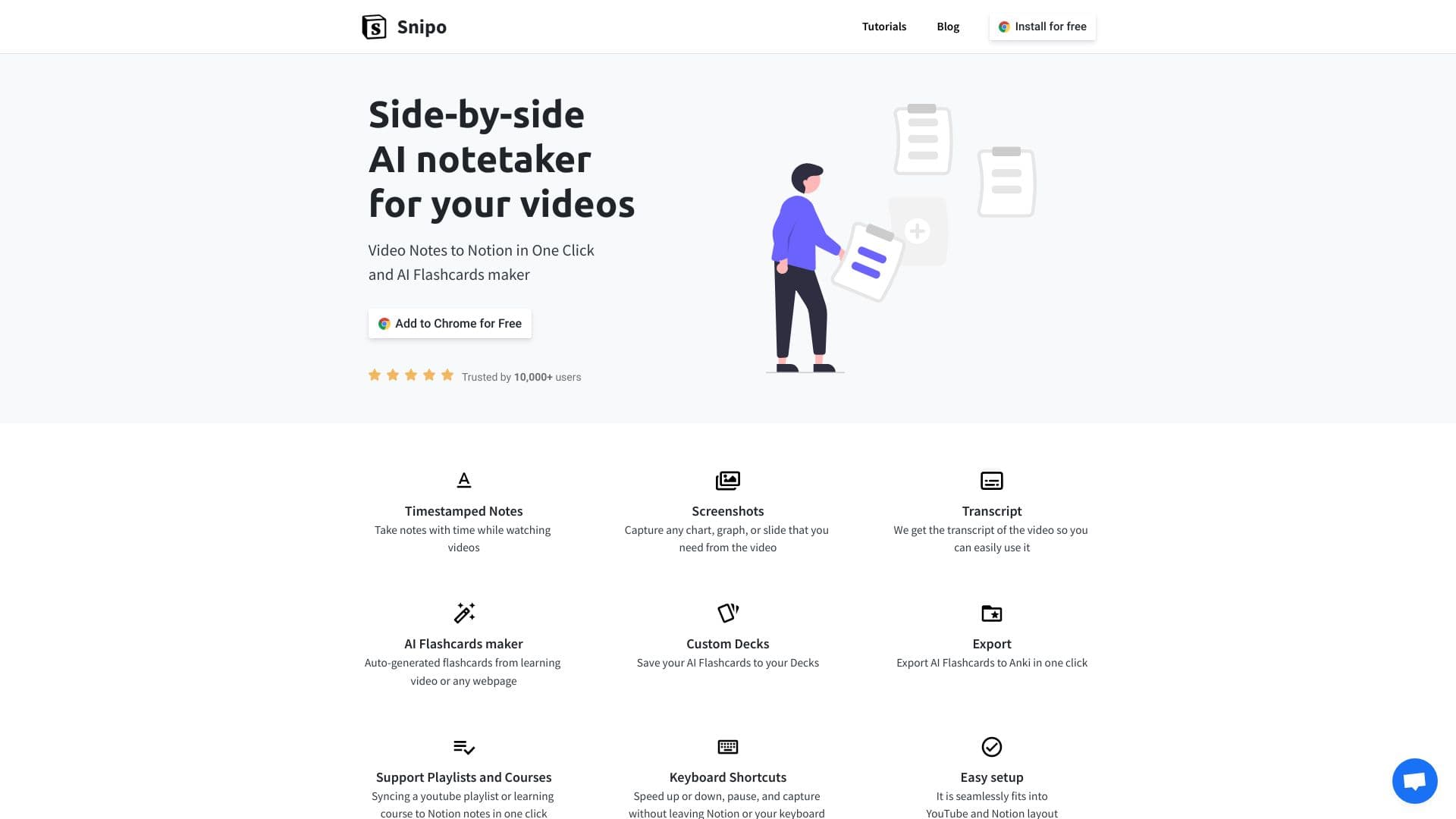
Snipo is an innovative tool that enables users to take timestamped notes directly within Notion while watching educational videos. It synchronizes seamlessly with platforms like YouTube, Udemy, Coursera, Skillshare, and LinkedIn Learning. Key features include split view mode, screenshot and video clip capture, and AI-generated flashcards from video content or web pages, making study sessions more efficient and interactive.
How to Use
Install the Snipo Chrome extension. While watching videos on platforms such as YouTube, Udemy, or Coursera, use Snipo to take timestamped notes that automatically sync with your Notion workspace. Additionally, capture screenshots, video clips, and generate AI flashcards from your learning videos or webpages for better retention.
Features
- Capture screenshots and video clips effortlessly
- Create timestamped notes synchronized with videos
- Use keyboard shortcuts for quick note-taking
- Access full transcripts of videos
- Generate AI-powered flashcards from video content
- Support for playlists, courses, and multiple platforms
Use Cases
- Recording key points and highlights from educational videos for future review
- Creating flashcards from YouTube and online course videos for effective study
- Taking organized notes while engaging with online learning platforms like Udemy, Coursera, Skillshare, and LinkedIn Learning
Best For
Pros
- AI-driven flashcard creation enhances memorization
- Compatible with multiple popular learning platforms
- Timestamped notes facilitate quick video reference
- User-friendly setup and operation
- Integrates smoothly with Notion for organized study
Cons
- Requires an active Notion account
- Dependent on the Chrome extension’s functionality
- May not support every video platform or website