

Soundify
AI-driven sound effects creator for generating custom audio clips from text descriptions.
About Soundify
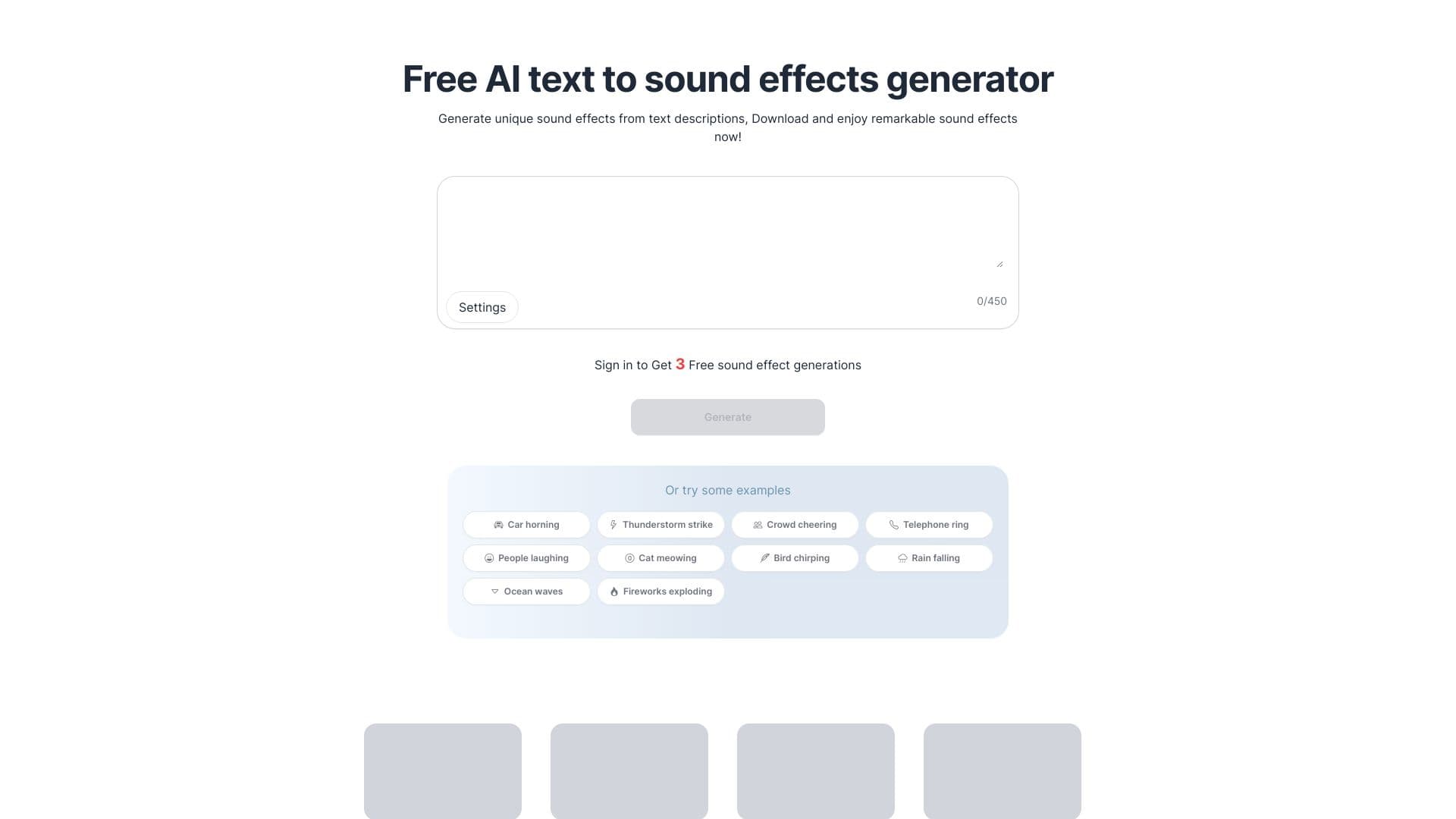
Soundify leverages artificial intelligence to produce tailored sound effects for your projects. Whether you need background music, ambient sounds, or special effects, Soundify helps you find the perfect audio. Simply describe the sound you want, and the platform generates a unique clip based on your input.
How to Use
Open Soundify, enter your sound description into the generator input, and customize settings like duration if needed. You can also select from preset prompts, then download, share, or save your generated audio clips easily.
Features
- Share sound effects directly on social media
- Generate sound effects from text prompts using AI
- Access a library of pre-made sound effects
- Adjust audio duration and customize settings
Use Cases
- Create sound effects for videos, podcasts, and games
- Enhance Luma Dream Machine videos with AI-generated sounds
- Add unique audio effects to TikTok videos
- Transform OpenAI Sora video projects with custom sounds
Best For
Pros
- Easily generate unique sound effects from text inputs
- Adjust the length of audio clips to fit your needs
- Royalty-free effects suitable for commercial projects
- Free tier available for limited use
Cons
- Free version restricts sound effect length to 4 seconds
- Effects created by free users are publicly visible
- Subscription plans are needed for longer or private effects
Pricing Plans
Choose the perfect plan. All plans include 24/7 support.
Free
Ideal for casual users. Includes a free trial, 3 sound effect credits, up to 4 seconds per clip, with public display of effects.
Get StartedStarter
Suitable for more frequent users. Includes $0.02 per sound effect, 400 effects, 200 credits, unlimited downloads, customizable settings, up to 20 seconds per clip, and privacy options.
Get StartedPremium
Designed for professionals. Includes $0.015 per sound effect, 1800 effects, 900 credits, unlimited downloads, advanced customization, up to 20 seconds per clip, and privacy controls.
Get Started