

Sourcetable — AI spreadsheet & data analyst
AI-enhanced spreadsheet platform for data analysis, cleaning, and reporting with over 100 integrations.
About Sourcetable — AI spreadsheet & data analyst
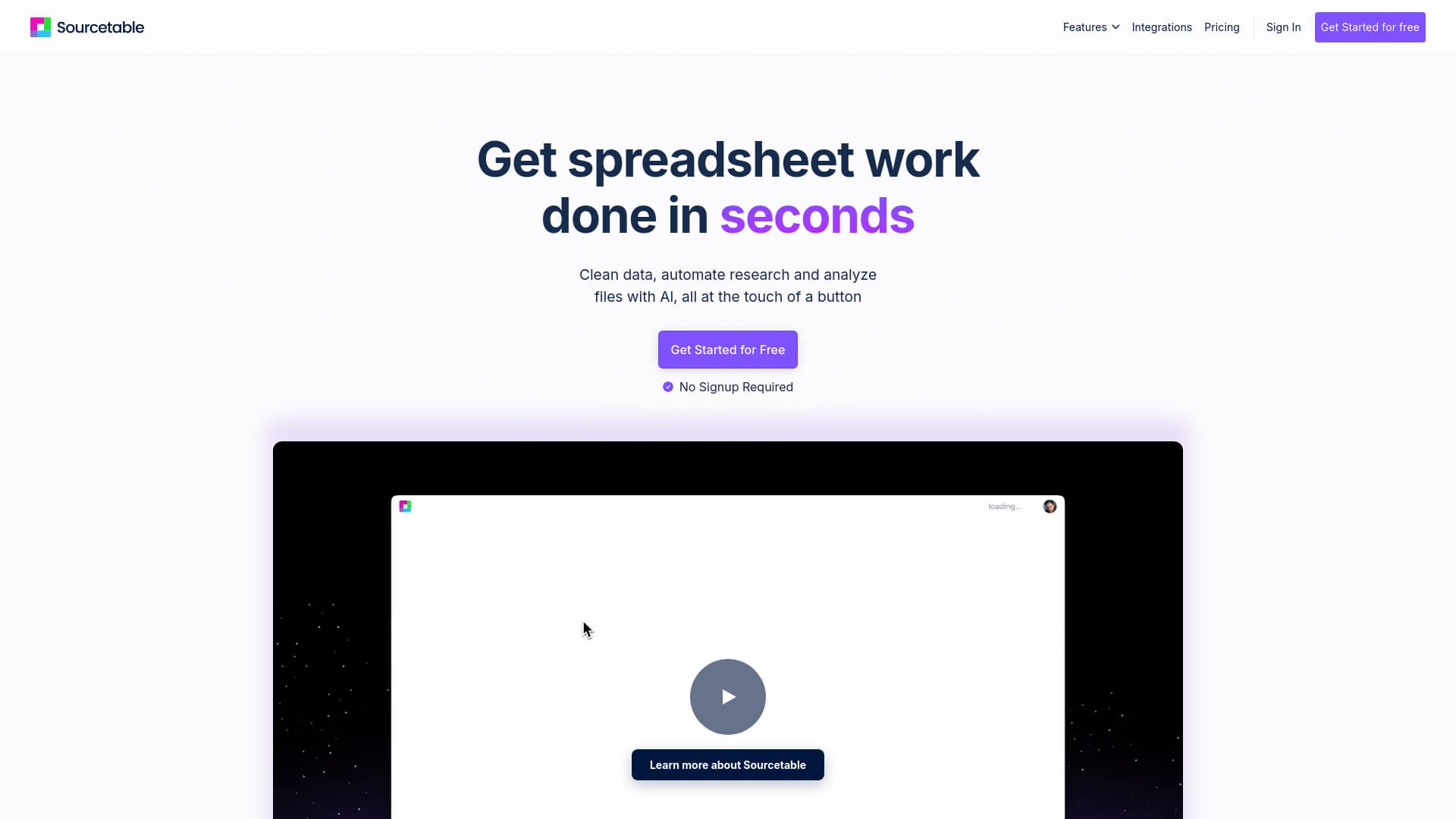
Sourcetable is an innovative spreadsheet tool powered by AI, designed to boost your productivity. Easily chat with your data, perform analysis, clean datasets, build financial models, create visualizations, and more. It seamlessly connects to live data from over 100 sources and databases without requiring coding. Key features include AI-powered formulas, command bar, chart creation, data analysis, template generation, and automatic data cleaning.
How to Use
Upload your data file and begin asking questions. Sourcetable’s AI responds and performs tasks automatically. Alternatively, manually control your data using familiar formulas and features similar to Excel or Google Sheets. Connect to live data sources effortlessly without coding.
Features
- AI Formula Assistance: Generate complex formulas effortlessly.
- Template Creation: Design custom templates for various tasks.
- Automated Data Cleaning: Structure and tidy messy datasets automatically.
- Command Bar: Execute data cleaning, generate content, and access help seamlessly.
- Extensive Integrations: Connect with over 100 data sources and databases in real-time.
- Interactive Chart Generation: Create shareable visualizations instantly.
- AI Data Research: Autofill and enrich your spreadsheets with internet data.
- Spreadsheet AI: Analyze files, generate reports, and communicate with your data.
- Data Insights: Obtain instant analysis and key insights from your datasets.
Use Cases
- Marketing: Evaluate campaign results and customer insights.
- Scientific Research: Process experimental data and analyze findings.
- Finance: Develop financial models and assess market trends.
- Education: Grade assignments and analyze student performance.
- Data Science: Clean data and perform statistical analysis.
- Business Intelligence: Transform metrics into strategic insights.
Best For
Pros
- Free tier available for new users.
- Supports integration with numerous data sources and platforms.
- AI-driven assistance simplifies formula creation and analysis.
- Automated data cleaning and organization features.
- Intuitive interface resembling traditional spreadsheets.
Cons
- Data sync costs may increase with higher active row volumes.
- Free plan AI features have daily usage limits.
- Advanced functionalities often require a paid subscription.
Pricing Plans
Choose the perfect plan. All plans include 24/7 support.
Free
Includes AI assistant with message limits, automatic data filling, AI research, smart formulas, pivot tables, charts, visualizations, collaboration tools, and data cleaning features.
Get StartedPro
All features of the free plan, unlimited AI queries (in beta), data sync add-on, SQL editor, query builder, library access, and CSV import of files over 1GB.
Get StartedTeam Data Plan
Add-on for database and business data synchronization, AI-powered analysis, and automated reporting. Pricing depends on active rows synced each month.
Get Started