

Spaceduck
Spaceduck is an innovative screenshot tool enhanced with AI-driven organization and team collaboration features, streamlining visual data management.
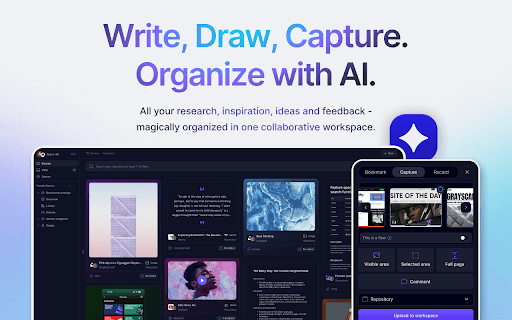
About Spaceduck
Spaceduck transforms how teams capture, organize, and collaborate on visual content. Its robust screenshot capabilities include capturing specific areas, full pages, or user flows across websites and applications. The platform's advanced AI-driven system automatically organizes, tags, and describes your screenshots, making retrieval effortless through natural language searches. Ideal for streamlining visual workflows and enhancing team collaboration, Spaceduck boosts productivity and clarity in project management.
How to Use
Capture web pages or app screens with Spaceduck, then let its AI automatically organize, tag, and describe your screenshots. Share visuals with your team to facilitate collaborative review and feedback.
Features
- Collaborative features including sharing, commenting, and feedback
- Flexible screenshot options: specific areas, full pages, user flows
- Intuitive natural language search for quick retrieval
- AI-driven repository management with automatic organization, tagging, and descriptions
Use Cases
- Conducting housing market research
- Sharing visual insights with team members
- Capturing key moments for team discussions
- Facilitating creative idea development
- Tracking and managing feedback
- Organizing large collections of visual data
- Sharing drafts and work-in-progress visuals
Best For
Pros
- Extensive screenshot capturing options
- Effortless retrieval via natural language search
- Enhances overall workflow efficiency
- Supports seamless team collaboration
- AI-driven organization reduces manual effort
Cons
- AI-based tagging may need occasional manual adjustments
- Learning curve for new users
- Pricing details are not specified