

Spark Mail
Intelligent email application designed for efficient inbox management, enhanced focus, and seamless team collaboration.
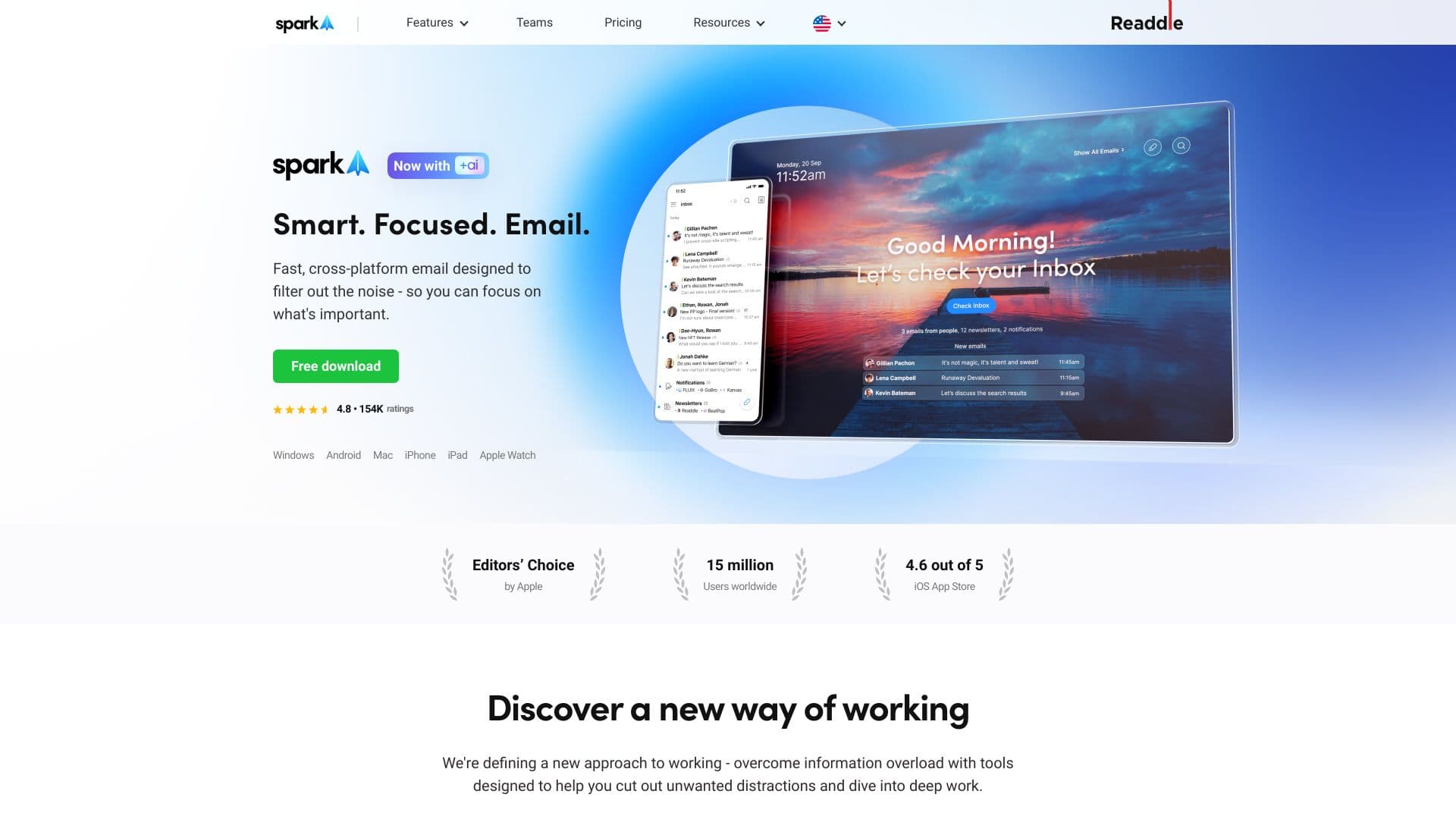
About Spark Mail
Spark Mail is a powerful email client crafted to streamline inbox management. It emphasizes prioritizing critical messages, filtering distractions, and offering collaborative features to boost productivity. Key functionalities include a Smart Inbox, AI-driven email composition, Gatekeeper for blocking senders, Snooze Emails, Send Later scheduling, and team collaboration tools.
How to Use
Download Spark Mail on your preferred platform—Mac, iPhone, iPad, Android, or Windows. Connect multiple email accounts, and the app automatically sorts important emails while filtering out noise. Use collaborative features to compose, delegate, and manage emails with your team easily.
Features
- Gatekeeper for blocking unwanted senders
- Snooze Emails for message reminders
- Send Later to schedule emails
- Organize by Sender for easy filtering
- Team Collaboration tools for shared email management
- AI-powered email writing assistant for faster communication
- Custom Home Screen for quick access
- Priority Email for important messages
- Smart Inbox for automatic sorting
- Mute Threads to silence notifications
Use Cases
- Accelerate email writing with AI assistance
- Collaborate seamlessly with team members on emails
- Schedule emails to send at optimal times
- Manage multiple personal and work email accounts in one place
- Set follow-up reminders for crucial emails
- Block spam and unwanted senders with Gatekeeper
- Prioritize critical emails and filter out newsletters and notifications
Best For
Pros
- Available across Mac, iPhone, iPad, Android, and Windows
- Enhanced productivity with team collaboration features
- Free basic version available
- AI-driven email writing saves time
- Smart Inbox automatically sorts important messages
- Gatekeeper effectively blocks spam and unwanted emails
Cons
- Some users may prefer traditional email interfaces
- AI reliance might reduce personalized email tone
- Premium features require a subscription
Pricing Plans
Choose the perfect plan. All plans include 24/7 support.
Monthly Plan
Includes Spark +AI features (Compose +AI, AI Summaries, Templates), desktop Home Screen, Priority Email, Gatekeeper, Group by Sender, Mute Threads, Large Attachments, Templates, and app integrations.
Get StartedAnnual Plan
Access to Spark +AI features (Compose +AI, AI Summaries, Templates), desktop Home Screen, Priority Email, Gatekeeper, Group by Sender, Mute Threads, Large Attachments, Templates, and app integrations.
Get Started