

Speakatoo TTS
Speakatoo AI Text to Speech seamlessly converts written text into natural speech with just a few clicks, enhancing content accessibility.
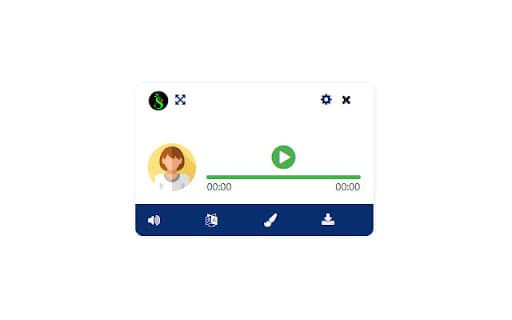
About Speakatoo TTS
The Speakatoo AI Text to Speech extension quickly transforms any written content into clear, natural-sounding speech, making it easier to listen and comprehend your text.
How to Use
Install the Speakatoo AI Text to Speech extension and simply select your text to generate real-time voice output.
Features
- Accurate text-to-speech conversion
Use Cases
- Read articles and documents aloud
- Enhance content accessibility
- Create audio versions of written content
- Assist visually impaired users
Best For
Content creatorsStudentsVisually impaired usersProfessionalsEducators
Pros
- Simple, user-friendly interface
- Transforms any text into natural speech quickly
- Suitable for various accessibility needs
Cons
- Limited customization options available
- Some features may require a premium plan
Pricing Plans
Choose the perfect plan. All plans include 24/7 support.
Pricing
Visit our website for detailed pricing options
Explore various subscription plans and pricing details on our official website
Get StartedFAQs
How can I convert text to speech using Speakatoo?
Install the Speakatoo AI Text to Speech extension, select your text, and it will generate natural voice output instantly.
Is Speakatoo suitable for accessibility purposes?
Yes, it is designed to improve accessibility for users with visual impairments and reading difficulties.
Can I customize the voice or speed in Speakatoo?
Basic voice options are available, but advanced customization may require upgrading to a premium plan.
What types of content can I convert with Speakatoo?
You can convert articles, documents, emails, or any other text content into speech.
Is there a free trial or demo available?
Yes, we offer a free trial to explore the features before subscribing to a plan.