

speakflow.com
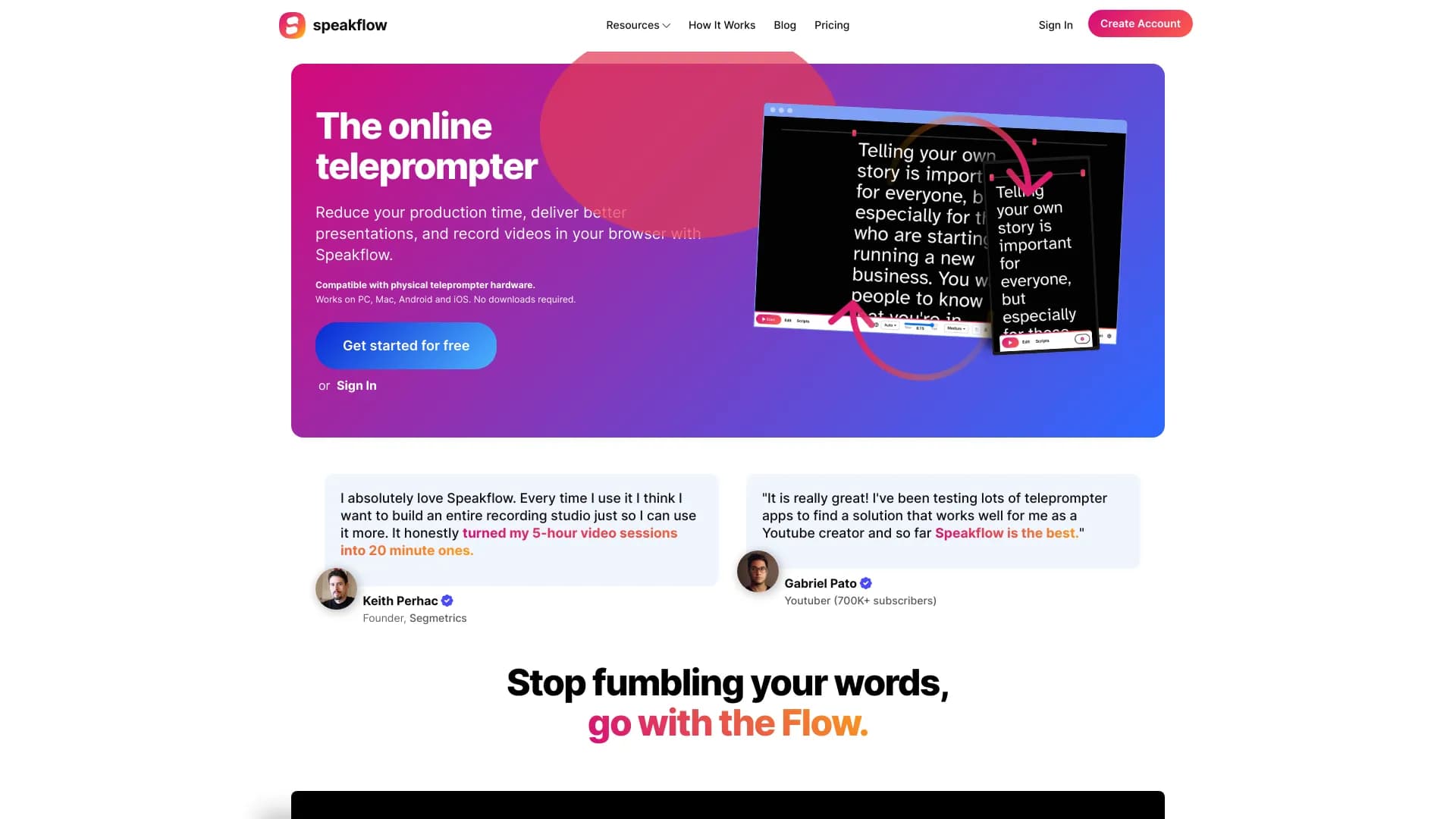
A powerful online teleprompter featuring voice-activated scrolling and seamless team collaboration capabilities.
About speakflow.com
Speakflow is an innovative online teleprompter designed for smooth script writing, editing, and sharing. It features voice-activated scrolling for natural delivery and supports real-time team collaboration. Compatible with Windows, Mac, iOS, and Android devices without downloads, it helps reduce production time, enhance presentation quality, and record videos directly in the browser. Additionally, it integrates with physical teleprompter hardware for versatile use.
How to Use
Users can create, organize, and edit scripts within Speakflow. The platform allows voice-controlled scrolling (Flow mode) or manual navigation. Scripts sync across devices via Remote mode. Users can record videos directly in the browser and collaborate with team members by sharing scripts, organizing with labels, and tracking changes efficiently.
Features
- Record HD videos directly in the browser
- Create, edit, and organize scripts easily
- AI-powered scriptwriting assistance
- Use voice commands for control
- Virtual Teleprompter overlay
- Track script revisions with history
- Collaborate with team members
- Enable voice-activated scrolling (Flow mode)
- Sync scripts across multiple devices
- Bookmark and organize script sections
Use Cases
- Overcome stage fright with teleprompters
- Collaborate on scripts with teams
- Record videos directly in the browser
- Deliver engaging presentations
- Streamline video production processes
- Sync scripts across devices for convenience
Best For
Pros
- Enables team collaboration for script development
- Includes AI tools to assist with writing and editing
- Works across Windows, Mac, iOS, and Android without downloads
- Allows HD video recording within the browser
- Trusted by YouTubers and professional speakers
- Supports device syncing for flexible workflows
- Features voice-activated scrolling for natural delivery
- Reduces overall production time
- Maintains revision history for scripts
Cons
- Free plan limits voice scrolling and script history to 3 days
- Video recording limits vary by plan (1 hour for Plus, 2 hours for Studio)
- Some features like Notion and Google Docs integrations are upcoming, not yet available
Pricing Plans
Choose the perfect plan. All plans include 24/7 support.
Free
Start with unlimited script creation, auto scrolling, and basic features. Includes script editing, formatting, 3-day history, and limited voice scrolling (Flow).
Get StartedPlus
Enhance your workflow with device syncing and voice recognition. Billed annually. Includes unlimited voice scrolling, sync up to 2 devices, record 1 hour of video, AI writing tools, 30-day script history, virtual teleprompter overlay, bookmarks, and voice commands.
Get StartedStudio
Ideal for team collaboration with AI features and video capabilities. Billed annually. Includes 2 hours of video recording, up to 10 team members, sync across 5 devices, premium support, and upcoming integrations with Notion and Google Docs.
Get StartedBasic
Unlock voice scrolling and physical teleprompter compatibility. Includes unlimited voice recognition, horizontal text flip, no time limits, and priority support. Does not include multi-device sync or shareable video links.
Get Started