

Speechless: audios to texts
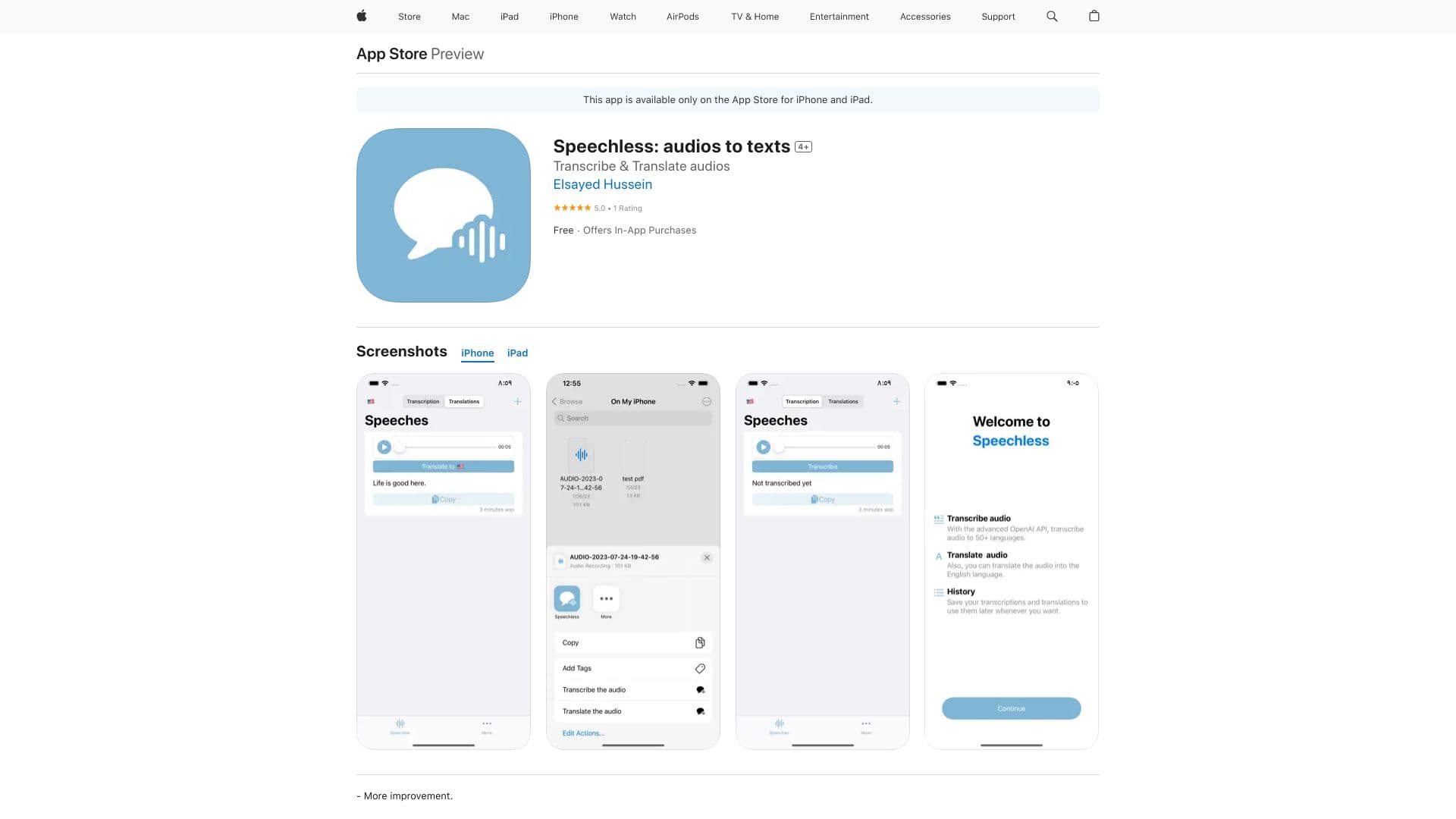
Speechless is an advanced audio transcription and translation app leveraging OpenAI's Whisper API for precise and efficient results.
About Speechless: audios to texts
Speechless is an intuitive app for iPhone and iPad that utilizes OpenAI's Whisper API to deliver fast and accurate audio transcription and translation. Users can import audio directly within the app or through the iOS share menu. It supports multiple audio formats, offers real-time translation, and simplifies sharing transcriptions to enhance communication across languages.
How to Use
Import audio files directly into Speechless or share audio from apps like WhatsApp, Voice Memos, or Messages via the share sheet. The app supports various formats and allows copying transcriptions or translations to the clipboard for easy use.
Features
- Accurate audio transcription with OpenAI's Whisper API
- Import audio from multiple sources including share sheet
- Easily share transcriptions and translations
- Real-time audio translation for instant communication
Use Cases
- Transcribing WhatsApp voice messages
- Converting voice notes into text documents
- Breaking language barriers through audio translation
- Transcribing and translating Voice Memos recordings
Best For
Pros
- User-friendly interface simplifies usage
- Supports both transcription and translation features
- Integrates seamlessly with other apps via the share sheet
- Provides high-accuracy transcriptions powered by OpenAI's Whisper API
Cons
- Accuracy depends on the Whisper API, which may struggle with certain accents or noisy audio
- Requires subscription for full access
- Compatible with iOS 14.0 and later devices
Pricing Plans
Choose the perfect plan. All plans include 24/7 support.