

Spline
Free, user-friendly 3D design platform for creating interactive web experiences with real-time team collaboration.
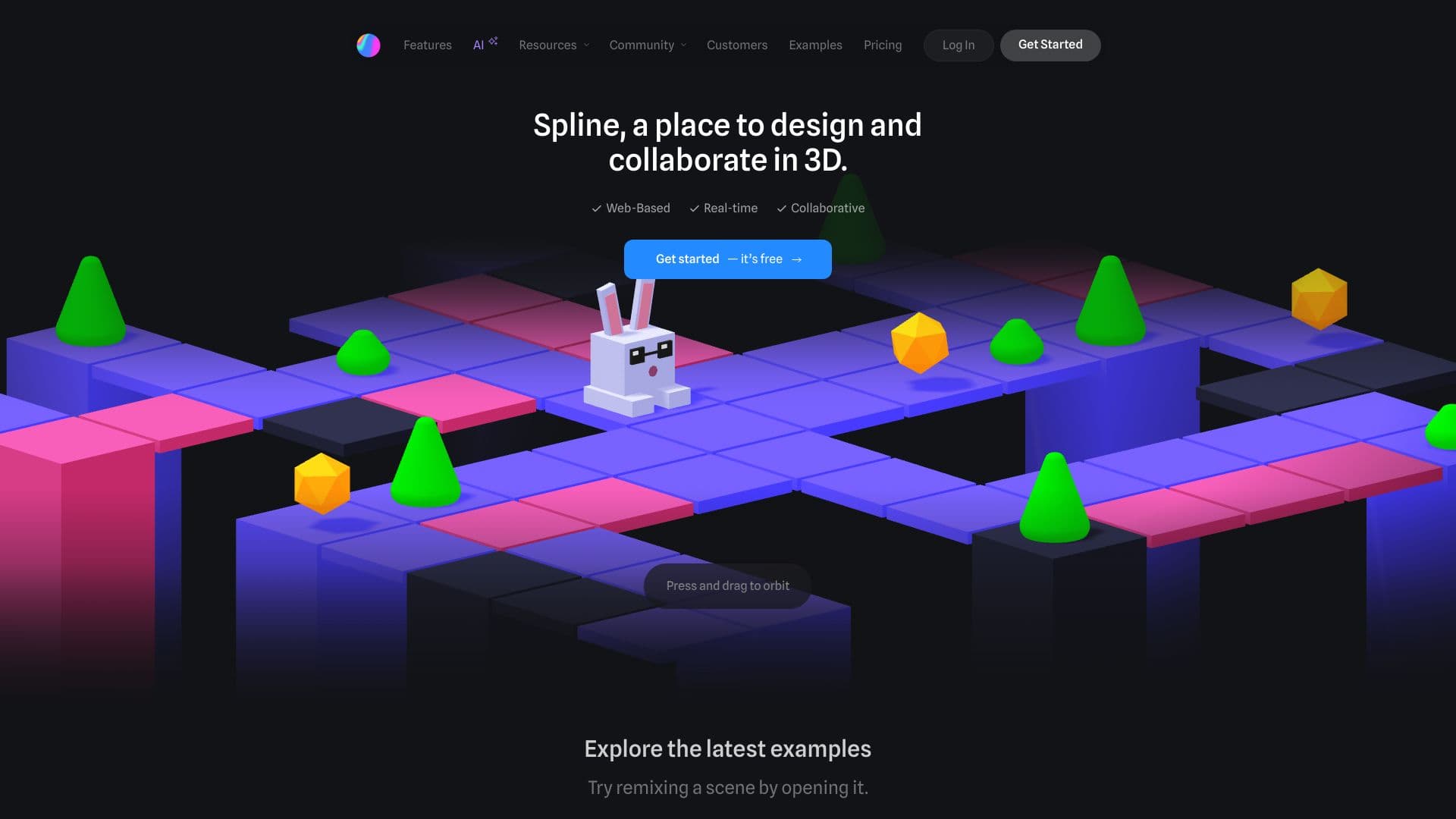
About Spline
Spline is a free, intuitive 3D design software that enables real-time collaboration for building interactive web experiences directly in your browser. Easily create 3D models, animations, textures, and more, then publish and embed your projects seamlessly. Designed for rapid iteration and professional results, Spline empowers teams to design, collaborate, and bring their 3D visions to life on the web.
How to Use
Create and customize 3D objects, apply materials, add interactivity, and export your designs. Embed your 3D content into websites using simple code snippets. Collaborate with team members in real-time to refine your projects quickly.
Features
- Intuitive camera controls
- Physics simulations
- Animations and transitions
- Reusable components
- Real-time team collaboration
- Export options for images, videos, and 3D models
- Comprehensive 3D modeling tools
- Team project management with folders
- Material asset library
- Layered material editing
- Interactive experience creation
- Drag-and-drop interface
- 3D sculpting tools
- Code export for developers
- Web browser event handling
- Game control integration
- Extensive templates library
- Video texture support
- 3D vector editing capabilities
Use Cases
- Collaborating on 3D projects in real-time
- Designing interactive 3D web experiences
- Creating spatial content for augmented reality platforms
- Integrating 3D models into websites
- Developing 3D animations and prototypes
Best For
Pros
- No cost to get started
- Simplified 3D modeling and animation
- Multiple export formats
- Rich feature set for advanced projects
- Supports real-time teamwork
- Accessible via web browser, no installation needed
Cons
- Watermarks on web exports in the free plan
- Feature limitations without paid plans
- AI features require additional subscription
Pricing Plans
Choose the perfect plan. All plans include 24/7 support.
Starter
Access all free features plus two personal file editors, no watermarks on exports, video upload capabilities, higher-resolution image exports, and access to Spline’s material and audio libraries.
Get StartedProfessional
Includes unlimited personal file editors, unlimited folders and scenes, export to Apple and Android devices, code download, audio uploads, version history, variable storage, and unlimited API/webhook integrations.
Get StartedTeam
Offers shared team workspaces, unlimited team files, folders, projects, and advanced collaboration features. Team members inherit professional plan benefits with increased AI credits.
Get StartedEnterprise
Provides centralized licensing, multiple team management, SAML SSO, tailored onboarding and training, priority support, and advanced security options.
Get Started