

Stack Studio AI
AI-powered software architecture platform for feature planning, design generation, and documentation creation.
About Stack Studio AI
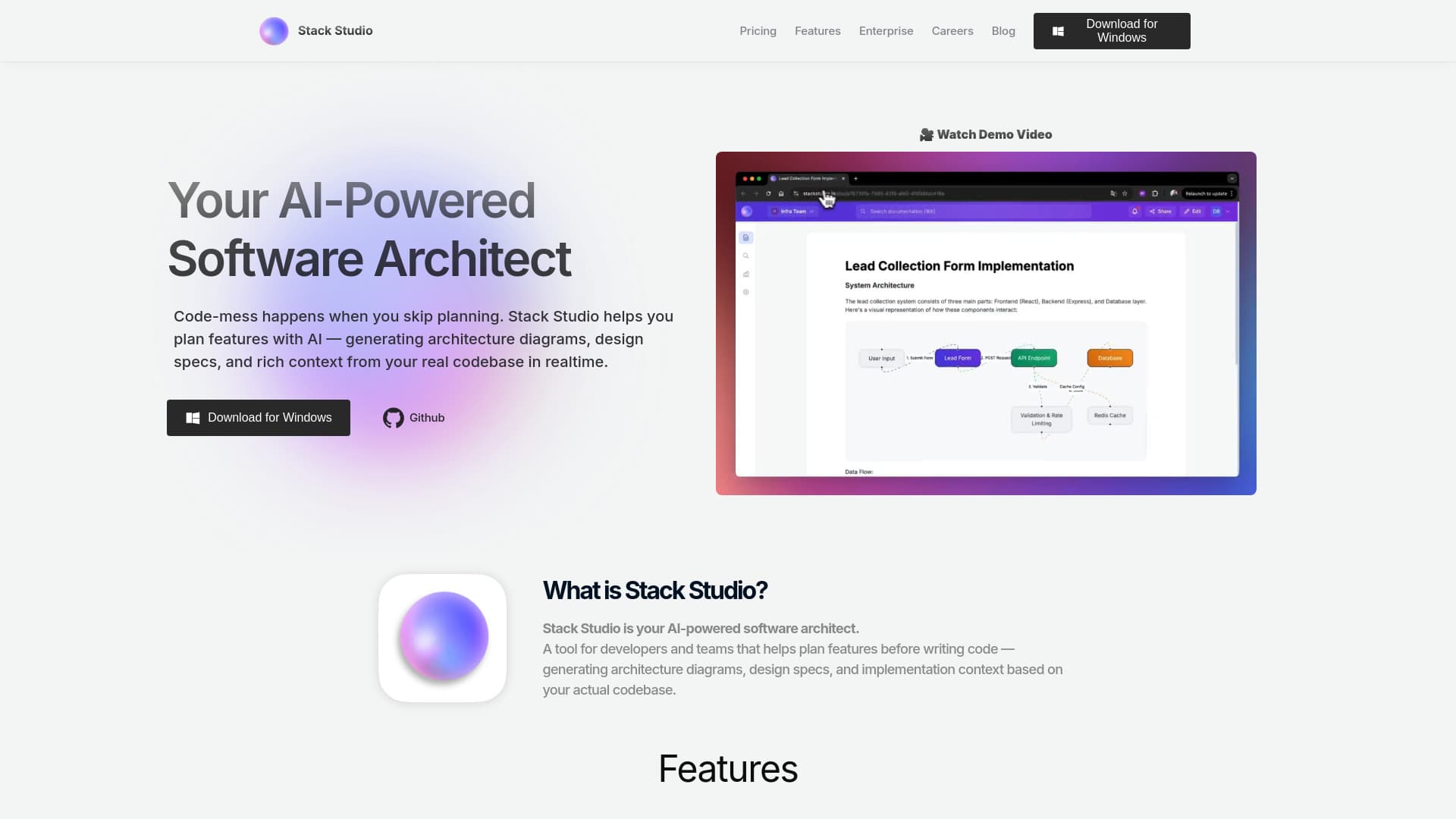
Stack Studio is an AI-driven software architecture solution that simplifies feature planning and design. It instantly generates detailed technical diagrams, documentation, and architecture blueprints based on prompts and your codebase. This intelligent tool helps developers produce comprehensive design documents quickly, streamlining the software development process.
How to Use
Connect your project’s root folder or monorepo to Stack Studio. The platform scans your code to map architecture, identify dependencies, and highlight reusable components. Use the guided AI workspace to specify your objectives, explore architecture options, and view affected files and services.
Features
- AI-driven feature planning and design
- Cloud-based team collaboration
- Automatic generation of architecture diagrams, UML, ERDs, and API specs
- Seamless integration with AI assistants like Copilot and Claude
- Context-ready prompts for AI assistance
Use Cases
- Planning new software features with AI support
- Enhancing code generation with AI tools
- Creating detailed design documents and architecture diagrams
- Collaborating efficiently on software architecture with teams
Best For
Pros
- Simplifies feature planning through AI assistance
- Produces detailed technical designs and documentation
- Facilitates team collaboration on projects
- Easily integrates with existing codebases
- Supports all programming languages and architectures
Cons
- Requires internet connection due to cloud-based operation
- Must connect your codebase to utilize features
- Platform is actively evolving; Stack Studio © 2025