
StatementSheet

StatementSheet

StatementSheet efficiently converts bank statements from PDF to Excel or CSV formats with high accuracy and security.
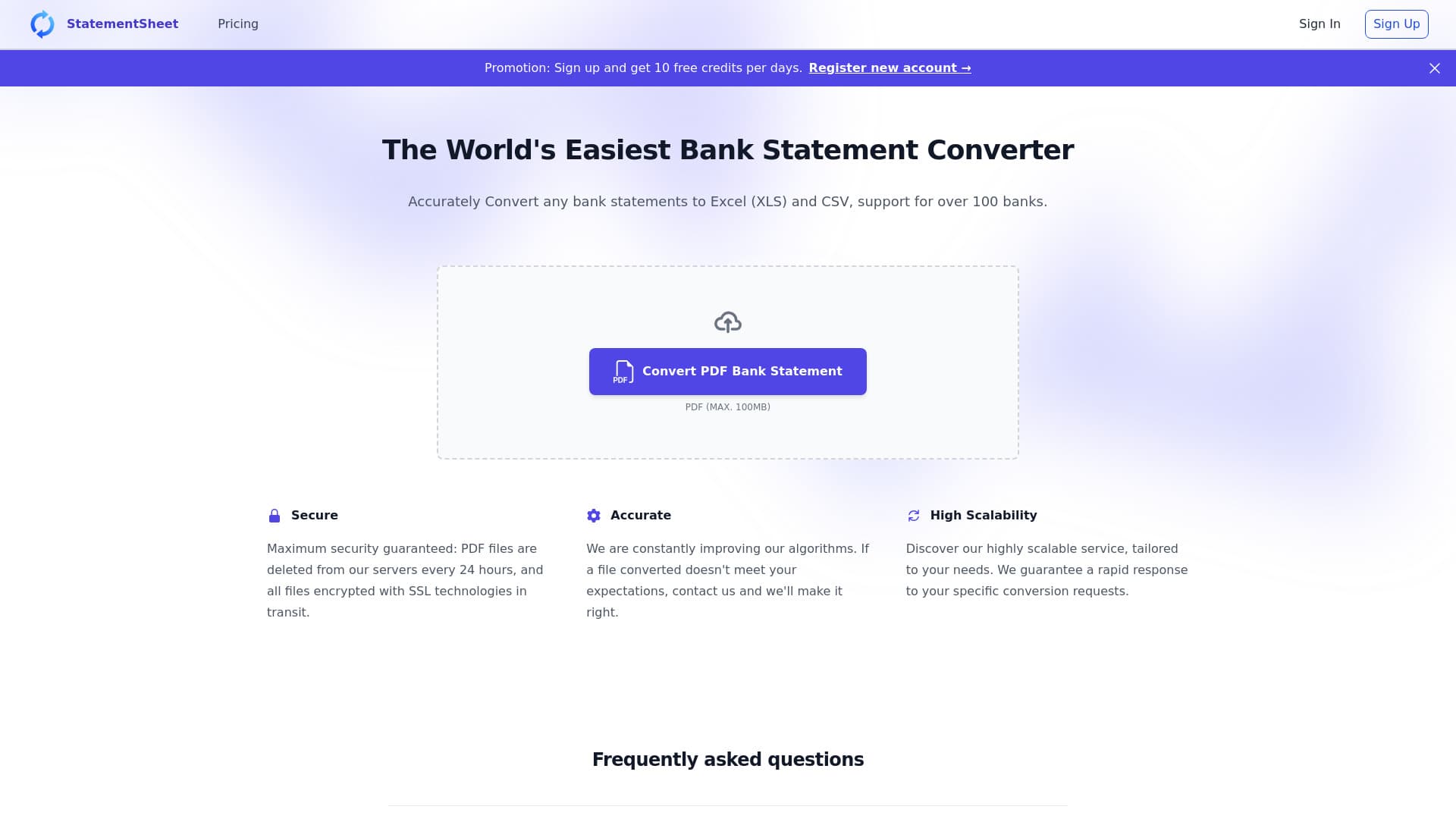
About StatementSheet

StatementSheet is an advanced bank statement converter that offers effortless and precise PDF to Excel or CSV conversions. Compatible with thousands of banks worldwide, it ensures your data remains private and secure by deleting files after 24 hours and encrypting all transmissions with SSL. Streamline your financial data processing today.

How to Use

Click the 'Convert PDF to Excel' button on the homepage or drag your file into the converter. Choose your PDF file, review the converted data, and provide feedback if necessary. Finally, click 'Export' to download your file in Excel or CSV format.

Features

  • Supports thousands of banks globally
  • Secure handling with SSL encryption and automatic deletion after 24 hours
  • Converts PDFs to Excel and CSV formats
  • Utilizes OCR technology for scanned documents

Use Cases

  • Analyzing financial transactions in Excel or CSV
  • Integrating bank data into financial workflows
  • Preparing bank statements for accounting and bookkeeping

Best For

BookkeepersAccountantsSmall business ownersFinancial analystsAccount managersFinance teams

Pros

  • User-friendly interface for ease of use
  • Highly accurate bank statement conversions
  • Data privacy with SSL encryption and automatic deletion
  • Supports a vast range of banking institutions

Cons

  • May face challenges with complex or poor-quality scans
  • Maximum file size limit of 3MB per upload
  • Conversion accuracy can vary depending on document quality

Pricing Plans

Choose the perfect plan. All plans include 24/7 support.

Basic

$20

Up to 400 pages per month

Get Started
Most Popular

Essential

$50

Up to 1,000 pages per month

Get Started

Professional

$80

Up to 3,000 pages per month

Get Started

Enterprise

Custom

Tailored solutions for your needs

Get Started

FAQs

What is StatementSheet?
StatementSheet is an efficient platform that converts bank statements from PDF into Excel or CSV formats with high precision and security.
How do I convert a bank statement to Excel or CSV?
Simply click the 'Convert PDF to Excel' button or drag your file into the converter. Select your PDF, review the output, then click 'Export' to download the converted file.
How does the bank statement conversion process work?
Our platform uses advanced AI algorithms and OCR technology to extract transaction data from PDFs. The data is then formatted into a clean, editable Excel or CSV file suitable for analysis.
Is my financial data protected during conversion?
Yes. Files are securely deleted from our servers within 24 hours, and all data is encrypted during transfer to ensure privacy and security.
Can I convert scanned bank statements?
Absolutely. Our OCR technology enables accurate conversion of scanned or image-based PDFs into editable formats.
What is the maximum file size for uploads?
The maximum allowed file size is 3MB per upload. Larger files may need to be compressed before conversion.
Are there any limitations on the number of pages?
Yes. The page limits depend on your subscription plan, ranging from 400 to 3,000 pages per month.
Is there a free trial available?
Currently, we offer tiered subscription plans, but you can test the platform with a limited number of pages or during a demo before committing.