

Stenography
An automated tool that generates comprehensive documentation for your code using APIs and extensions.
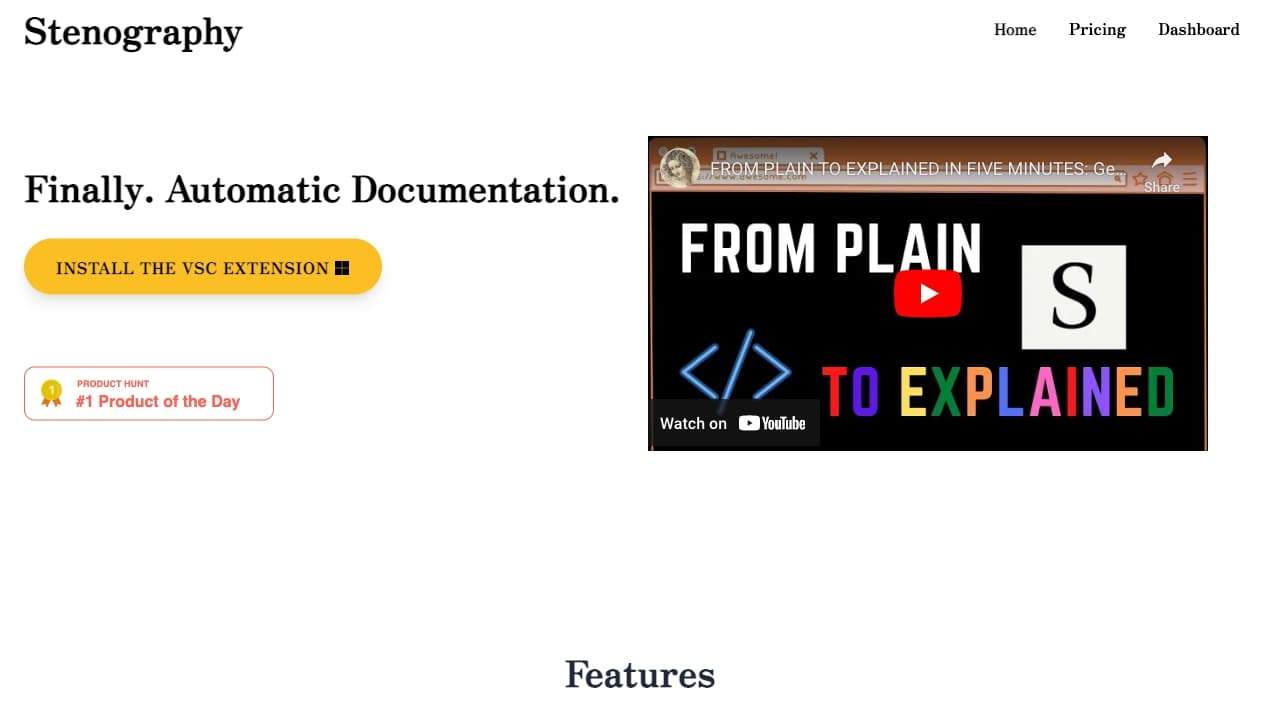
About Stenography
Stenography offers automated code documentation with features like instant explanations, a robust API, Stack Overflow suggestions, linked references, and support for multiple programming environments. It emphasizes privacy by processing data without storing your code and uses a passthrough API for security.
How to Use
Install the Visual Studio Code extension or utilize the API by submitting your code to receive detailed explanations. Customize API settings to suit your workflow. Visit the Notion page for tutorials and available extensions.
Features
- API for detailed code explanations
- Privacy-first passthrough API design
- Supports multiple development environments
- Automated documentation generation
- Integrated Stack Overflow search suggestions
Use Cases
- Embed documentation directly in code editors
- Obtain clear explanations for code snippets
- Generate comprehensive documentation for entire projects
Best For
Pros
- Stack Overflow integration enhances understanding
- Automated documentation reduces manual effort
- Flexible API for seamless integration
- Focus on privacy by not storing code
- Generous free monthly API calls
Cons
- Pricing details for team plans require contact
- Limited free API calls each month
Pricing Plans
Choose the perfect plan. All plans include 24/7 support.
Tier I
Includes 1,000 API calls per month, access to Chrome extension, detailed explanations, Stack Overflow suggestions, and API access.
Get StartedTier II
Provides 2,500 API calls monthly, early access to new features, Chrome extension, detailed explanations, Stack Overflow suggestions, and API access.
Get StartedTeam
Offers 100,000+ API calls, custom documentation uploads, team support, early feature access, Chrome extension, Stack Overflow integration, and API access.
Get Started