

SubtitleO
An AI-driven tool that automatically creates and customizes subtitles for videos, enhancing accessibility and engagement.
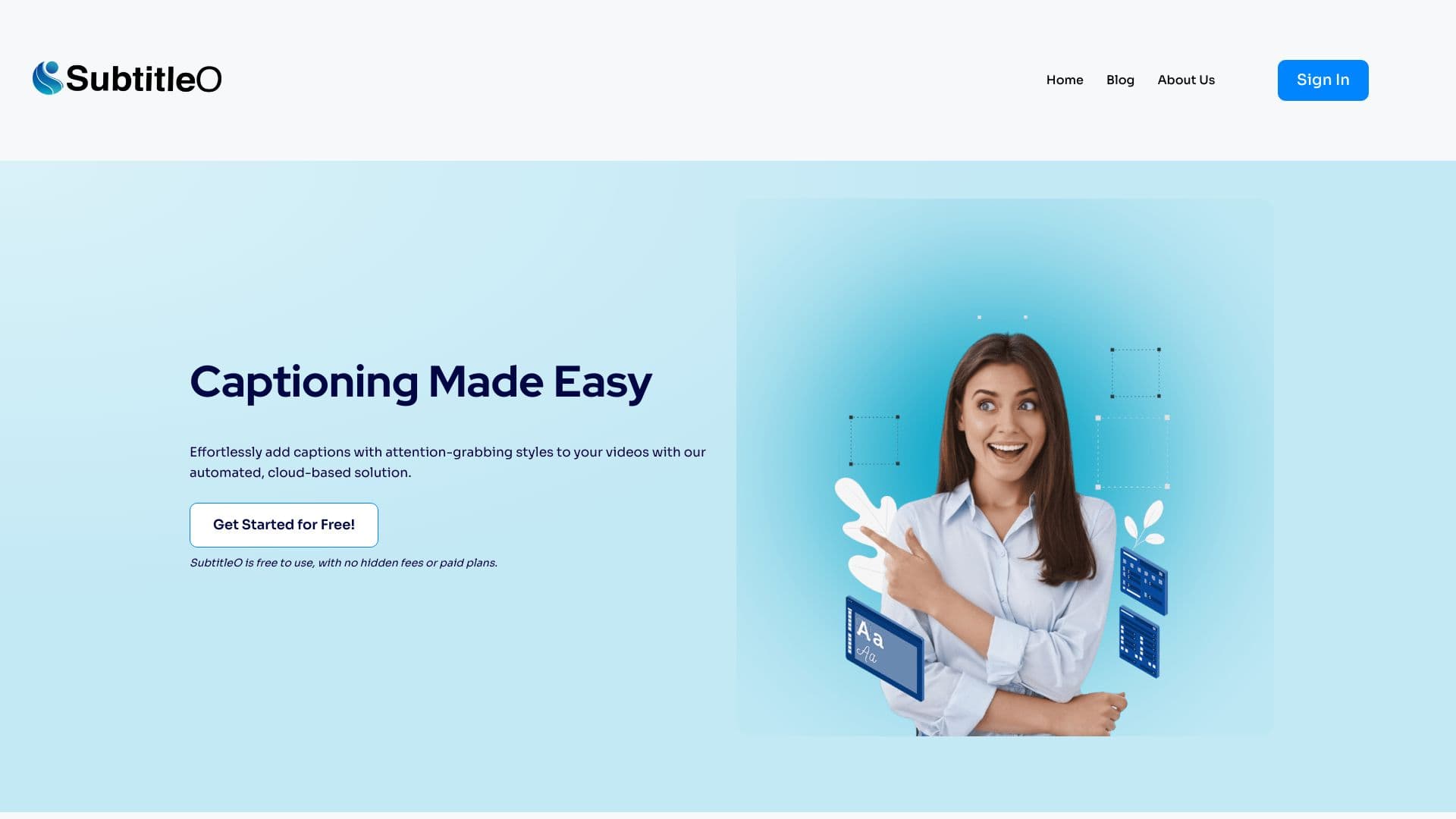
About SubtitleO
RenderCut leverages artificial intelligence to automatically generate and personalize subtitles for your videos. It enables content creators, marketers, and businesses to boost viewer engagement and improve accessibility by easily adding styled, accurate captions in just a few clicks.
How to Use
Upload your video to RenderCut, select your preferred styling options for captions, then export the subtitled video ready for sharing or publishing.
Features
- AI-generated catchy hook titles
- Automatic B-Roll inserts
- Support for multiple languages
- Logo and cover image enhancement
- Custom font sizes and colors
- Precise, well-timed captions
Use Cases
- Enhance SEO with embedded video captions
- Increase video views through improved accessibility
- Drive higher engagement with captioned content
Best For
Pros
- Boosts video engagement and accessibility
- Highly customizable subtitle styles
- User-friendly interface, no technical skills needed
- Supports multiple languages for global reach
- AI-powered accurate and reliable captions
Cons
- Processing times vary based on video length and plan
- Occasional inaccuracies in auto-generated subtitles due to accents or complex vocabulary
Pricing Plans
Choose the perfect plan. All plans include 24/7 support.
Starter
Includes 25 video uploads monthly, processes videos up to 3 minutes, 500 MB per upload, auto B-Rolls, custom fonts and templates, AI hook titles, logo and cover image boosts, unlimited projects, emoji options, auto transcripts in over 40 languages, no watermark.
Get StartedGrowth
Offers 75 video uploads monthly, processes videos up to 7 minutes, 700 MB per upload, auto B-Rolls, customizable fonts and templates, AI hook titles, logo and cover image enhancements, unlimited projects, emoji features, auto transcripts in 40+ languages, no watermark.
Get StartedUnlimited
Unlimited video uploads, processing up to 9 minutes per video, 1 GB upload limit, auto B-Rolls, customizable fonts and templates, AI hook titles, logo and cover image boosts, unlimited projects, emoji options, auto transcripts in over 40 languages, no watermark.
Get Started