

ツSupercut
Supercut is a professional screen recording solution for creating branded videos with instant sharing and AI-enhanced features.
About ツSupercut
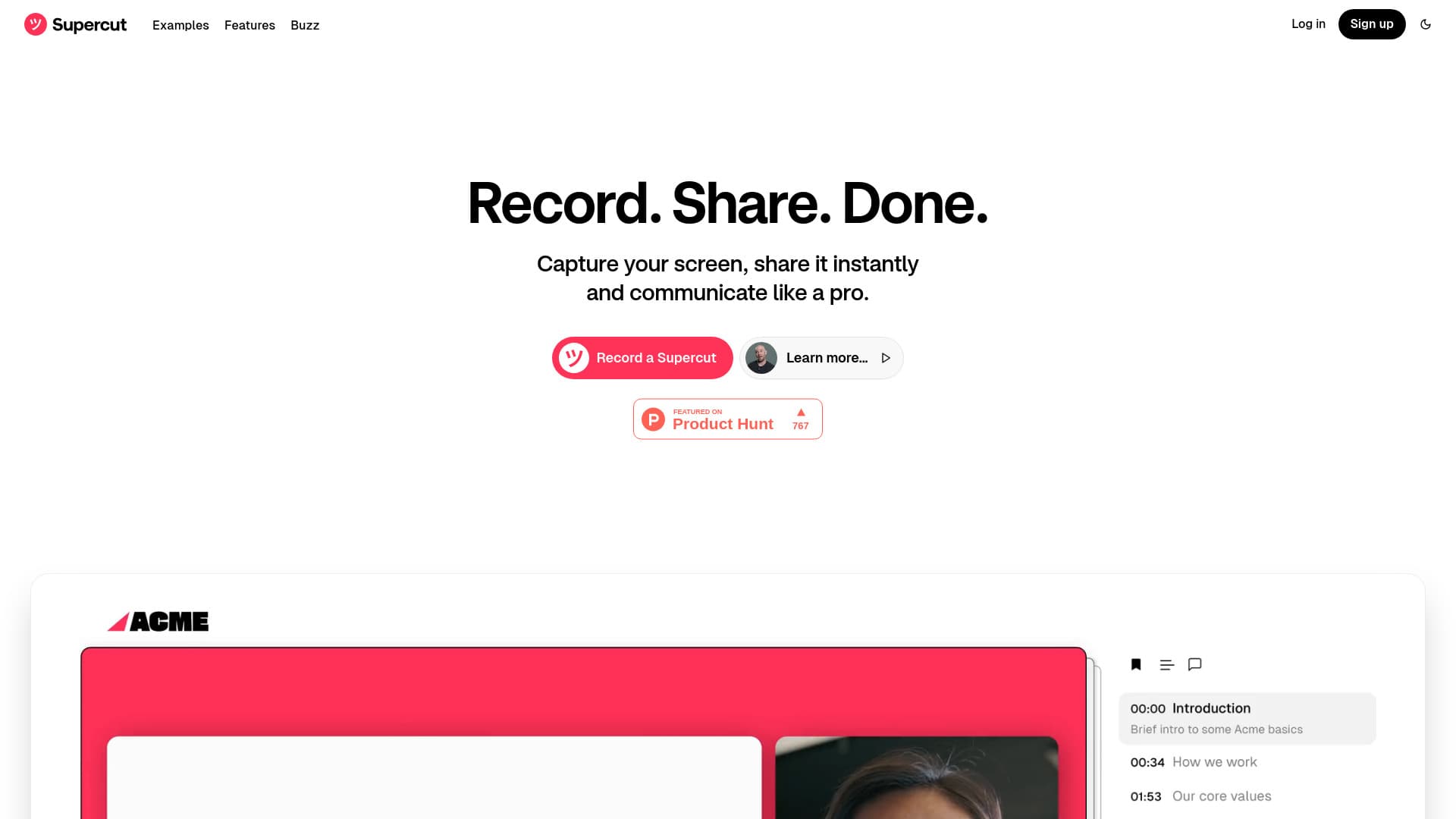
Supercut streamlines the creation of professional, branded screen recordings for teams and individuals. It features quick sharing options, intelligent navigation with auto-generated chapters, and the ability to add call-to-actions. Designed for efficiency, Supercut enhances content presentation and simplifies video production workflows.
How to Use
Capture your screen using Supercut’s desktop app or browser extension. Customize recordings with branded templates, generate auto-chapters, and share instantly via links. Enhance videos with CTAs and engage viewers through comments and reactions.
Features
- Custom branded templates
- High-speed screen recording
- Auto-generated chapters for easy navigation
- Real-time comments and reactions
- Call-to-action (CTA) integration
- Seamless team collaboration
- Instant sharing via links
Use Cases
- Training new employees
- Internal team updates
- Creating product demos
- Supporting customer inquiries
- Sharing design feedback
Best For
TrainersCustomer support teamsMarketing professionalsProduct managersDesign teamsEducatorsSales teams
Pros
- Upcoming AI-powered auto-editing features
- Robust collaboration tools
- Custom branded video creation
- One-click sharing options
- Smart auto-chapters for navigation
- Fast, user-friendly screen recording
Cons
- Windows version available as a browser extension; native app coming soon
- Limited clarity on subscription tiers and pricing
FAQs
Is Supercut compatible with Windows?
Yes, Supercut works on Windows as a browser extension for Chrome, Edge, and Firefox. A native Windows app is planned.
Can I use Supercut on macOS?
Absolutely, Supercut is fully compatible with macOS devices.
What key features does Supercut include?
Supercut offers fast screen recording, branded templates, instant sharing, auto-chapters, CTA options, and team collaboration tools.
Are AI features available in Supercut?
Yes, upcoming AI features include auto-editing and smart navigation with auto-chapters.
How do I share videos created with Supercut?
Videos can be shared instantly through generated links, allowing quick distribution and viewer engagement.