

Superflow: Annotate live websites
Superflow is an innovative collaboration platform for reviewing and managing creative assets, enabling faster feedback and approval processes.
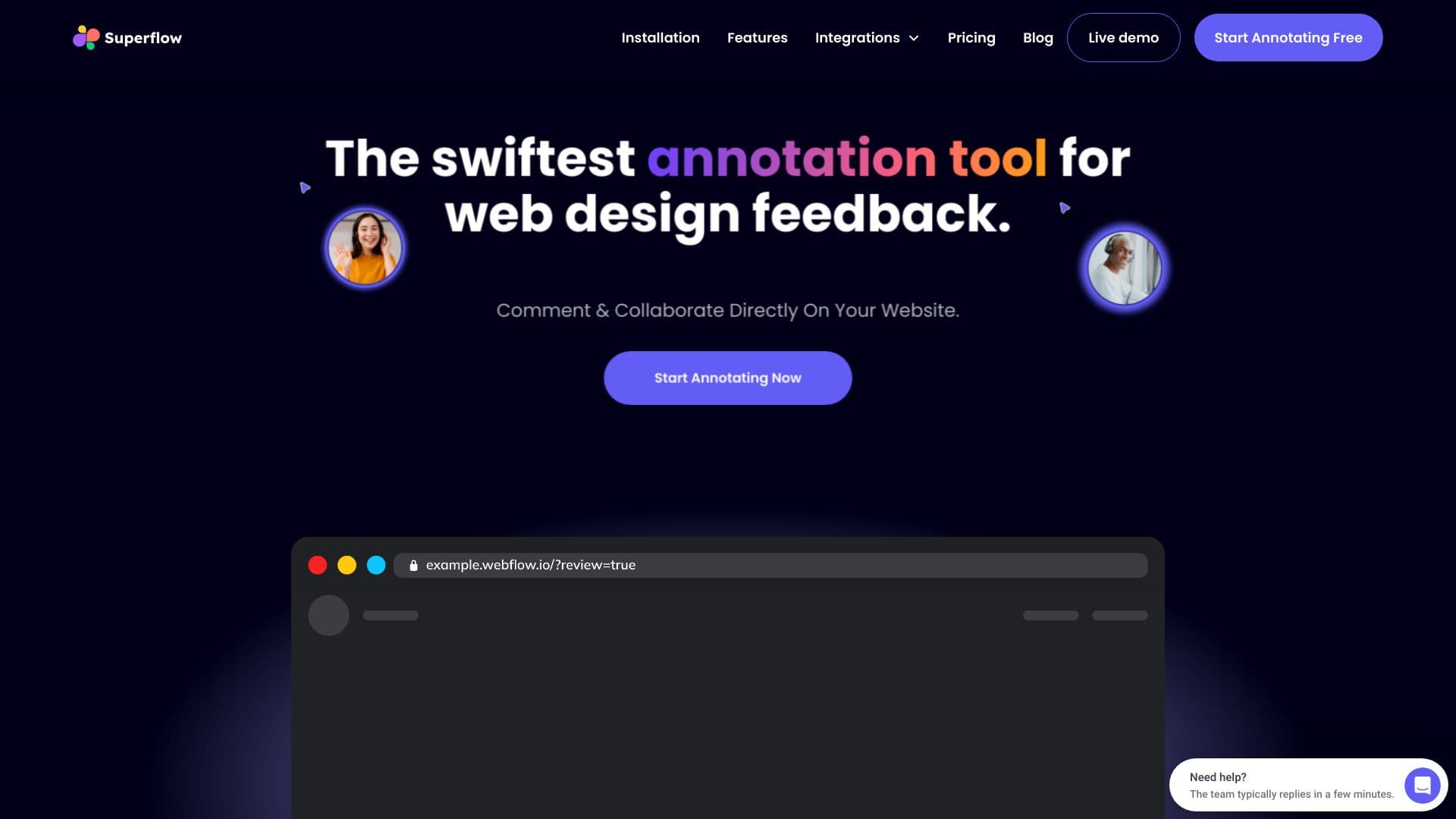
About Superflow: Annotate live websites
Superflow streamlines creative asset review and team collaboration, helping agencies and marketing teams deliver high-quality work more efficiently. It supports commenting on various asset types such as websites, videos, PDFs, Lottie animations, and images. Key features include detailed annotations, media recording, live design review sessions, and GPT-4 AI Copilot assistance. Seamless integrations with tools like ClickUp, Slack, Asana, and Webflow enhance your creative workflow and improve productivity.
How to Use
Users can comment directly on assets, record media feedback, manage tasks, and integrate with popular tools like Slack and ClickUp. Guest mode facilitates client reviews, while private mode keeps team discussions confidential. Version control ensures comments stay relevant through iterations.
Features
- Task and project management
- Real-time design review sessions
- Guest access and private collaboration modes
- Integrations with ClickUp, Slack, Asana, and Webflow
- Media recording for detailed feedback
- AI-assisted content rewriting with GPT-4
- Version control for assets and comments
- Rich annotations on websites, videos, PDFs, and images
Use Cases
- Reviewing website designs with clients
- Providing feedback on PDFs and documents
- Collaborating on video editing projects
- Streamlining communication between designers and developers
- Managing creative asset development tasks
Best For
Pros
- Seamless integration with leading tools
- Time-saving features like recording and AI assistance
- Enhanced communication clarity
- Efficient task and project management
- Centralized platform for feedback and collaboration
- Supports diverse asset formats
Cons
- Learning curve for new users
- Pricing may be challenging for small teams
- Dependence on integrations can cause potential disruptions
Pricing Plans
Choose the perfect plan. All plans include 24/7 support.
Starter
Supports 3 websites, 25 files, 3 team members, 20GB storage, plus additional features
Get StartedGrowth
Unlimited websites and files, 10 team seats, 200GB storage, and extra features at $19/month per seat
Get StartedScale
Unlimited websites and files, 20 team seats, 1TB storage, plus advanced features at $24/month per seat
Get StartedEnterprise
Unlimited projects, SOC 2 compliance, custom team sizes, volume discounts, dedicated storage, and premium features
Get Started